
Many startups, small businesses, and even larger corporations just don’t understand how confusing and disorganized it can be to deal with IT service management. Lost support requests, too much time wasted fixing problems, no idea of whom to turn for support, and faster turnaround times required each year from customers.
Without an appropriate system in place, IT teams end up using email, spreadsheets, or messaging software, which is just not scalable. IT service management software is where the solution lies.
What Is IT Service Management (ITSM)?
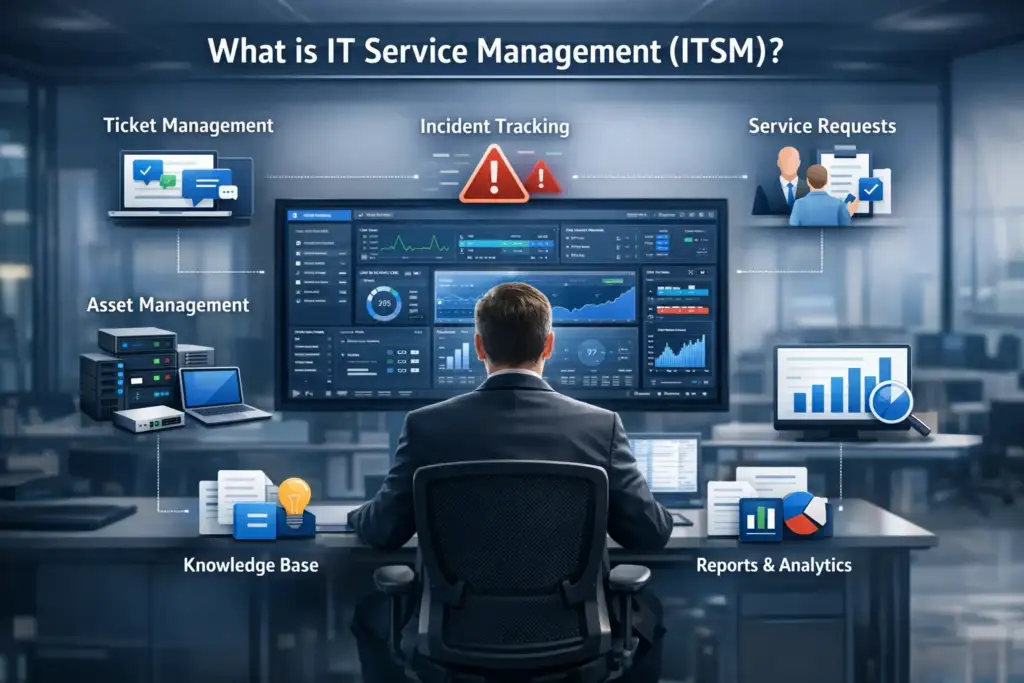
IT Service Management is basically the approach that an organization adopts when designing, delivering, managing, and developing services for its information technology.
In simple terms:
Businesses can manage IT-related issues, requests, assets, modifications, and services with the help of an ITSM solution.
An IT service management software tool usually includes:
- Ticket Management
- Incident tracking
- Service requests
- Asset Management
- Knowledge base
- Report and analysis
Modern tools have been included by AI tools for IT service management; hence, the tools are smarter, faster, and more automated.
Why People Need IT Service Management Tools (Use Cases)
Small Businesses:
- Centralized IT Support.
- More rapid resolution of issues.
- Less dependency on human processes.
IT Teams:
- Clear ticket prioritization
- SLA – Service Level Agreement tracking
- Performance reporting
Growing Companies:
- Scalable service processes
- Automation of mundane tasks
- SaaS Automation Tool Integration
Customer Support:
Many of these customer service management tools overlap with ITSM, assisting businesses in providing improved support both externally and internally.
Best IT Service Management Tools (With Comparison Table):
Here is a carefully picked list of IT service management tools, which may be paid, free, as well as open-source, suitable for beginners:
Leading IT Service Management Tools Examples
| Tool Name | Best For | AI Features | Pricing | Free Version |
|---|---|---|---|---|
| ServiceNow | Large enterprises | Advanced AI & automation | Custom | ❌ |
| Freshservice | Small–mid businesses | AI ticket routing | Paid | ❌ |
| Jira Service Management | Dev & IT teams | AI insights | Paid | ✅ |
| ManageEngine ServiceDesk Plus | Budget-friendly ITSM | Basic AI | Paid | ✅ |
| Zendesk | Customer + IT support | AI chat & workflows | Paid | ❌ |
| GLPI | Open-source users | Limited | Free | ✅ |
| OTRS | Process-driven teams | Automation | Paid | ❌ |
Pros and Cons of Every IT Service Management Tool
1. ServiceNow:
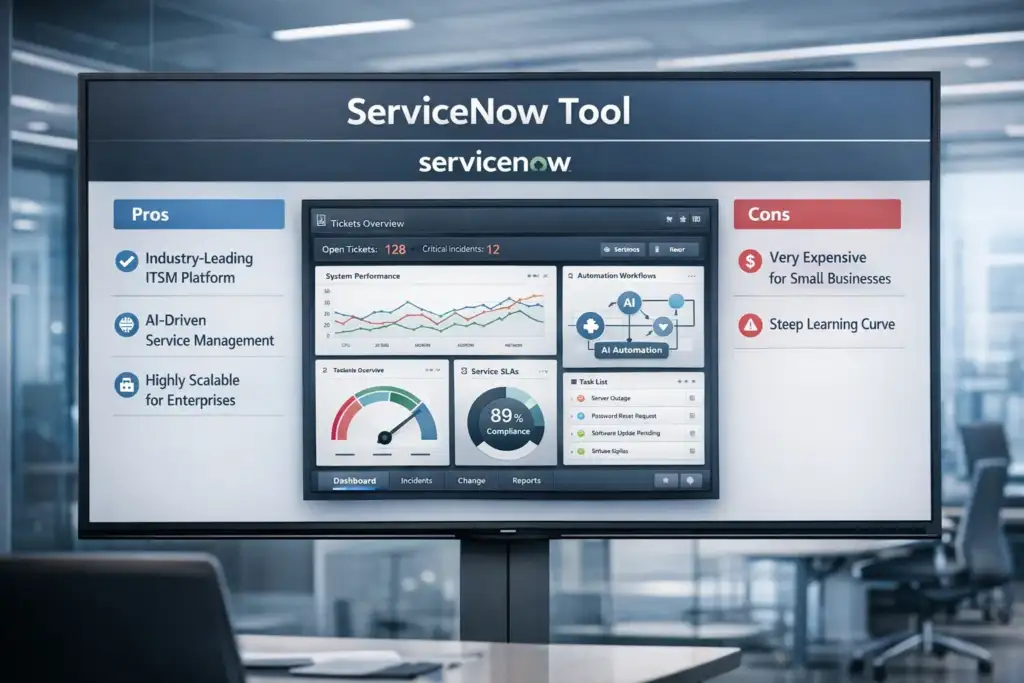
Pros:
- Industry-leading ITSM platform
- Powerful AI tools for IT Service Level Management
- Highly scalable
Cons:
- Very expensive
- Not very friendly to the newcomer.
2. Freshservice
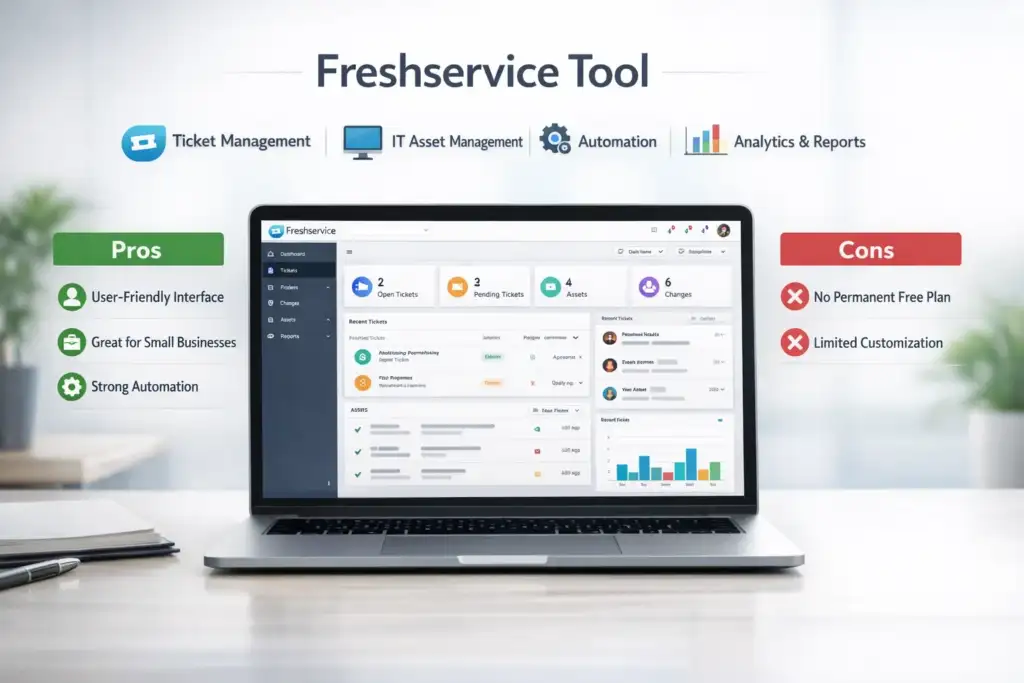
Pros:
- User-friendly
- Ideal for Small Businesses
- Strong automation
Cons:
- No permanent free plan
- Limited customization at lower tiers
3. Jira Service Management
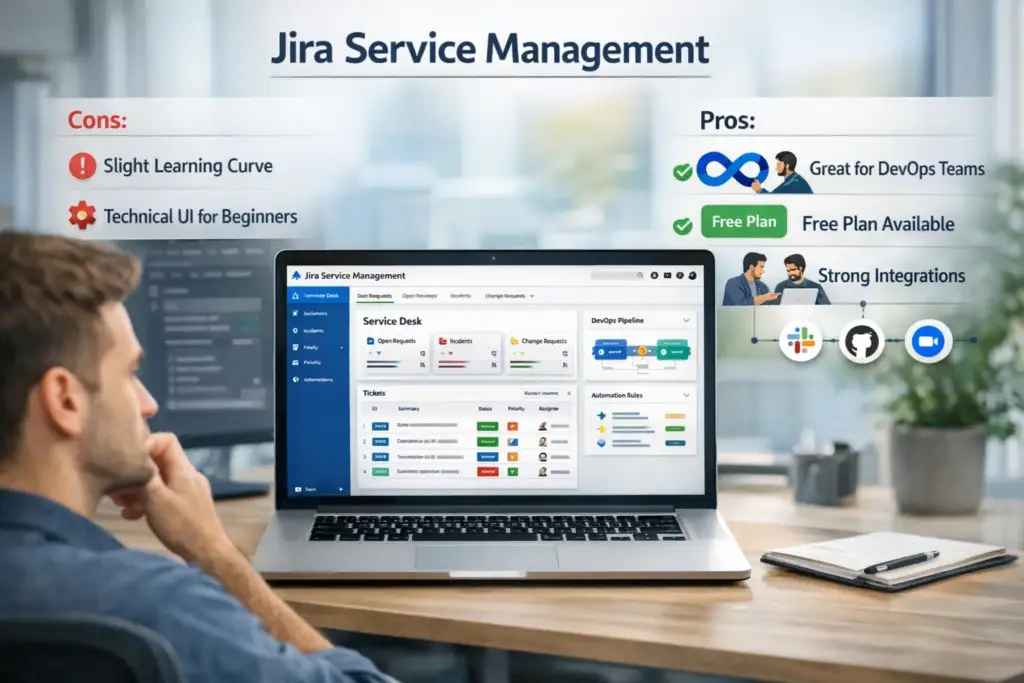
Pros:
- Great for DevOps teams
- Free version available
- Strong integrations
Cons:
- Slight learning curve
- UI may feel technical if one is a beginner.
4. ManageEngine ServiceDesk Plus
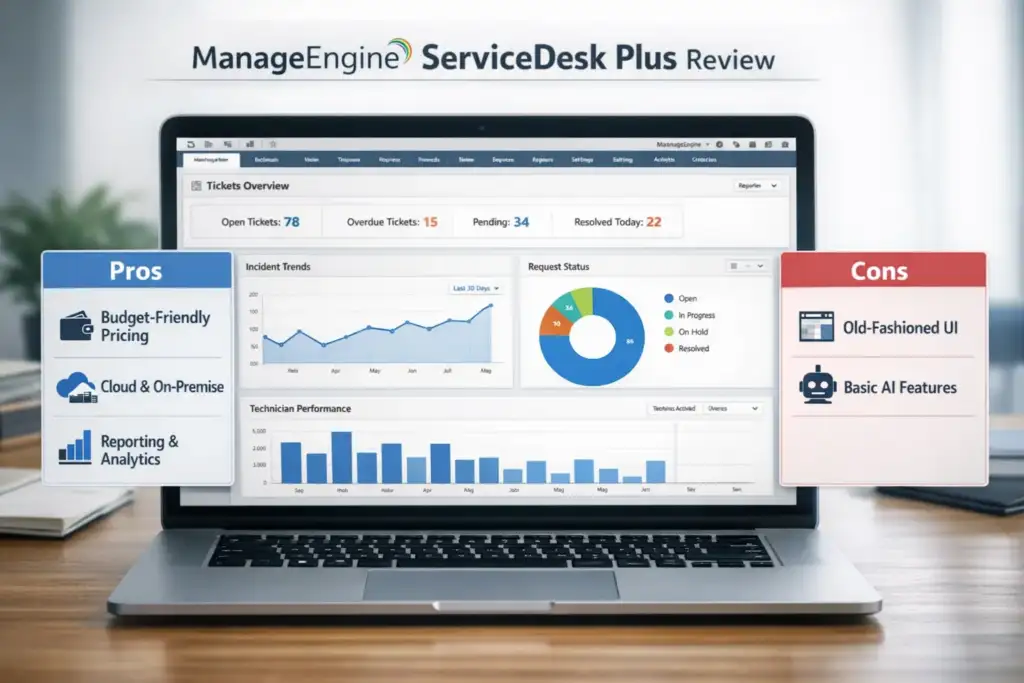
Pros:
- Budget-friendly
- Cloud and On-Premise Solutions
- Good reporting
Cons
- The UI looks old-fashioned
- The AI features are basic.
5. Zendesk
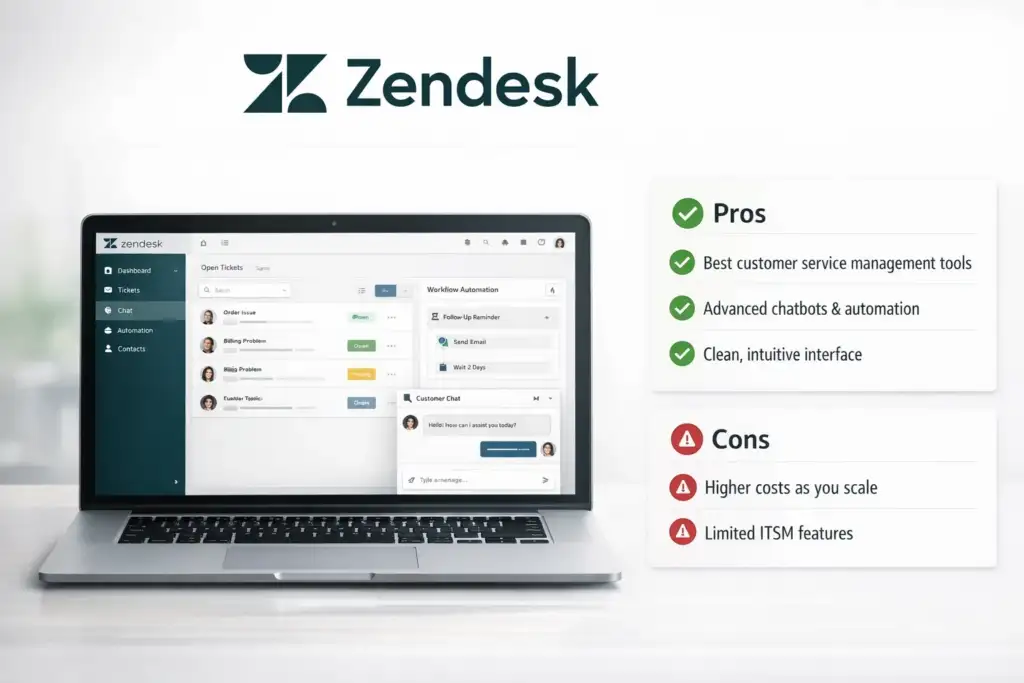
Pros
- Best customer service management tools
- Chat robots and automation
- Clean interface
Cons
- The prices rise rapidly
- Less IT-oriented than other reports.
6. GLPI (Open Source):
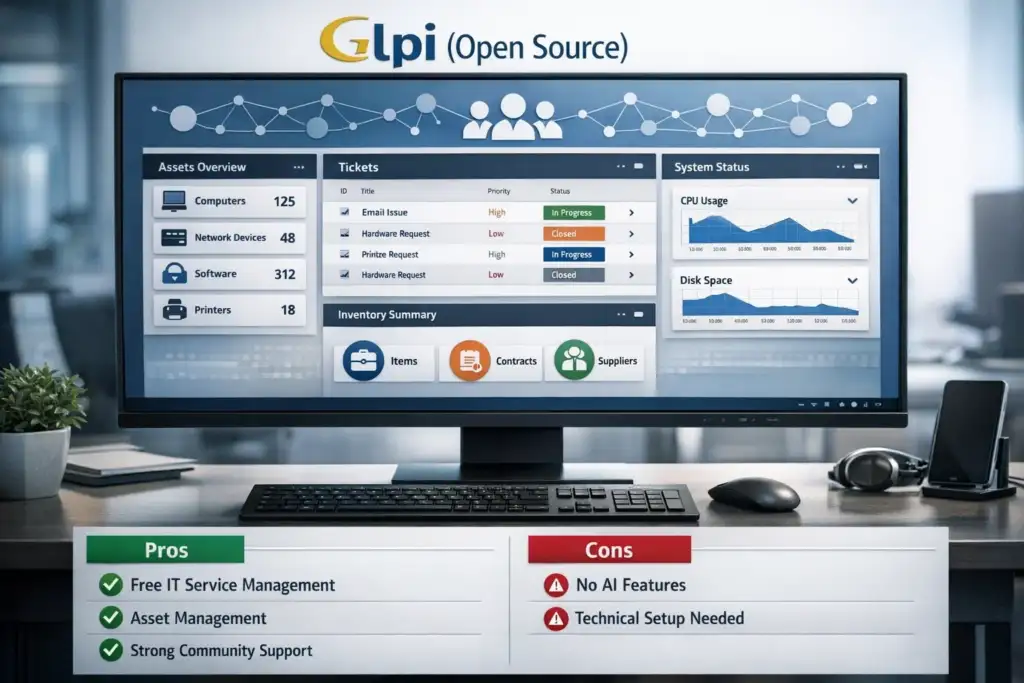
Pros:
- Completely free IT service management solutions
- Excellent asset management
- Community Support
Cons:
- No built-in AI
- Requires technical setup
Pricing Overview (Beginner-Friendly):
| Tool | Starting Price |
|---|---|
| ServiceNow | Custom pricing |
| Freshservice | ~$19/user/month |
| Jira Service Management | Free / ~$22/month |
| ManageEngine | Free / ~$10/month |
| Zendesk | ~$55/month |
| GLPI | Free |
When beginning, having free options for IT service management or relatively low-cost SaaS choices would be more practical.
AI in the IT Service Management Industry: Why Does it Matter?
The current state of IT Service Management using AI tools assists beginners in the following ways:
- Ticket auto-assignment
- Predicting SLA breaches
- Powering Chatbots
- Reducing manual effort
These characteristics connect ITSM to:
- AI Automation tools
- SaaS Automation Tools
- How to Build a Chatbot Without Coding
- Best AI Chrome Extensions
- Best AI Tools for Small Business
- Even Free AI Tools for Students learning IT operations
Artificial Intelligence doesn’t replace IT professionals; it makes them more efficient instead.
Best IT Service Management Tool – An Honest Recommendation
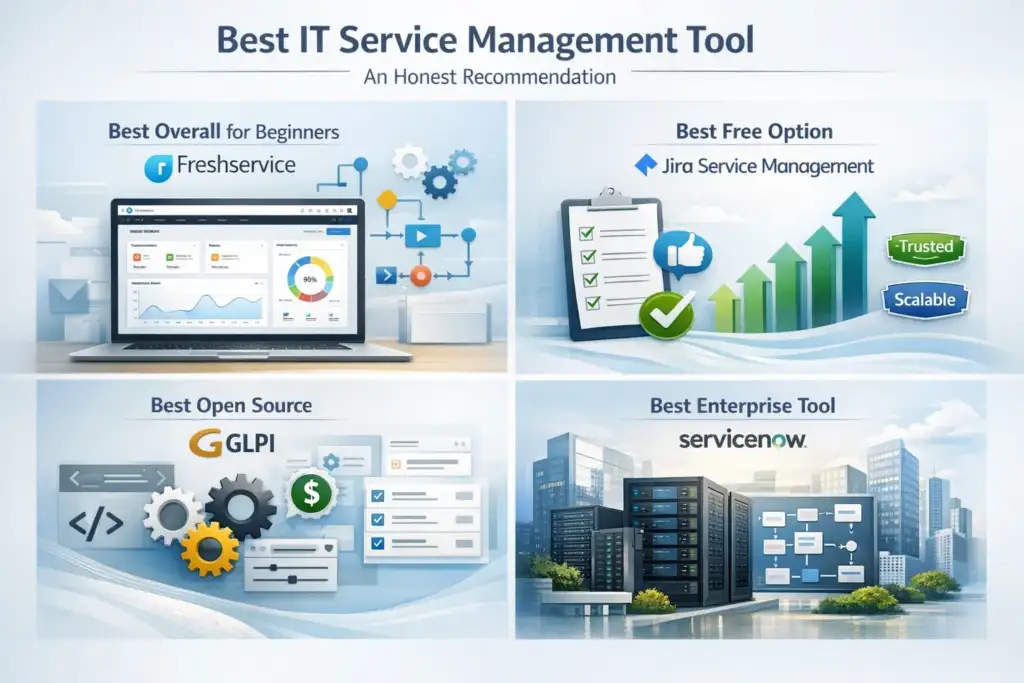
Best Overall for Beginners:
Freshservice
- Setup is easy
- Clean UI
- Intelligent automation
- Very small learning curve
Best Free Option:
Jira Service Management (Free Tier)
- Trustworthy
- Scalable
- Well-suited to learning about IT Service Management fundamentals
Best Open Source:
GLPI
- Great value for budget-conscious customers
- Full control
- Good learning experience
Best Enterprise Tool:
ServiceNow
- Only if budget and skills allow.
IT Service Management Tool Comparison: Choosing the Right One
Ask yourself:
- Beginner or Enterprise?
- Do you need automation with AI?
- Do you want cloud or self-hosted?
- Free enough, or does it need support?
The simple IT service management software solutions with automation are smart for most beginners.
Conclusion: Actionable Advice for Beginners
If you’re new to IT service management, you don’t need to do anything complicated.
Begin simple:
- Pick an IT Service Management Tool that is suitable for Beginners
- Use free versions to learn
- Ticket management should be the priority
- Exploration of AI Features
You can develop more advanced IT service management software with AI-powered automation and analytics features as your company grows.

BeSureTechno brings you the latest in technology, gadgets, gaming, and how-to guides. Stay ahead with easy tips, reviews, and updates. Explore tech with us.