Artificial Intelligence no longer has to be thought of as software that is complicated or also rare coding tools. Nobody could have imagined, but Artificial Intelligence is now our daily productivity companion with the help of Chrome extensions in 2026.
These extensions will save your time, regardless of whether you are a student looking to get homework done, a writer trying to finish articles, a freelancer attempting to complete client work, or a worker sending emails.
For instance, you can write emails faster, summarize articles in no time, or even come up with ideas for writing. Not only that, but you can even translate texts while reading or even ask AI questions while using Google Search.
This guide shows the 25 Best AI Chrome extensions 2026 that help improve productivity, automate works and smartly work. These are beneficial for students, bloggers, digital creators, and professionals.
What Are AI Chrome Extensions?

AI Chrome extensions are extensions for browsers that make use of artificial intelligence when you browse the web.
You can use these extensions to speed up your work by doing tasks like writing emails, summarizing research, translating text, or even creating content from ideas without having to do it by yourself.
These extensions generally work by connecting you to a high-powered AI and then offering you features such as:
- AI Writing Help
- Content Summarization
- Research and Question Answering
- Email Writing
- AI Chat Inside Web Pages
- Translation
- Prompt Generation
Since they run inside the browser, you won’t need to switch forward and backward over and over.
Best AI Chrome Extensions (2026)
Some of the best AI Chrome extensions that can boost your productivity are ranked.
1. Merlin AI
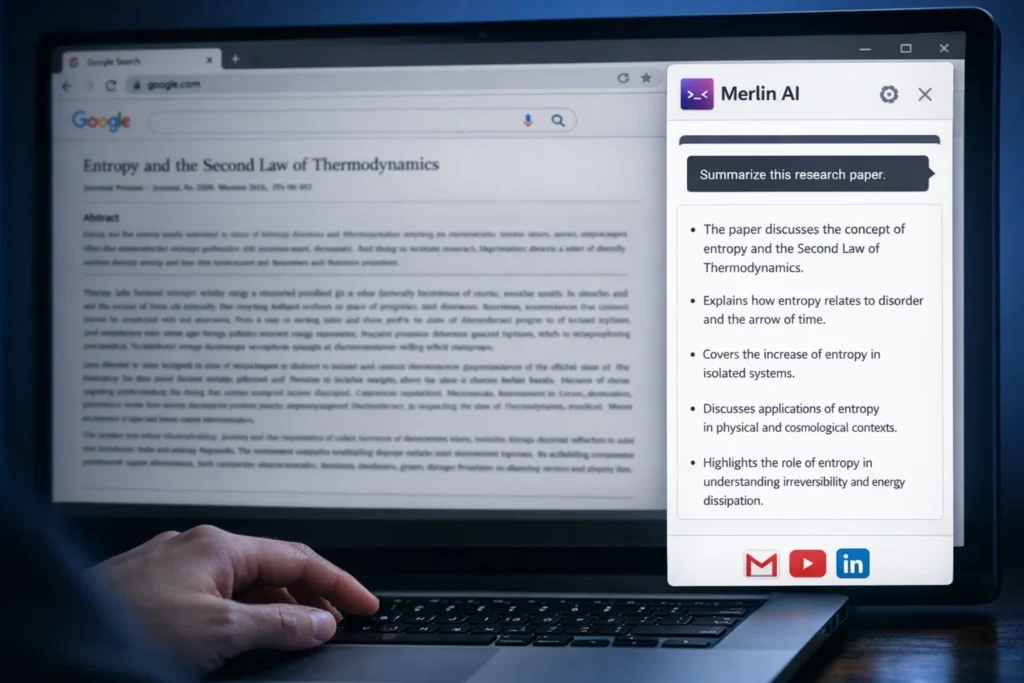
Merlin is one of the most prevalent AI extensions for the Chrome browser; it adds the power of AI to your browser.
Main Features:
- ChatGPT-like AI assistant
- Support for Google Search, Gmail, LinkedIn, and YouTube
- Quick summarization of web pages
- AI-powered writing assistant
Best Use Case:
Quick research and writing assistant for your browser.
Who Should Use It:
Bloggers, students, researchers, and marketers.
Tip:
Merlin summarizes lengthy research papers in no time.
2. Voila AI Assistant

Voila is a AI assistant that is compatible across websites and can help in the automation of writing tasks.
Main Features
- AI Writing and Rewriting
- Email Writing
- Content Summarization
- AI Prompts
Best Use Case
Improving writing productivity.
Who Should Use It
Freelancers, Bloggers, and Office Workers.
Tip
Voila can be used when writing professional emails.
3. Magical AI:

Magical is intended to help automate repetitive tasks such as form-filling and template writing.
Main Features
- Text Expansion
- Workflow Automation
- Autofill Response
- Integration with CRM Software
Best Use Case
Automate repetitive typing tasks.
Who Should Use It
Customer Support Teams, Freelancers & Sales Teams.
Tip:
Create Custom Shortcuts for Repetitive Replies.
4. GPT for Workspace
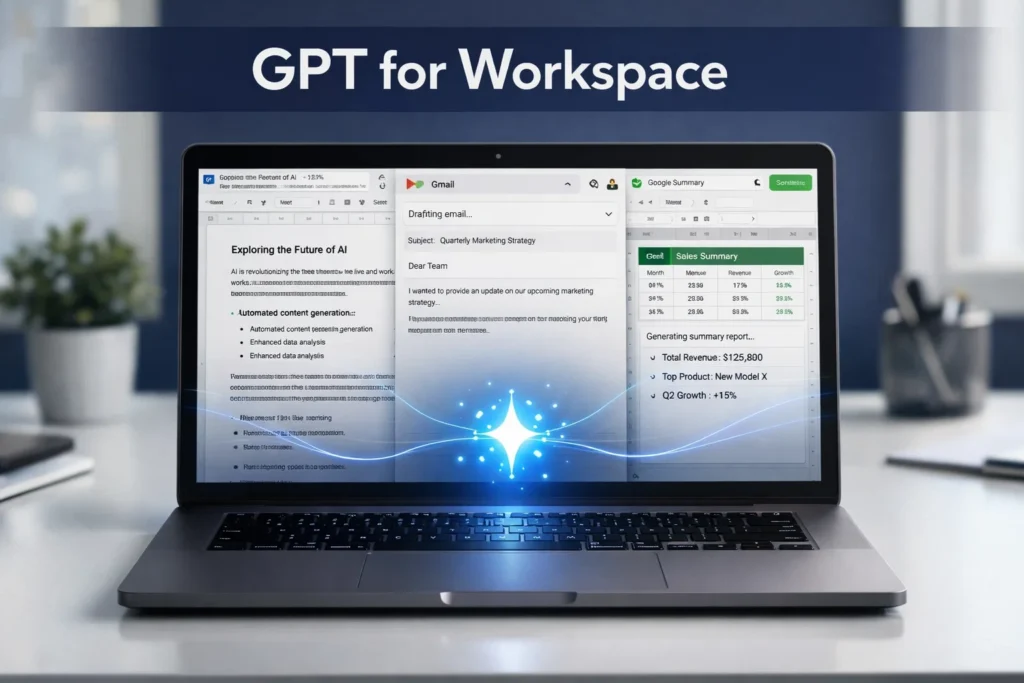
This AI extension integrates right into Google Docs, Gmail, and Google Sheets.
Main Features:
- AI Writing in Google Docs.
- Email Writing in Gmail.
- Assistance in Google Sheets.
- Text Summarization.
Best Use Case:
Content Creation/Office Productivity.
Who Should Use It:
Writers, Students, Remote Workers.
Tip:
Save this browser extension to your bookmarks, as you will want to use this when writing outlines for blog posts.
5. Monica AI

Monica AI is a personal AI assistant for various websites.
Main Features:
- AI Chat Sidebar
- Summarize a Webpage
- Translation
- Email Writing
Best Use Case:
Quick AI Access from Current Tab.
Who Should Use It:
Busy Professionals/Researchers.
Tip:
Turn on Monica on long web pages to get quick summaries.
6. Sider AI

Sider AI provides an AI sidebar for writing, translation, and reading.
Main Features
- Chat with AI on any webpage
- Summarize articles
- Translate text
- Write social media posts
Best Use Case
Productivity while browsing.
Who Should Use It
Students and digital creators.
Tip
Use Sider to rewrite paragraphs instantly.
7. Jetwriter AI

Jetwriter AI is an AI assistant for content generation.
Main Features
- Blog writing assistance
- Idea generation
- Content expansion
- AI summaries
Best Use Case
Content creation and blogging.
Who Should Use It
Bloggers, SEO writers, and content marketers.
Tip
Use it to generate blog topic ideas when you’re stuck.
8. LINER AI
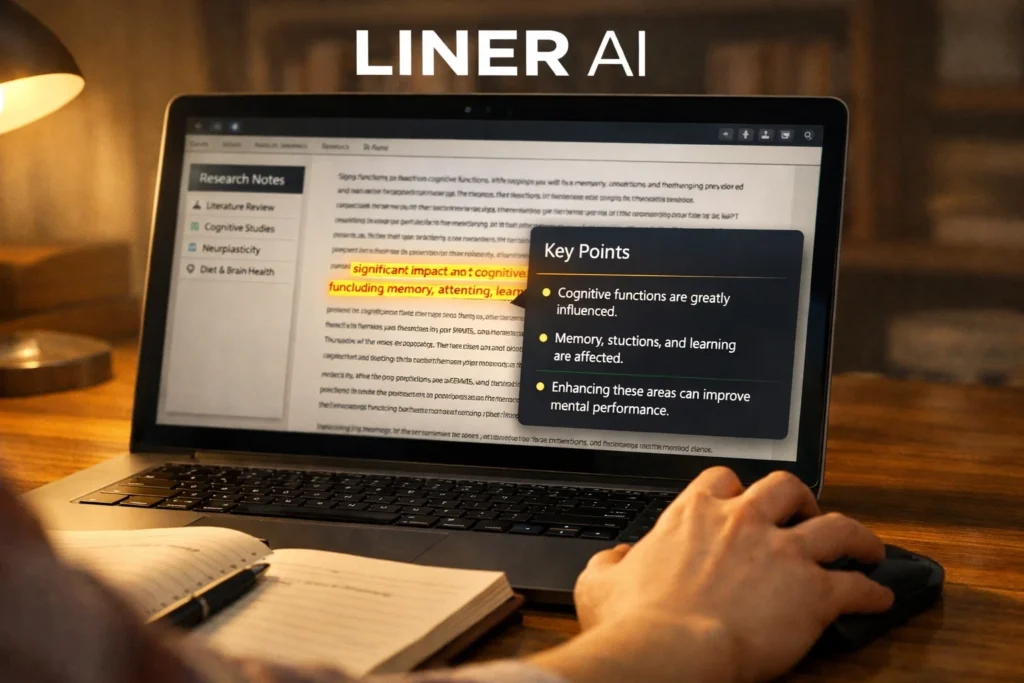
LINER AI is a research-oriented tool that helps highlight and summarize important information available online.
Main Features:
- AI search answers
- Highlighting tools
- Research summarization
- Knowledge organization
Best Use Case:
Online research and note-taking
Students and researchers
Who Should Use It:
Tip:
Highlight the important sections to create organized study notes.
9. AI Chat for Search
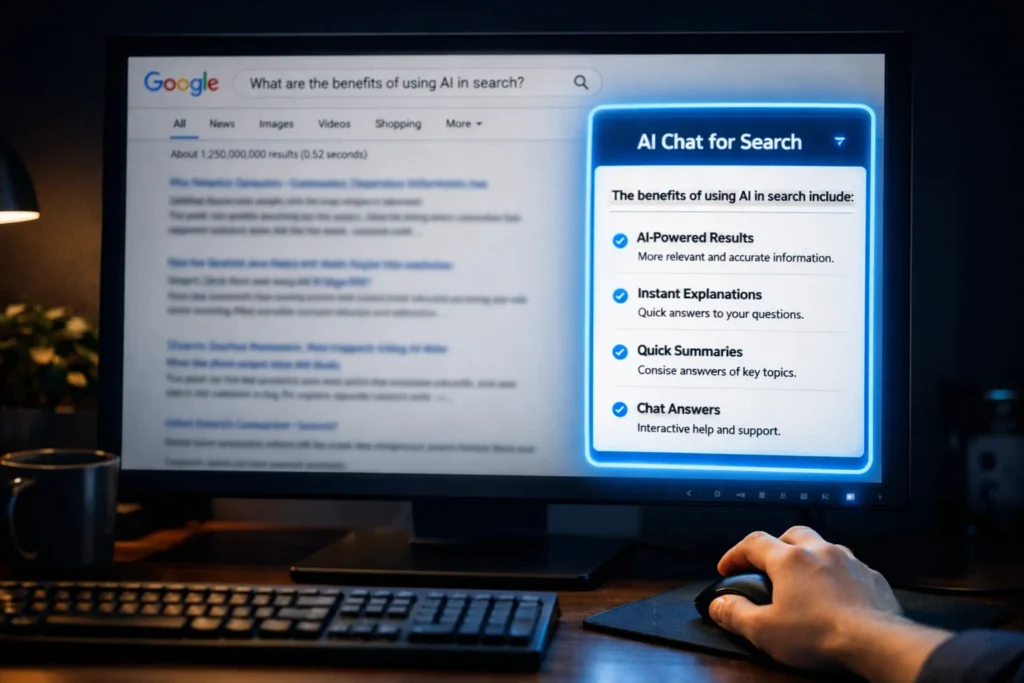
The AI Chat for Search extension allows users to have AI answers integrated into search engine results.
Main Features:
- AI-powered search results
- Instant explanations
- Quick summaries
- Chat answers
Best Use Case:
Quick research without having to open multiple links.
Who Should Use It:
Students and professionals
Tip:
When you want to instantly find the answers without having to read multiple articles, use the extension.
10. AIPRM for ChatGPT

The AIPRM for ChatGPT extension adds hundreds of prompt templates to the ChatGPT interface.
Main Features:
- Pre-built prompts
- SEO writing templates
- Marketing prompts
- Research prompts
Best Use Case:
Prompt engineering and AI workflows.
Who Should Use It:
Bloggers, SEO experts, and marketers.
Tip:
Get content ideas using the SEO article prompts for structured articles.
11. Compose AI

Compose AI is meant for speeding up writing.
Main Features
- AI autocomplete
- Rewriting sentences
- Drafting emails
- Writing suggestions
Best Use Case
For writing emails.
Who Should Use It
Office workers.
Tip
You should enable it for auto-completing sentences.
12. AI Content Detector

This extension is meant for identifying content created by AI or written by humans.
Main Features
- Analysis of AI content
- Checks for content authenticity
- Writing reports
Best Use Case
For checking originality.
Who Should Use It
Teachers.
Tip
You should use it for publishing articles.
13. AI Prompt Genius
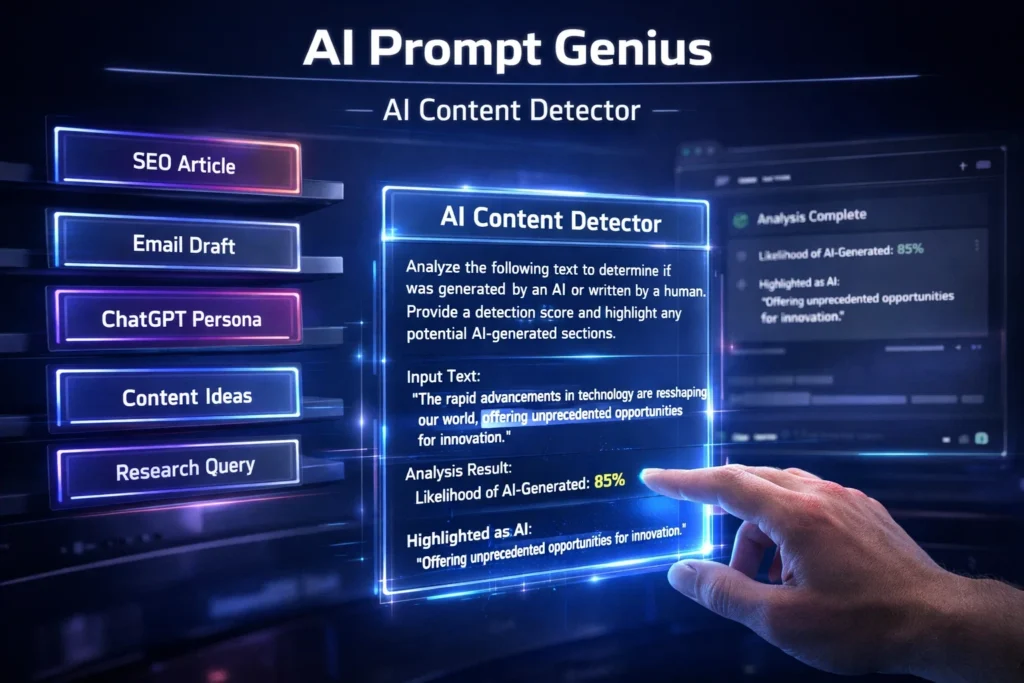
This AI prompt genius extension helps in the management and organization of AI tool prompts.
Main Features:
- Prompt library
- Prompt templates
- ChatGPT customization
Best Use Case:
Prompt management.
Who Should Use It:
- AI power users
- Content creators
Tip
Create your own prompt library for faster use.
14. AI New Tab:

This application changes the new tab page to a set of AI productivity tools.
Main Features:
- AI chatbot
- Task management
- Productivity dashboard
Best Use Case:
Daily productivity planning.
Who Should Use It:
- Students
- Remote workers
Tip:
Use the dashboard for your daily planning.
15. JetBrains Grazie Writing Assistant
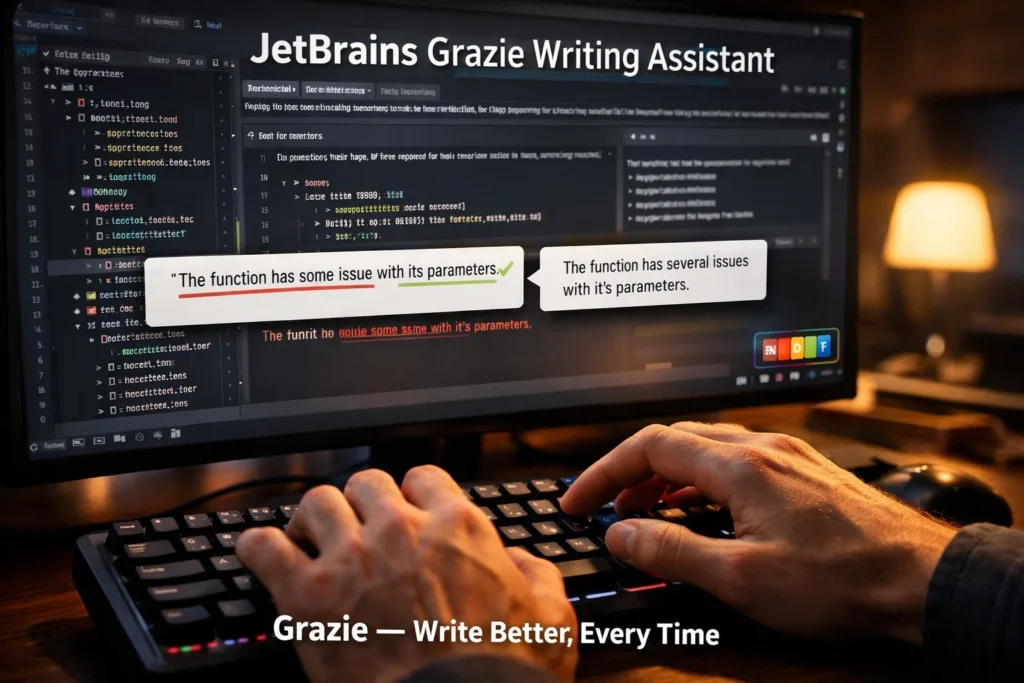
Grazie assists in improving grammar and writing quality.
Main Features
- Grammar correction
- Writing suggestions
- Support for multiple languages
Best Use Case
For improving the quality of writing.
Who Should Use It
Developers, writers, and professionals.
Tip
Utilize Grazie for improving the quality of technical writing.
16. Natural Reader

Natural Reader speaks text using Artificial Intelligence.
Main Features
- Text-to-speech
- Variety of voice styles
- Support for accessibility
Best Use Case
For listening to articles and documents.
Who Should Use It
Students and those who love listening to audiobooks.
Tip
Listen to research articles using Natural Reader.
17. Question.AI

Question.ai is a tool that helps students get academic questions answered quickly.
Main Features:
- Homework assistance
- AI explanations
- Study assistance
Best Use Case:
Academic learning
Who Should Use It:
Students
Tip:
Use it to learn complex ideas quickly.
18. Claude AI Extension
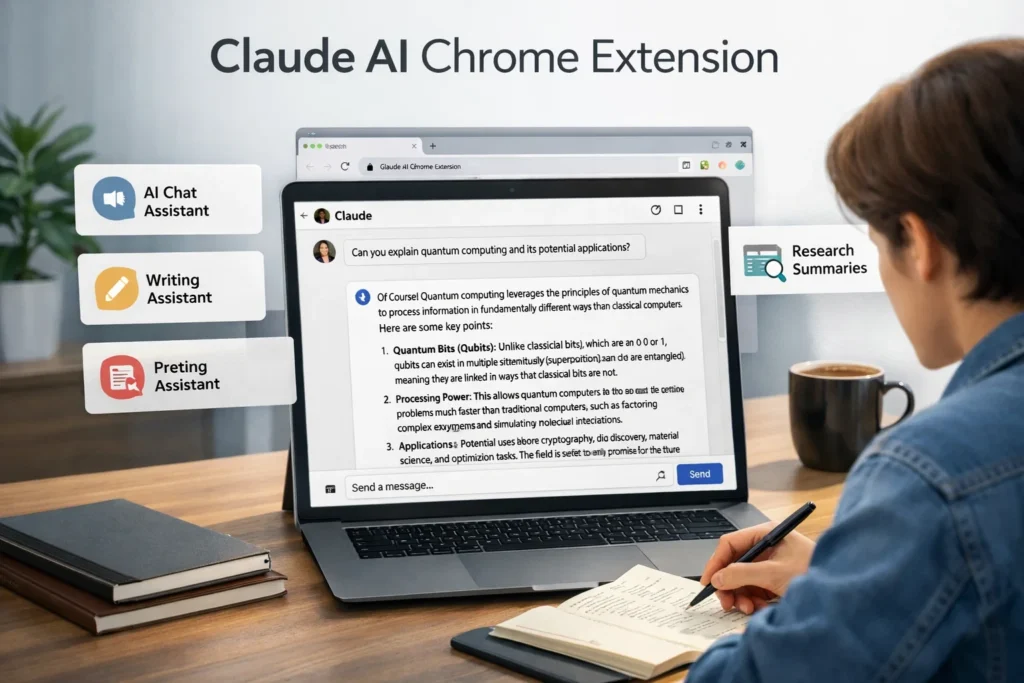
Claude AI (Anthropic) is a conversational AI available in the browser.
Main Features
- AI chat assistant
- Writing assistant
- Research summaries
Best Use Case
For in-depth thinking and long-form responses.
Who Should Use It
For researchers and writers.
Tip
Use Claude when you need in-depth explanations.
19. ViralCanvas AI

ViralCanvas is an AI tool for generating viral content ideas for social media.
Main Features
- Social media post generation
- Hook creation
- Viral content ideas
Best Use Case
For social media marketing.
Who Should Use It
For creators and marketers.
Tip
Use the tool for creating hooks for Twitter or LinkedIn.
20. eJOY AI Dictionary

You can use these best AI Chrome extensions to help users maximize their learning new language while browsing.
Main Features
- Instant translation
- Vocabulary learning
- Video subtitle support
Best Use Case
For learning the English language online.
Who Should Use It
Students and language learners.
Tip
You can use this extension while watching YouTube videos in English.
Additional Useful AI Chrome Extensions:
21. Perplexity AI Chrome Extension

A powerful AI research assistant that gives you the most accurate information and references.
Best for:
Research and fact-checking.
22. HARPA AI

HARPA is a powerful combination of AI automation, web scraping, and monitoring.
Best for:
Productivity automation.
23. Wordtune
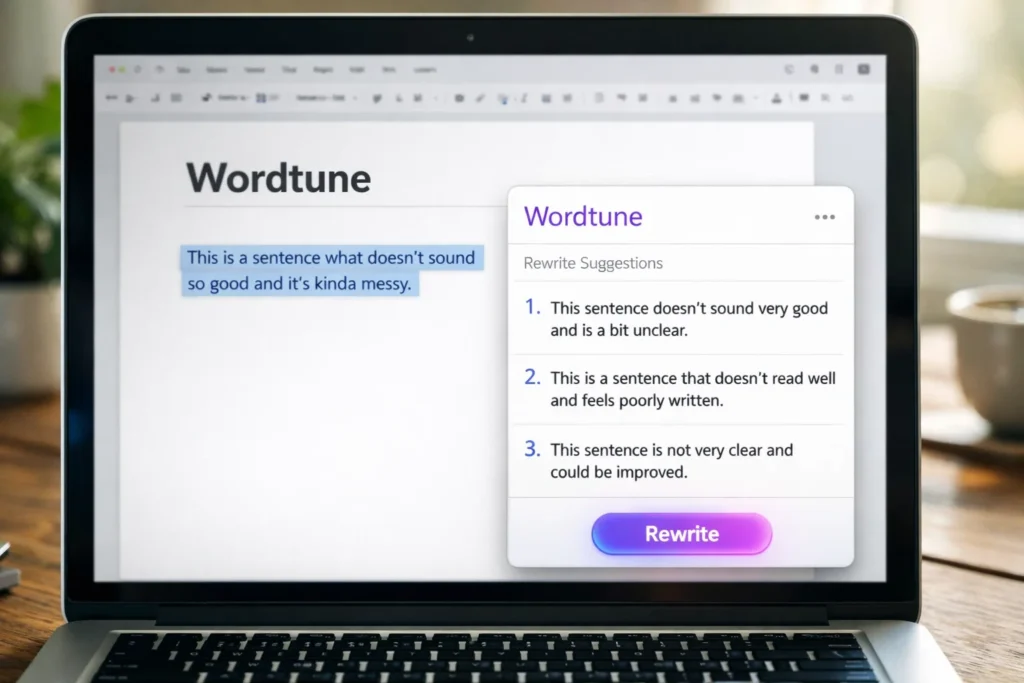
Wordtune Beast help you write better using its sentence rewriter.
Best for:
Editing and rewriting.
24. Glasp
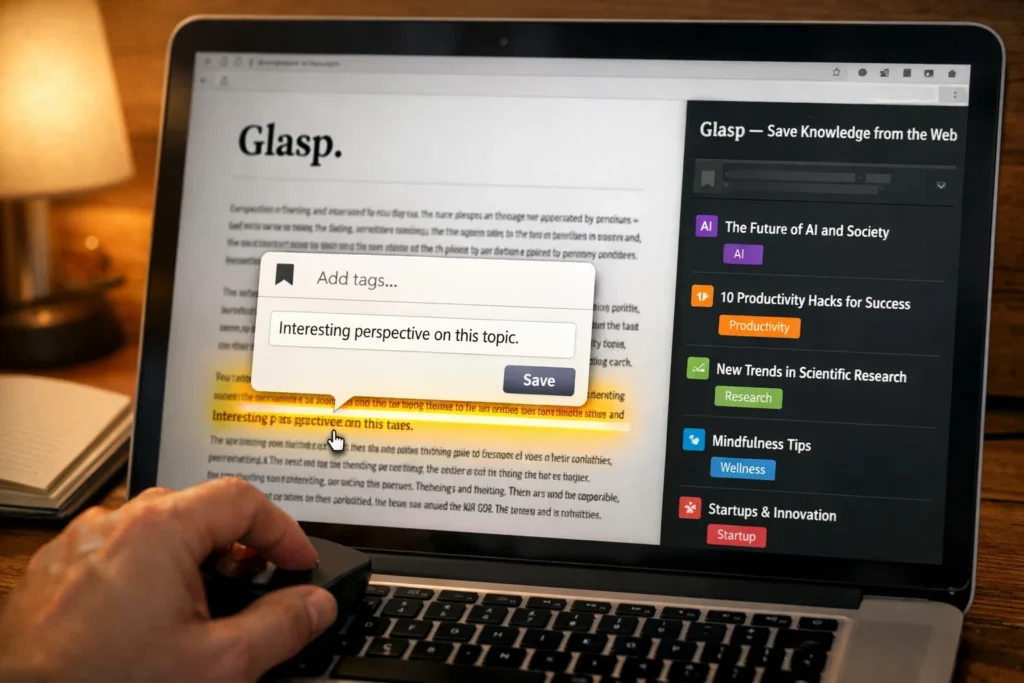
Glasp is a Chrome extension that enables users to highlight and save their knowledge directly from the web.
Best For:
Knowledge Management.
25. Fireflies AI / Tactiq AI

Both extensions help users record and automatically transcribe their meetings.
Best For:
Remote teams and meetings.
Categories of AI Chrome Extensions
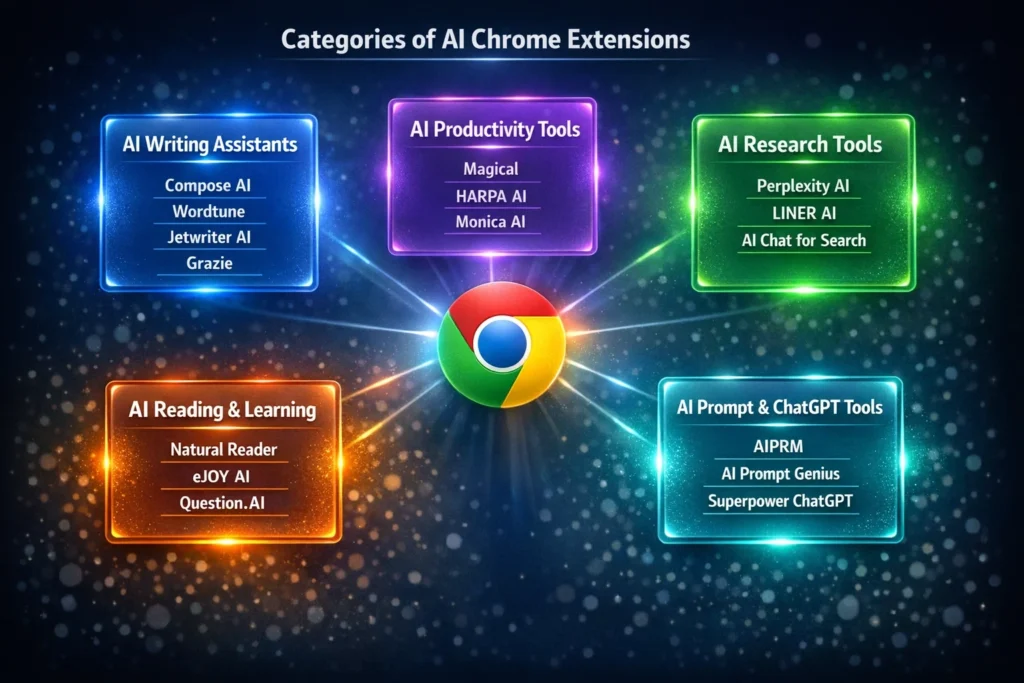
In order to help you better, I have divided the extensions into the following categories.
AI Writing Assistants:
- Compose AI
- Wordtune
- Jetwriter AI
- Grazie Writing Assistant
AI Productivity Tools:
- Magical
- HARPA AI
- Monica AI
AI Research Tools:
- Perplexity AI
- LINER AI
- AI Chat for Search
- AI Reading & Learning Tools
- Natural Reader
- eJOY AI Dictionary
- Question.AI
AI Prompt & ChatGPT Tools:
- AIPRM
- AI Prompt Genius
- Superpower ChatGPT
How to Choose the Right AI Chrome Extension

Installing too many extensions, however, will slow down the browser. Here are some useful tips:
1. Avoid Installing Too Many Extensions
Only install 3 to 5 extensions based on your needs.
2. Select the Extensions Based on Your Work
Authors should consider writing tools, while students should consider tools for research.
3. Review the Permissions
Always review the permissions required by the extension.
4. Review the Last Update
Since AI tools are constantly changing, consider installing extensions that are frequently updated.
Conclusion:
Chrome extensions for AI are quickly becoming an essential part of modern productivity.
From writing assistants to research assistants, language learning, and workflow automation, these extensions have the power to save you hours of work each week.
The key is not installing all of them, but finding a few that actually make you more productive.
If you’re looking for more information on other AI productivity tools, you can also read about Best Free AI Tools for Students, AI Automation Tools, and Best AI Tools for Content Creation on besuretechno.com.
These tools are changing rapidly, and learning how to best utilize them can give you a massive advantage in 2026.
FAQs
Q1. Are AI Chrome extensions safe?
Ans: Most popular AI Chrome extensions are perfectly safe. You should only download Web Extensions from the Chrome Web Store.
Q2. What is the best AI Chrome extension for writing?
Ans: Compose AI, Wordtune, and Jetwriter AI are the best extensions for writing.
Q3. Are there any free AI Chrome extensions?
Ans: There are many free AI Chrome extensions. However, some features might be restricted in the free version.
Q4. Can AI Chrome extensions make my browser slower?
Ans: This is possible when you have too many extensions. It is important to keep only the extensions you need.
Q5. What is the best Chrome extension for students?
Ans: The Chrome extensions that students will benefit most from are LINER AI, Natural Reader, and Question.AI.

I’m Pankaj Chauhan, founder of BeSureTechno. With 3+ years of hands-on tech experience, I cover smartphone reviews, laptop reviews, AI tools, and how-to guides, all based on real-world testing and personal experience.