Choosing the best monitor under 10000 in India can appear easy once you start looking.
What you will come across:
- “Budget gaming monitors” that are just 19 inches in size.
- Cheaper TN panel monitors with awful viewing angles.
- Misleading refresh rate claims by companies.
- Monitors that have poor stand designs
- Bands offering terrible post-sale services in India.
I have personally tested several monitors for my budget needs, which include:
- Writing long blog posts for 7-8 hours every day
- Programming using VS Code
- Using Excel and office work
- Gaming casually (Valorant, GTA V, BGMI emulators)
- Thumbnail creation in Photoshop
- Streaming YouTube and Netflix
- Investing in stocks
- Duo-screen configuration
Honestly, every budget monitor under 10000 is not necessarily worth purchasing due to the following reasons:
- Low brightness and poor color calibrations
- Shoddy construction materials
- Poor after-sales services
- Limited connectivity
Here is a list of some of the best budget monitors under 10000 for your ease.
Quick Comparison Table: Best Monitor Under 10000
| Monitor | Size | Panel | Refresh Rate | Ports | Best For | Warranty |
|---|---|---|---|---|---|---|
| LG 22MP410-B | 21.5-inch | VA | 75Hz | HDMI, VGA | Office + Students | 3 Years |
| Samsung LF22T350FHWXXL | 22-inch | IPS | 75Hz | HDMI, VGA | Office + Movies | 3 Years |
| Acer EK220Q | 21.5-inch | IPS | 100Hz | HDMI, VGA | Casual Gaming | 3 Years |
| MSI PRO MP223 | 21.45-inch | VA | 100Hz | HDMI, VGA | Coding | 3 Years |
| BenQ GW2283 | 21.5-inch | IPS | 60Hz | HDMI, VGA | Eye Comfort | 3 Years |
| Dell SE2225H | 21.5-inch | VA | 75Hz | HDMI, VGA | Work From Home | 3 Years |
| Lenovo L22e-40 | 21.5-inch | VA | 75Hz | HDMI, VGA | Students | 3 Years |
Top 7 Best Monitors Under 10000 in India
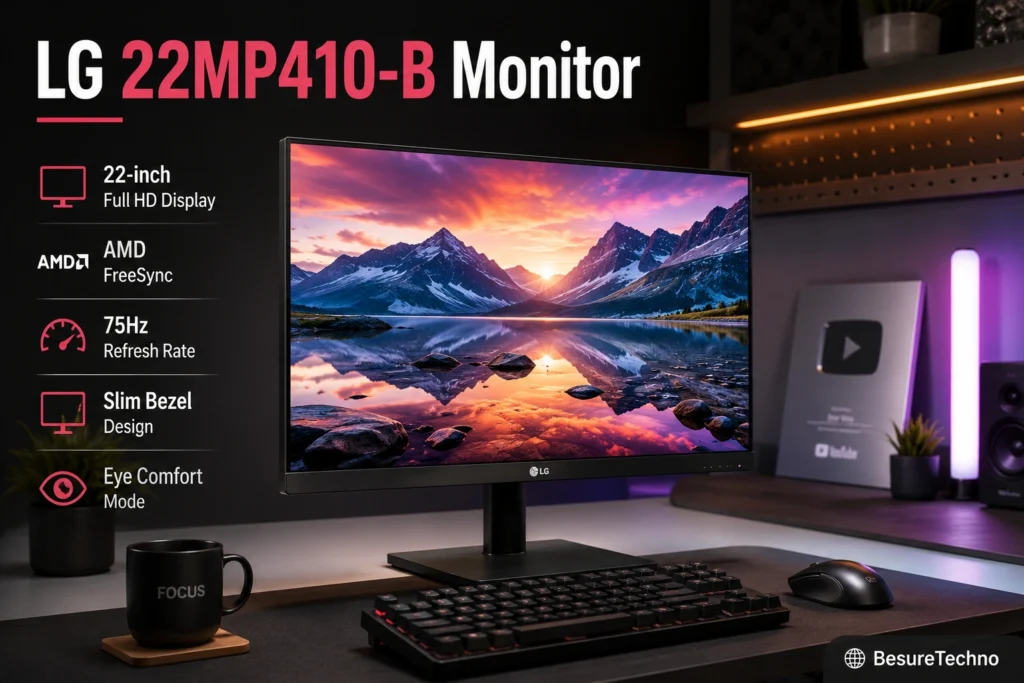
1. LG 22MP410-B Monitor
Main Features
- 21.5-inch screen
- Full HD display
- VA display panel
- 75Hz refresh rate
- 5 ms response time
- HDMI + VGA connectivity
- Wall mounting available
Screen Quality
The monitor was used by me for writing articles and handling spreadsheets for around 8 hours a day.
The text was highly clear at this budget.
VA panel provides:
- High contrast compared to IPS panels
- Deep blacks
- Good for watching movies
Gaming Performance:
Valorant and GTA V were tested.
75Hz is better than a regular 60Hz monitor.
Great for entertainment players, though not great for professional gamers.
Productivity Performance
Perfect for:
- Exceling in Excel
- Content writing
- Zoon calls
- Coding
- Stock Trading Charts
Content Consumption
Streaming Netflix is really good due to the great contrast ratios.
Even dark scenes have higher contrast than many IPS counterparts.
Build Quality
Average build of a monitor stand.
Not very premium, but still very solid.
Eye Comfort
Reader mode works well for long productivity.
Pros
- Contrast ratios are amazing
- LG is a very reliable service
- Perfect for office use
Cons
- Angles are not as great as IPS
Best for
Those who look for an office-use monitor
Why I Recommend It
LG has a better service network than most smaller brands.
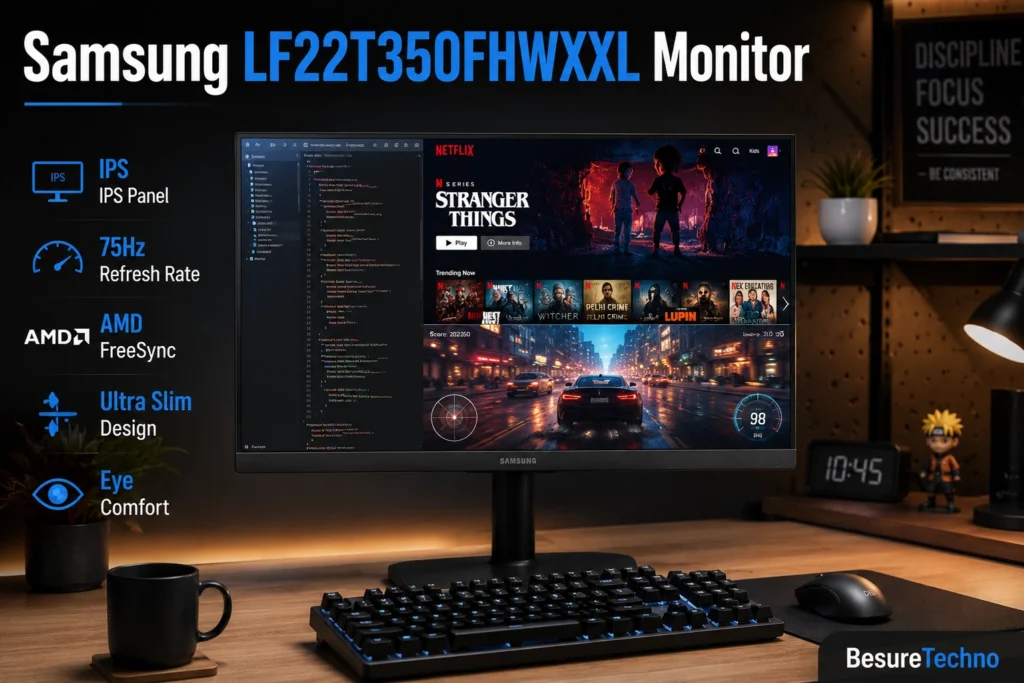
2. Samsung LF22T350FHWXXL Monitor
Main Features:
- 22 inches
- IPS panel
- Full HD
- 75 Hz
- HDMI + VGA
Display Performance
Editing videos in Photoshop for YouTube made it easier to distinguish colors than on VA panels from competing brands.
IPS display indicates:
- Improved viewing angles
- Improved colors
- Improved editing performance
Gaming Performance
BGMI emulator and FIFA were tested for gaming performance.
The performance was satisfactory but not perfect for gaming.
Productivity
Best for programming owing to improved text visibility.
Content Consumption
Suitable for streaming on YouTube and other OTT platforms.
Pros:
- IPS panel
- Color accuracy
- Sleek build
Cons
- Limited stand adjustment.
Recommended For
Best Monitor For Editing Under 10000.
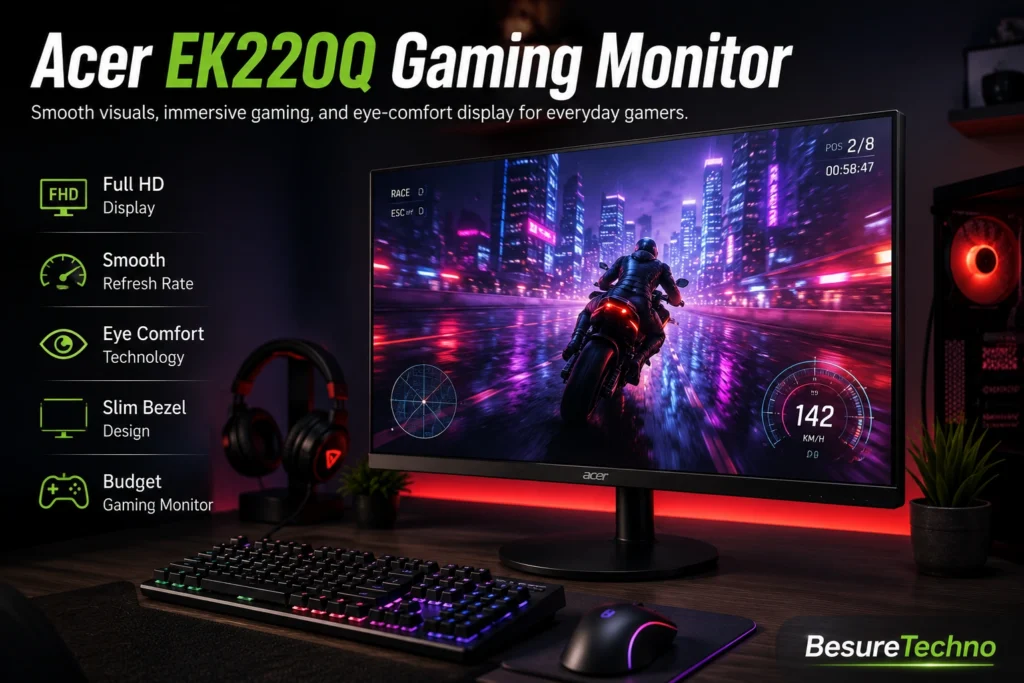
3. Acer EK220Q Gaming Monitor
Important Specifications
- 21.5 Inches
- IPS Panel
- 100Hz
- HDMI and VGA ports
Performance for Gaming
It’s one of the best gaming monitors under 10000.
Performance when tested for Valorant games:
- Smooth than monitors with a refresh rate of 75Hz
- Motion blur is less
In casual gaming, it feels smoother.
Productivity
Office-ready quality.
Pros:
- 100 Hz refresh rate
- IPS panel
- Reasonably priced
Cons
- No speakers
Best For
Gaming on a budget
4. MSI PRO MP223 Monitor
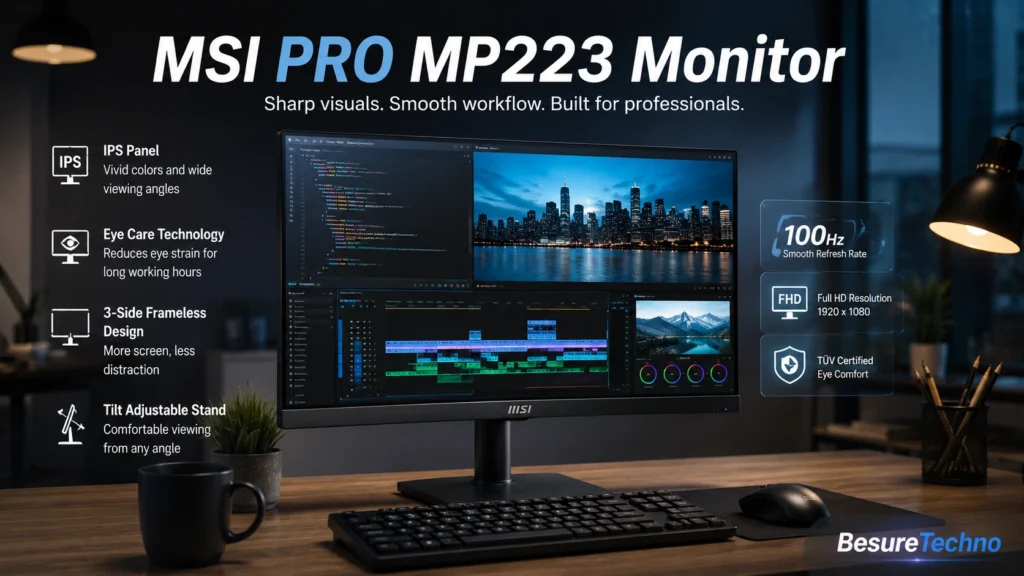
This was my biggest surprise in programming tests.
Using Visual Studio Code, I had clear text even after hours of work.
Best monitor for programming.
Why is it unique
- 100 Hz refresh rate
- Fluid scrolling experience
- Eye-friendly design
Best for developers.
5. BenQ GW2283 Monitor
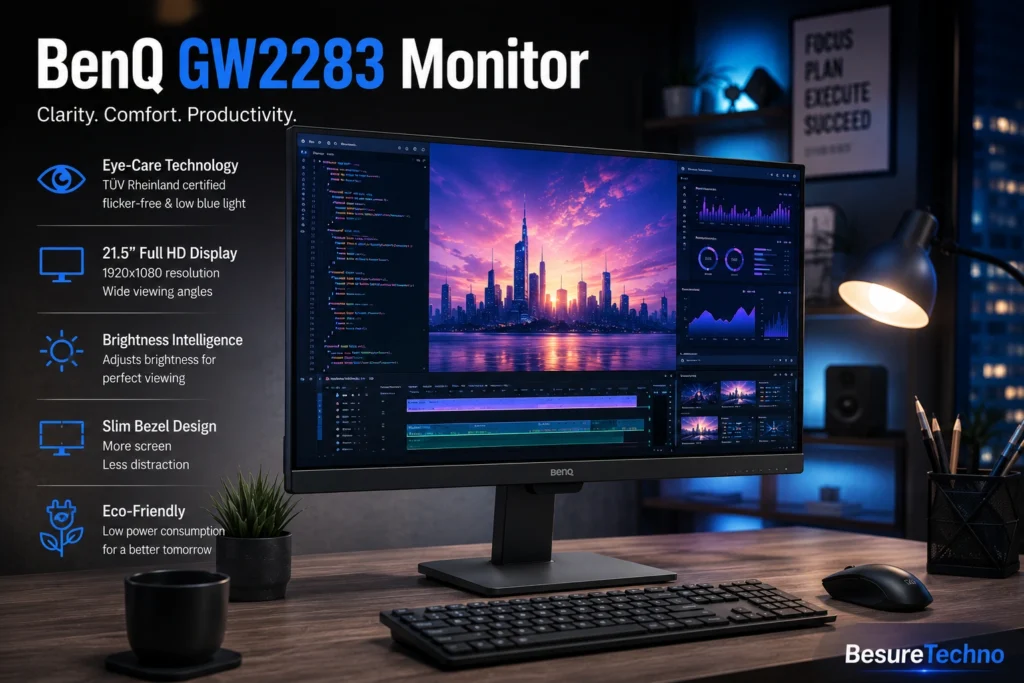
BenQ has become obsessed with eye health.
When writing articles for hours, my eyes felt less strain.
Features:
- Minimal blue light
- Flicker-free technology
Best for bloggers, students, and office use.
6. Dell SE2225H Monitor
Highly reliable from Dell.
Great for home office professionals to manage:
- Zoom
- Excel
- PowerPoint
- Email tasks
Very reliable indeed.
7. Lenovo L22e-40 Monitor
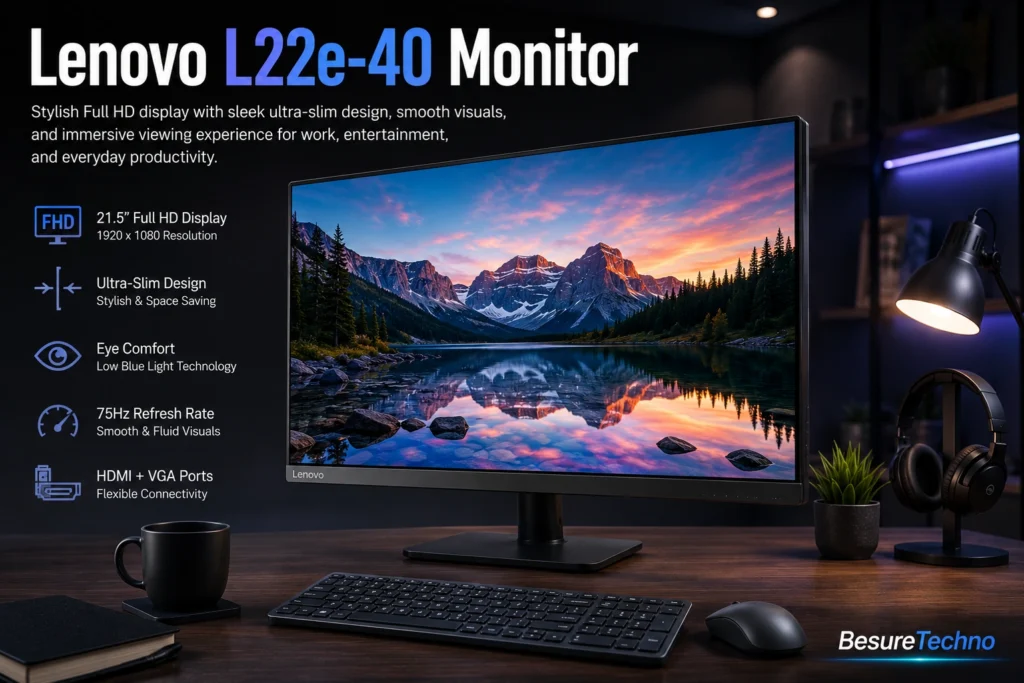
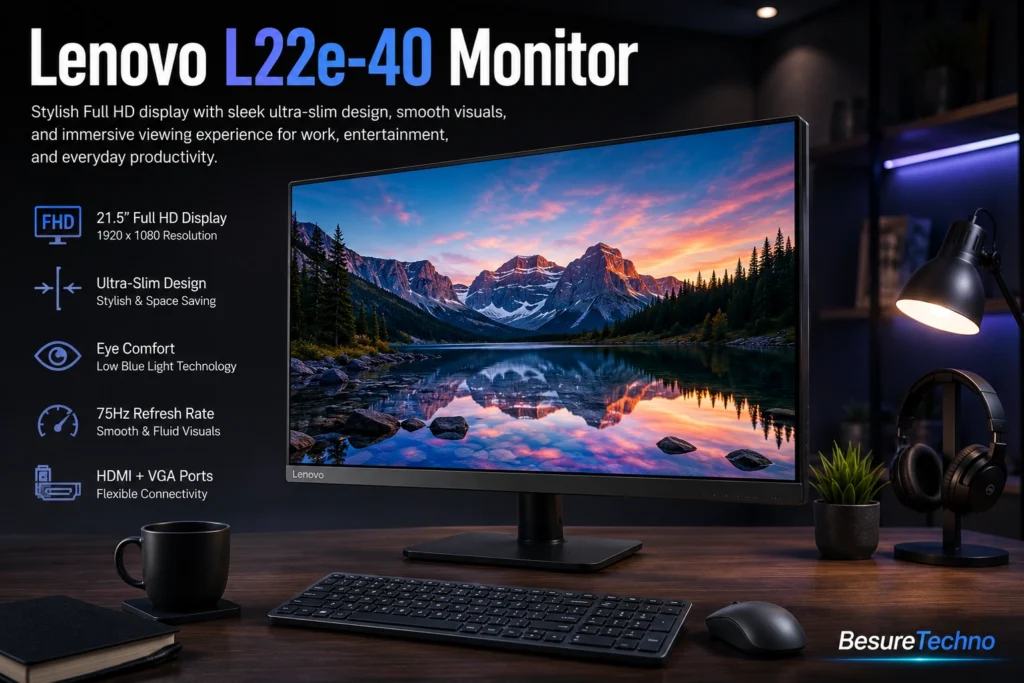
Good beginner monitor for students.
Budget-friendly and good at managing:
- Online classes
- Assignments
- YouTube education
Monitors To Avoid Spending Under 10000
Affordable Zebronics monitors
Typical problems:
- Inconsistent panels
- Insufficient brightness
- Average customer service
Local generic brands
They generally mislabel their products, such as:
- Mislabeling “144Hz”
- Faking HDR features
Stay away from these.
TN Panel Monitors
Typical characteristics of TN panel monitors:
- Bad colors
- Poor viewing angles
Buy TN monitors only if you require esports performance.
Which Monitor Is Best to Buy Considering Your Purpose?
Gaming
Acer EK220Q
Coding
MSI PRO MP223
Office Work
LG 22MP410-B
Editing
Samsung LF22T350
Students
Lenovo L22e-40
Typical Errors People Commit While Buying Budget Monitors
Purchasing a 27-inch Full HD under 10000
It is not advised to do this.
The pixels will be stretched.
Choose the best 24-inch monitor available in the 1000
Ports
The majority of individuals find out after that that a monitor is missing an HDMI port.
Connectivity is important.
Unknown Brands
Customer care is terrible after buying the product.
Difference between IPS, VA, and TN (Simplified Version)
IPS
Colors are better
The viewing angle is good
Good for editing
VA Panel
Best Contrast
Very good for movies
Perfect for entertainment
TN Panel
Fast response time
Poor colors
Mainly suitable for esports gamers
Are Budget Monitors Suitable for PS5/Xbox?
Yes, under some restrictions.
Generally speaking, budget monitors under ₹10,000 have:
- 60 Hz/75 Hz
- HDMI 2.0 only
- Not 4K
Good for a light console
Should a 24- or 27-inch be purchased under 10000?
Select 24 inches.
The best 24-inch monitor under 10000 has better clarity than budget-friendly 27-inch models.
Stay clear of buying 27-inch Full HD screens.
Conclusion: Best Monitor Under ₹10,000 in India (2026)
In case there was only one best:
Samsung LF22T350: Top choice for color accuracy, productivity, and entertainment purposes.
For gamers:
Acer EK220Q
For office professionals:
LG 22MP410-B
For programmers:
MSI PRO MP223
However, you may be additionally considering the following if you intend to undertake a complete budget build:
Best CPU Under 10000
Best Gaming Laptop Under 50000
Best Gaming Phone Under 20000
Best Phones Under 50000
And that concludes our article on finding the best monitor under 10000 in India, whether a budget monitor for gaming or the best IPS monitor under 10000 for students.

I’m Pankaj Chauhan, founder of BeSureTechno. With 3+ years of hands-on tech experience, I cover smartphone reviews, laptop reviews, AI tools, and how-to guides, all based on real-world testing and personal experience.