
The technology of Artificial Intelligence (AI) has completely changed the way that students study, work on their assignments, give presentations, code, and even boost their productivity level. These are the best AI websites for students. By 2026, students will use it not only to save their precious time but to improve their academic scores, take notes, and understand difficult subjects.
Fortunately, numerous AI websites offer students a free subscription package.
Here, we’ll look at some of the top free AI websites for students in 2026 in areas like:
- Studying & Researching
- Taking Notes & Summarizing
- Giving Presentations
- Writing Papers
- Programming Assistance
- Increasing Efficiency
Why Are Students Using AI in 2026?

They are helping students:
- Spend less time studying
- Make notes immediately
- Comprehend complex topics
- Write better
- Make presentations fast
- Learn to code easily
- Be productive during exams
By using AI websites, students have found an easier way to learn.
Free Best AI Websites for Students in 2026
1. ChatGPT: Best All-Rounder AI Website for Students
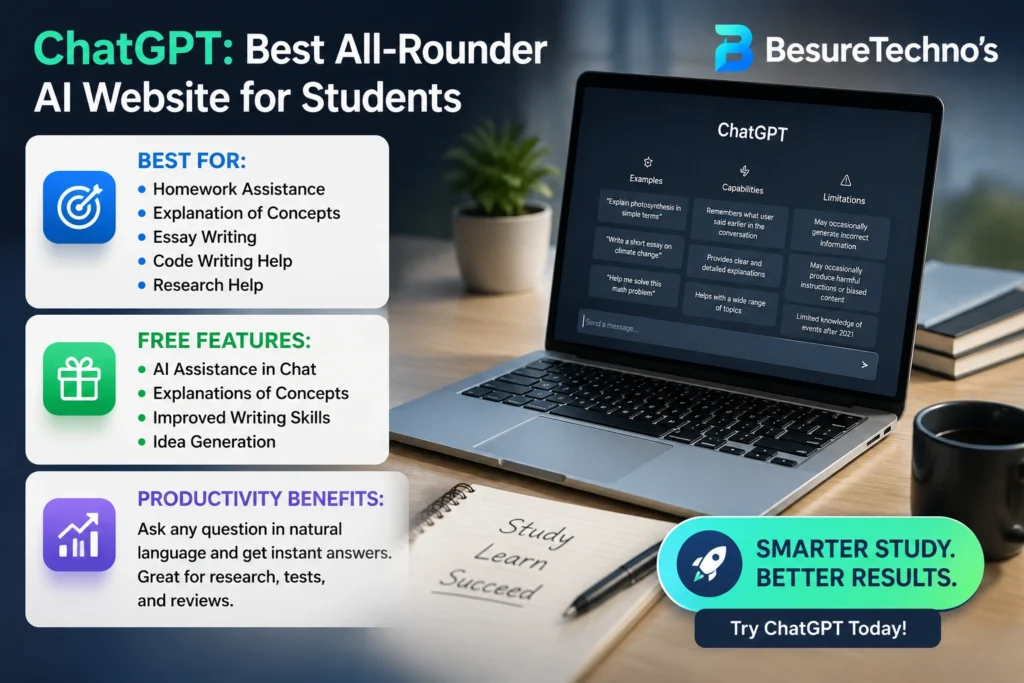
Best For:
- Homework Assistance
- Explanation of Concepts
- Essay Writing
- Code Writing Help
- Research Help
Free Features:
- AI Assistance in Chat
- Explanations of concepts
- Improved writing skills
- Idea generation
Productivity Benefits:
It is possible to ask any query in natural language and get prompt answers. Making research tools, tests, and sometimes reviews might benefit from it.
Pros:
- Easy to use for beginners
- Suitable for all subjects
- Good for code and essays
Cons:
- Advanced tools require payment
2. Notion AI: Perfect for Notes & Productivity
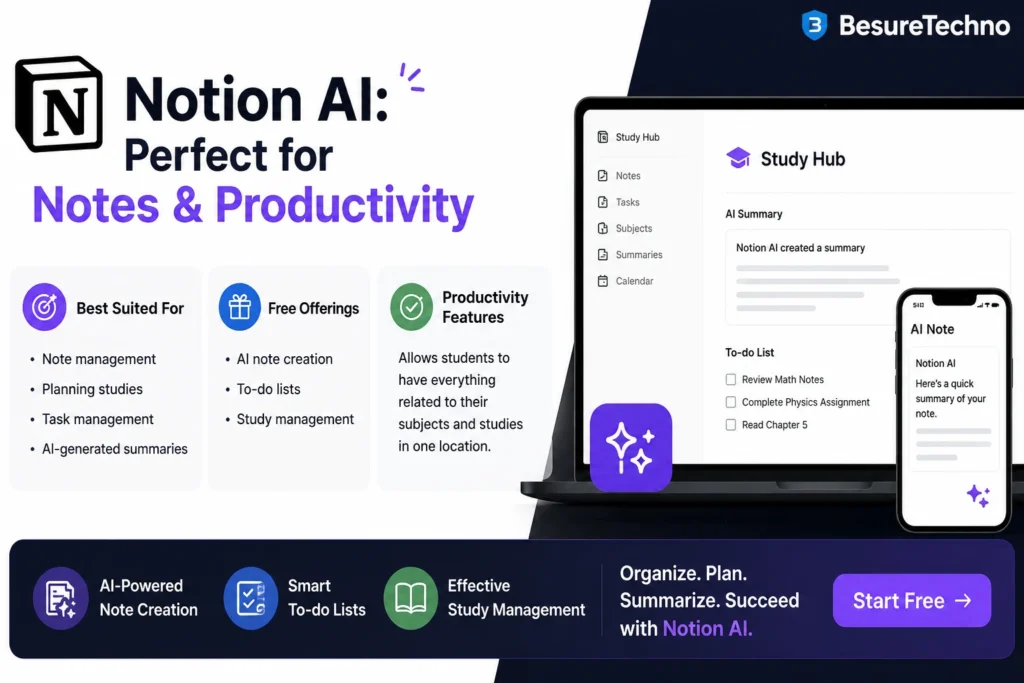
Best Suited For:
- Note management
- Planning studies
- Task management
- AI-generated summaries
Free Offerings:
- AI note creation
- To-do lists
- Study management
Productivity Features:
Allows students to have everything related to their subjects and studies in one location.
Pros:
- Simple interface
- Great organizational application
- Helpful for productivity
Cons:
- Steeper learning curve for beginners
3. Canva AI: The Best Presentation Tool
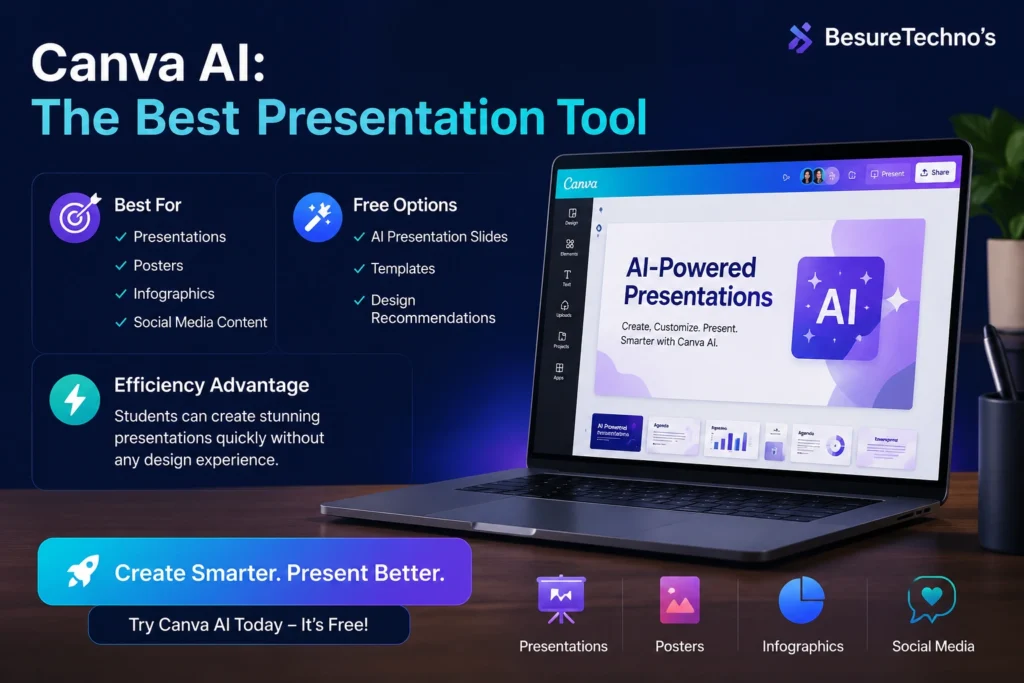
Best For:
- PowerPoint presentations
- Posters
- Infographics
- Social media content
Free Options Include:
AI-powered presentation slides
Templates
Design recommendations
Efficiency Advantages:
Students can produce stunning presentations quickly without any design experience.
Pros:
- Incredibly user-friendly interface
- Attractive templates
- Quick presentation creation
Cons:
- Premium templates not unlocked
4. Grammarly – Best for Writing & Grammar
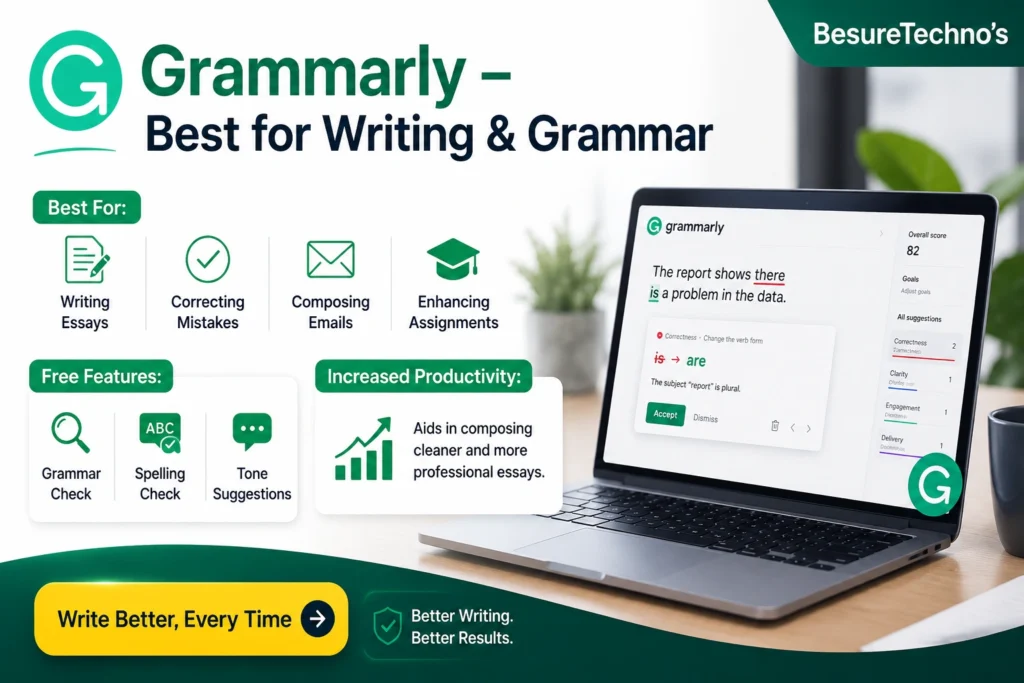
Best For:
- Writing essays
- Correcting grammatical mistakes
- Composing emails
- Enhancing assignments
Free Features:
- Grammar check
- Spelling check
- Tone suggestions
Increased Productivity:
Aids in composing cleaner and more professional essays.
Pros:
Great writing tool
Has a browser extension
Cons:
Advanced suggestions are only available
5. Perplexity AI: Good for Research

Good For:
- Research assignments
- Source gathering
- Topic comprehension
Free Features:
- AI search engine
- References
- Research analysis
Productivity Features:
Research on a topic more quickly without visiting various web pages.
Pros:
- Direct response to queries
- Provides references
Cons:
- Inconclusively brief answers
6. GitHub Copilot: Recommended for Code Learners
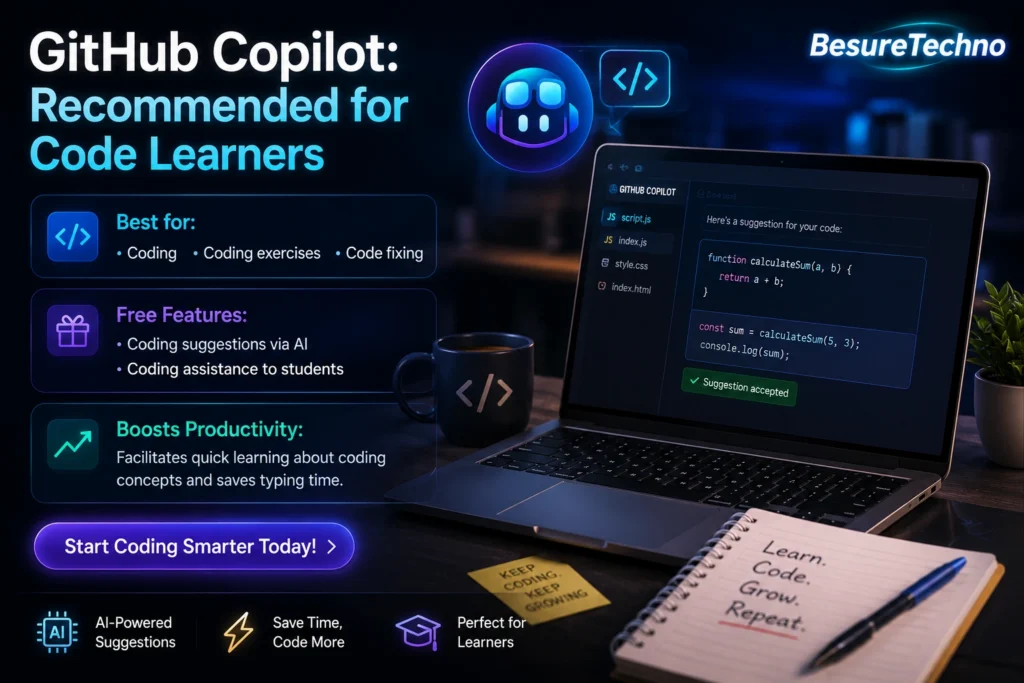
Best for:
- Coding
- Coding exercises
- Code fixing
Free Features:
Coding suggestions via AI
Coding assistance to students
Boosts Productivity:
Facilitates quick learning about coding concepts and saves typing time.
Pros:
- Ideal for programmers
- Compatible with multiple programming languages
Cons:
- Basic knowledge of coding is required
7. QuillBot: Good for Paraphrasing
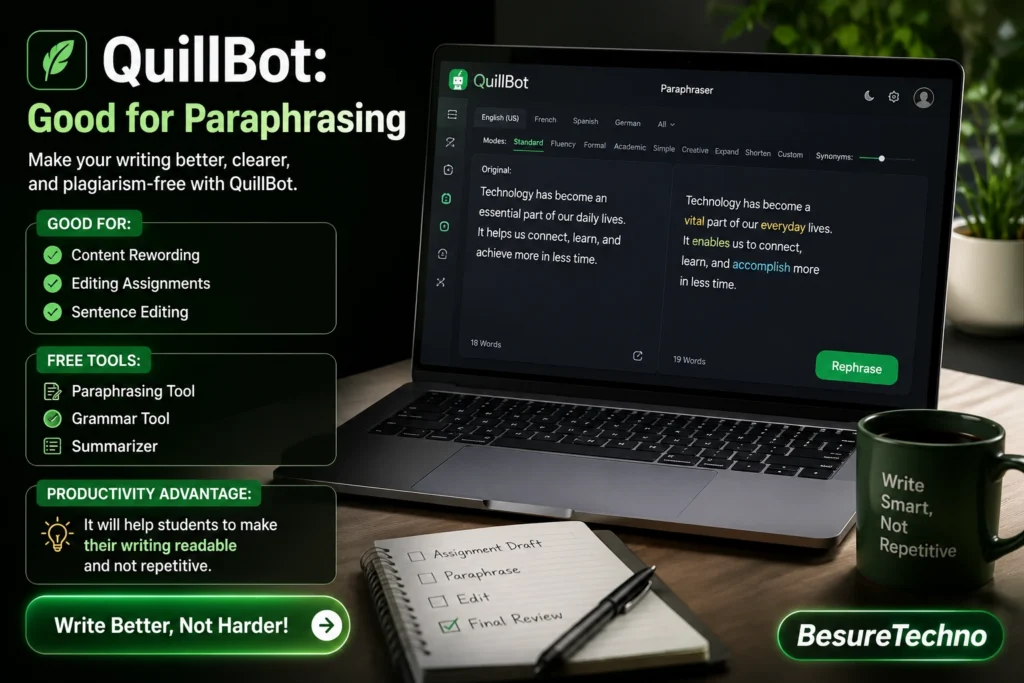
Good for:
- Content rewording
- Editing assignments
- Sentence editing
Free Tools:
- Paraphrasing tool
- Grammar tool
- Summarizer
Productivity Advantages:
It will help students to make their writing readable and not repetitive.
Pros:
- User-friendly interface
- Helps in rewording
Cons:
- The free version does have limitations.
Best AI Websites Comparison Table
| AI Website | Best Use | Free Plan | Best For Students |
|---|---|---|---|
| ChatGPT | Study + Writing | Yes | All-round learning |
| Notion AI | Notes & Productivity | Yes | Organizing study material |
| Canva AI | Presentations | Yes | PPT and design projects |
| Grammarly | Grammar & Writing | Yes | Assignments and essays |
| Perplexity AI | Research | Yes | Fast topic research |
| GitHub Copilot | Coding | Limited Free | Programming students |
| QuillBot | Paraphrasing | Yes | Improving writing |
Ways AI Makes Students More Productive
Faster Learning
AI makes complex things understandable.
Effective Time Management
AI can assist in organizing everything from note-taking to planning tasks.
Higher Quality Assignments
AI makes it easier to avoid grammar mistakes.
Exam Preparation
AI helps with creating quizzes and flashcards.
Programming
AI assists in debugging programs.
AI Tool Usage Advice for Students
- Use AI for education, not plagiarism
- Verify AI-generated content
- Integrate AI with personal knowledge
- Don’t hand in AI-only homework
- Use AI to enhance efficiency and creativity
What Is the Best AI Site for Students?
If you need:
- Best general AI service: ChatGPT
- Best for note-taking: Notion AI
- Best for presentations: Canva AI
- Best for coding: GitHub Copilot
- Best for grammar correction: Grammarly
Conclusion
AI tools have become necessary in 2026 for students looking to assist themselves in studies, taking notes, writing code, preparing presentations, or enhancing their productivity. The ideal approach is to employ different AI tools.
For instance,
- ChatGPT for studies
- Notion AI for organizing
- Canva AI for presentations
- Grammarly and QuillBot for writing
- GitHub Copilot for writing code
Those students who leverage AI effectively will study better and perform well academically.

I’m Pankaj Chauhan, founder of BeSureTechno. With 3+ years of hands-on tech experience, I cover smartphone reviews, laptop reviews, AI tools, and how-to guides, all based on real-world testing and personal experience.