Finding the best laptops under 30000 for students. Students require something that can be used for attending classes, completing assignments, browsing the internet, and coding. However, the majority of the laptops found within this price range feel confusing.
However, if you plan, you may buy one of the best laptops for under 30000.
Best laptops under 30,000, how to select a laptop, and the best options based on student needs are in this article.
Things you should know before buying the best Laptop Under 30000 for students
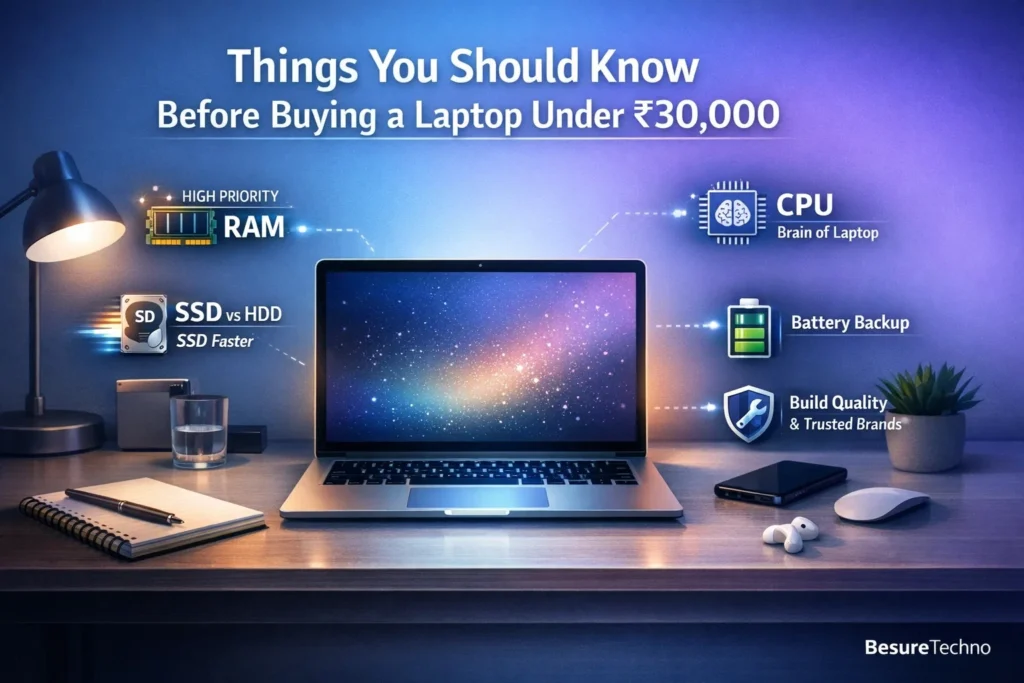
Firstly, here is what really matters
1. RAM (High Priority)
- Minimum required RAM – 8GB RAM (Recommended).
- Why is that so?
- Multitasking (Browser Tabs + Zoom + Word)
- Performing well when doing coding and project works
Note: 4GB laptops are available, but they tend to become slow over time.
2. Hard Disk (SSD vs HDD)
- Go for SSD over HDD every time
- Minimum requirement: 256GB SSD
Why SSD?
- Boot faster (in seconds)
- Applications open faster
3. CPU (CPU = Brain of Laptop)
Here, you will get the following CPUs:
- Intel i3 (10/11 Generation)
- Ryzen 3 (3000/5000 series)
Comparison between the two:
- Ryzen 3: Best Multitasking and Performance
- Intel i3: More stable, best for daily tasks
For college-going students, there is no harm with either CPU.
4. Battery Back-up
- Find out laptops having a battery backup of at least 5-8 hours
- Battery life plays an important role for a student
5. Build & Trusted Brands
Remember to select solid businesses like:
- HP
- Dell
- Lenovo
- ASUS
Best Laptops Under 30000 for Students (2026)
This list includes the best 6 laptops for students that cost under 30,000 in India.
1. HP 15s (Ryzen 3 5300U)
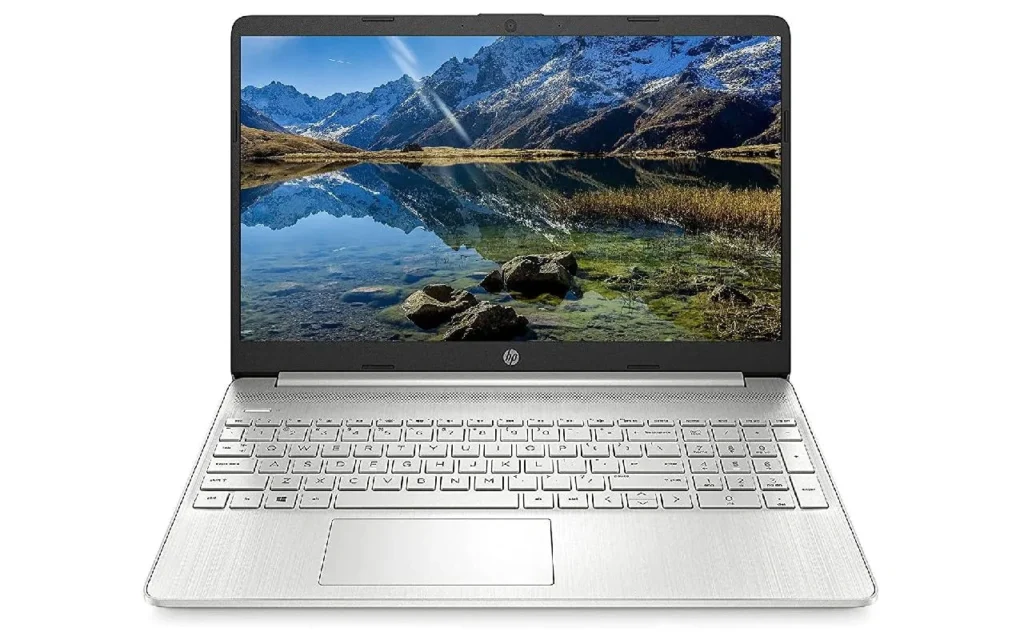
Features:
- Ryzen 3 5300U CPU
- 8GB RAM
- 512GB SSD Memory
- 15.6 inches Full HD Screen
Best For:
- Beginner programmers
- Students
- Multi-tasking
Practical Uses:
Good for online classes + coding (basic Python, Java) + assignments.
Pros:
- Good performance considering the price
- RAM + SSD combination
- Great brand
Cons:
- Poor speakers
- Basic design
2. Lenovo IdeaPad Slim 3 (Intel i3 11th Gen)
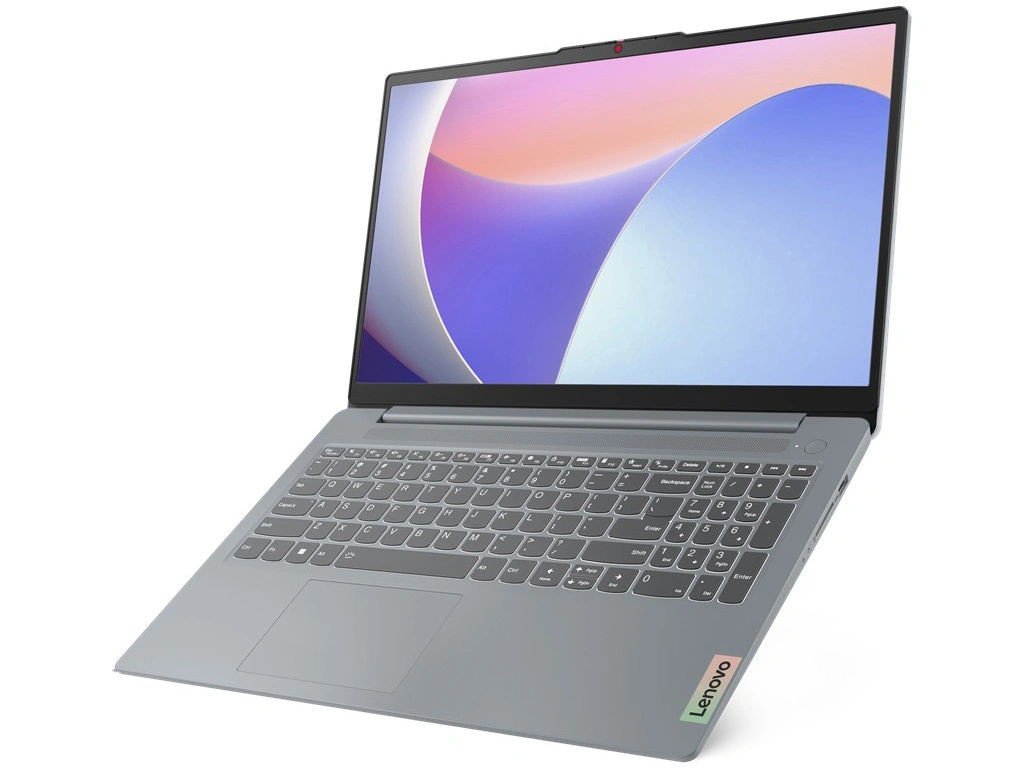
Features:
- Intel i3 11th Gen CPU
- 8GB RAM
- 256GB SSD Memory
- 15.6-inch FHD Screen
Perfect For:
- School children
- Virtual classes
- Office work
Practical Uses:
Good at running Zoom + Google Meet + MS Office programs.
Pros:
- Good build quality
- Great performance
- Lightweight
Cons:
- Low storage capacity
- Not suitable for heavy applications
3. ASUS VivoBook 15
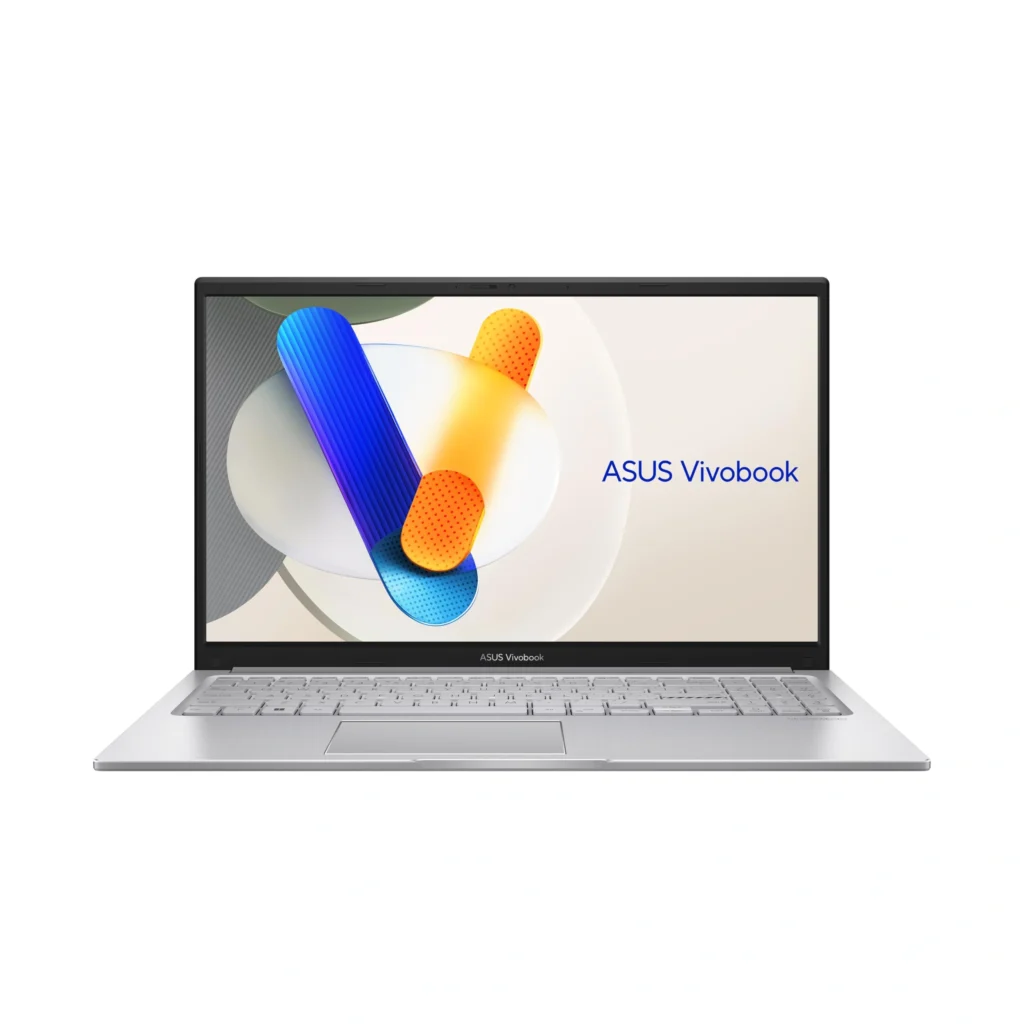
Features:
- Intel i3 CPU
- 8GB RAM
- 512GB SSD Storage
- 15.6-inch Screen
Perfect for:
- General-purpose tasks.
- Students looking for look
Actual Usage:
Okay for YouTube, homework, and editing.
Pros:
- Sleek design
- Adequate storage space
- Fast performance
Cons:
- Average battery life
- Plastic body
4. Dell Inspiron 15
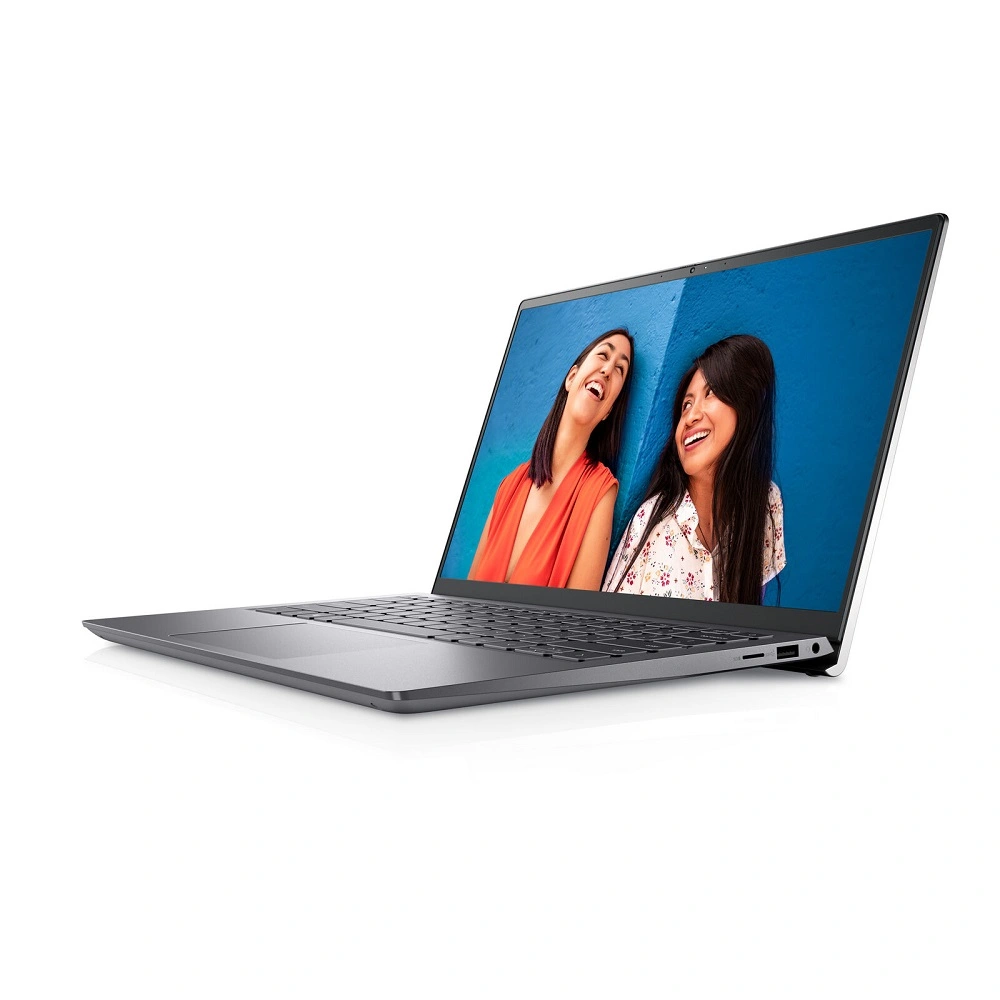
Features:
- Intel i3 processor
- 8GB RAM
- 256GB SSD Storage
- 15.6-inch Screen
Best For:
- Reliability over time
- Students who value longevity
Actual Usage:
Great for taking college notes, preparing presentations, and web browsing.
Pros:
- Trusted brand
- Durable construction
- Comfortable keyboard
Cons:
- Relatively high cost for its features
- Limited performance
5. Lenovo V15
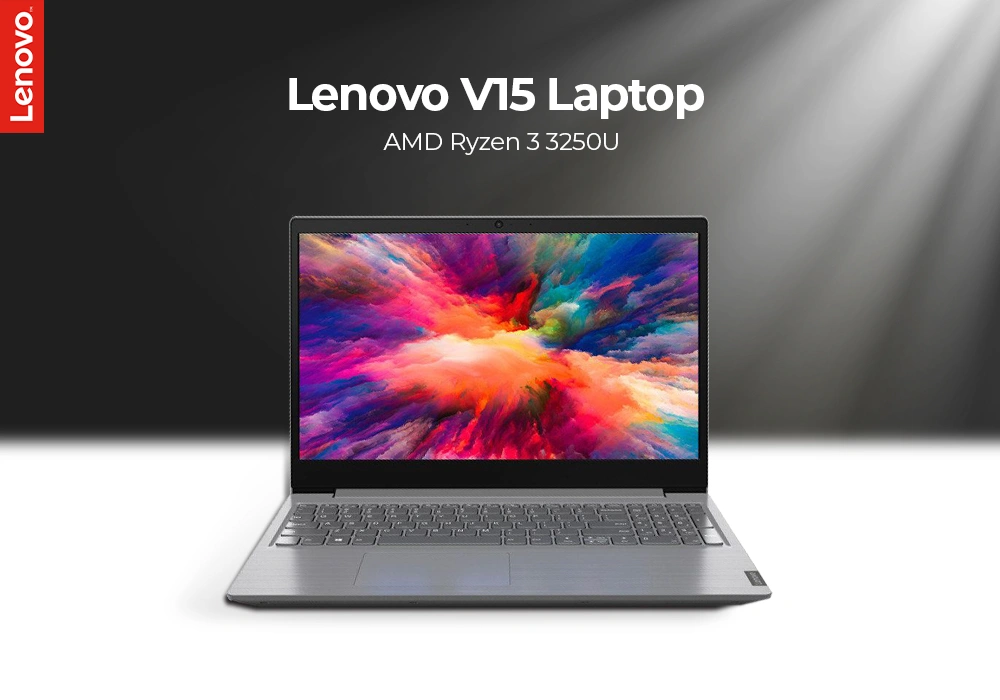
Main Specifications:
- Ryzen 3 3250U Processor
- 8GB RAM
- 256GB SSD storage
Good for:
- Budget-conscious customers
- Basic purposes
Actual Use:
It can be used for basic programming, internet searches, and online courses.
Pros:
- Inexpensive
- Sufficient processing power
- Upgradable hardware
Cons:
- Old processor
- Mediocre display
6. Acer Aspire Lite
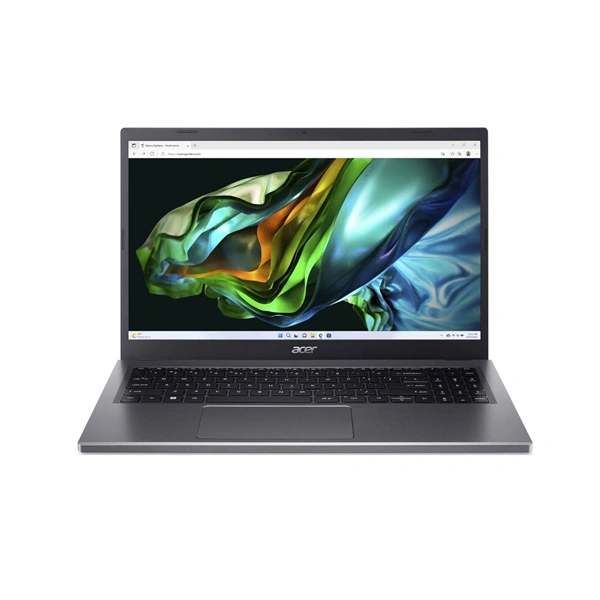
Main Specifications:
- Ryzen 3 processor
- 8GB RAM
- 512GB SSD storage
Good for:
- Students requiring storage space
- Everyday applications
Actual Use:
Can be used to complete assignments and stream content.
Pros:
- Sufficient storage space
- Compact size
- Good value for money
Cons:
- Mediocre build quality
- Service is location-dependent
Comparison Table (Quick Overview)
| Laptop | Processor | RAM | Storage | Best For |
|---|---|---|---|---|
| HP 15s | Ryzen 3 5300U | 8GB | 512GB SSD | Coding & multitasking |
| Lenovo IdeaPad Slim 3 | i3 11th Gen | 8GB | 256GB SSD | Online classes |
| ASUS VivoBook 15 | i3 | 8GB | 512GB SSD | Daily use |
| Dell Inspiron 15 | i3 | 8GB | 256GB SSD | Reliability |
| Lenovo V15 | Ryzen 3 | 8GB | 256GB SSD | Budget users |
| Acer Aspire Lite | Ryzen 3 | 8GB | 512GB SSD | Storage + value |
Best Laptop Depending on Usage
Best Laptop for Coding Students
- HP 15s (Ryzen 3 5300U)
- Primarily used for Python, Java, and web development
If you need the best Laptops under 30000 for Student Coders, this is your safe.
Best Laptop for Online Classrooms
- Lenovo IdeaPad Slim 3
- Stable, reliable, and compatible with webcams
Perfect laptop for online classrooms.
Best Laptop for General Purpose
- ASUS VivoBook 15
- Good combination of aesthetics and efficiency.
For more guides for your laptops:
Best Budget Laptops for Students
Best Laptops Under 40000
Best Gaming Laptops Under 50000
Conclusion:
As a student looking to buy laptops for college students in 2026 at low costs, here is the clear guidance:
- 8GB RAM + SSD configuration
- Opt for Ryzen 3 or i3 processors
- Do not anticipate gaming features
HP 15s (Ryzen 3): Best Overall Laptop Option
Lenovo V15: Budget-Friendly Laptop Choice

I’m Pankaj Chauhan, founder of BeSureTechno. With 3+ years of hands-on tech experience, I cover smartphone reviews, laptop reviews, AI tools, and how-to guides, all based on real-world testing and personal experience.