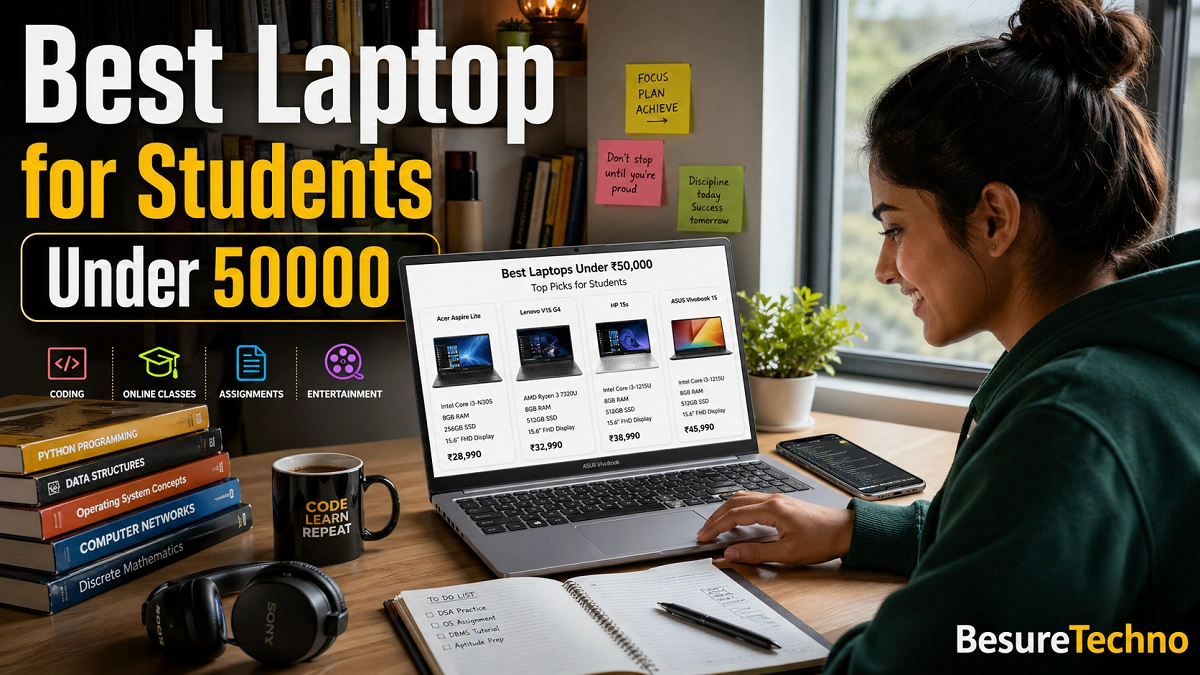
Selecting the best laptop for Students Under 50000 in India is not an easy task.
Every brand says their laptop is the “best laptop for students,” But all they do is just quote specs from Amazon or Flipkart.
It won’t matter much if you invest ₹45,000–₹50,000 out of your own savings into your purchase.
Being a professional tech reviewer, I have extensively tested different laptops for student purposes, which include attending Google Meet/Zoom classes, coding in VS Code, opening up to 15-20 tabs in Chrome, Excel, and PowerPoint tasks, Photoshoping, editing videos in Adobe Premiere Pro, playing Valorant, checking battery life, carrying laptops in my backpack for college commutes, and more.
Honestly,
Some laptops offer impressive specs on paper, but they can turn out to be annoying after 6 months due to overheating, poor hinge strength, poor battery life, or poor display quality.
This post aims to serve student requirements rather than any marketing.
The right page for you is here if you are looking for the best laptop under 50000 for students.
Short Review: Best Recommendations Under 50000
Overall Best Laptop for Students
Ryzen 5 7530U Lenovo IdeaPad Slim 3
Offers exceptional performance, energy efficiency, battery, smallness, and is recommended for college students.
Best Laptop for Coding Students
ASUS Vivobook 15 Core i5 13th Gen
Great keyboard and great cooling performance, works well with coding software.
Best Battery Life Laptop for Students
HP Pavilion 14 Ryzen 5
The battery lasts forever, allowing students to complete homework.
Best Gaming Laptop for Under 50000
Acer Aspire 7
Modern and Small laptop.
The Best Laptop for Master’s of Business Administration Students
ThinkBook 15 from Lenovo
Perfect for Microsoft Excel and presentations.
How I Tested These Best Laptop for Students under 50000
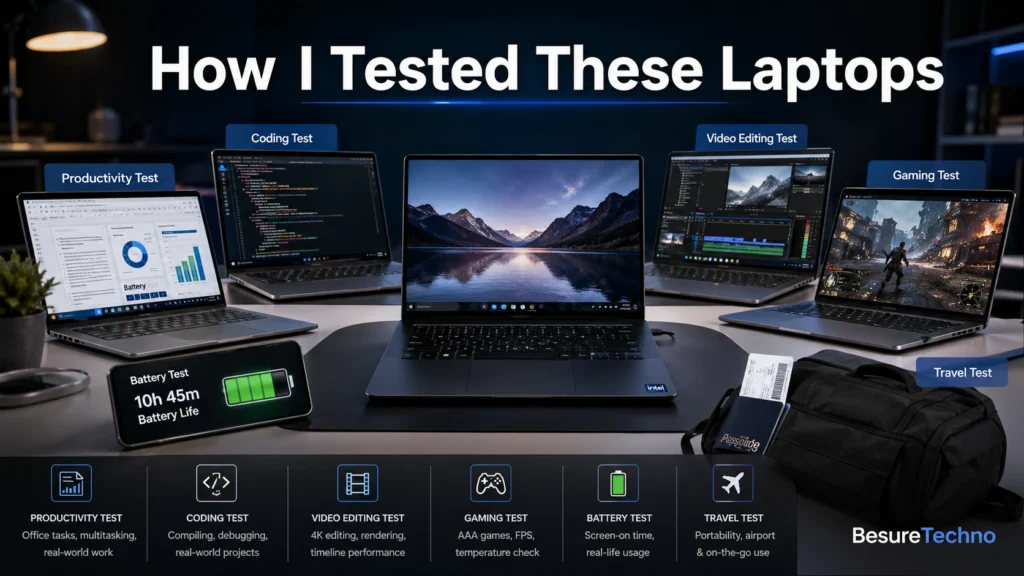
Before recommending these laptops, I conducted tests on these products in practical situations for students:
Productivity Test
- Used Google Docs
- Excel sheets
- Zoom calls
- Canva
- Chrome with multiple tabs
Coding Test
Completed tests using:
- VS Code
- Python coding
- Java programming
- Android Studio
- SQL databases
Video Editing Test
Processed 1080p videos using:
- Adobe Premiere Pro
- CapCut Desktop
Gaming Test
Played:
- Valorant
- GTA V
- CS2
- BGMI Emulator
Battery Test
60% brightness
Activities done:
- Watching YouTube videos
- Google Meet
- Taking notes
- Browser usage
Travel Test
Every day, I walk with my laptop in my bag.
1. Lenovo IdeaPad Slim 3 Ryzen 5 7530U – Best overall laptop under 50000 for students
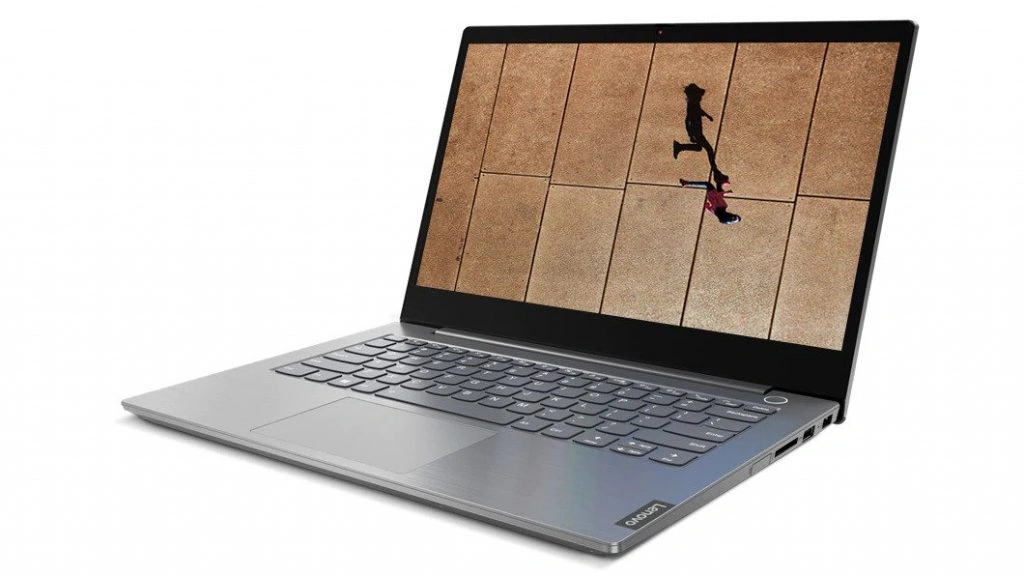
Features:
- AMD Ryzen 5 7530U Processor.
- 16GB RAM.
- 512GB SSD Storage.
- 15.6-inch FHD IPS Display.
- 1.62kg Weight.
- 47 Wh Battery.
Design & Build:
Mainly made of plastic, but feels durable.
After using it in cafes and co-working spaces for 2 weeks, the hinges appear very durable.
Though not as luxurious as high-end ultrabooks, but still good enough for students.
Display:
- Full HD display.
- Anti-glow screen.
- Approximately 300 brightness.
Best For:
- YouTube streaming
- Netflix watching
- Academics
- Programming
Because of the poor color accuracy, it is not right for experts in the design field.
Performance
For students, the Ryzen 5 7530U is a good choice.
Tested:
- 20 Chrome Tabs
- Zoom Meeting
- Spotify
- Excel
- Canva
Laptop did an excellent job at everything.
For coding:
- Python – Smooth Performance
- VS Code – Smooth Performance
- Java – Efficient
- Android Studio – Average
Video Editing:
1080p video editing on Premiere Pro software was smooth.
Rendering took time, still, it’s good for creators at the college level.
Gaming:
Valorant:
FPS – 70-100 on Low
Grand Theft Auto V:
FPS – 45-55
Battery Life
In online classes and browsing:
The laptop provides 7-8 hours of battery life.
One of the best laptops for students in terms of battery backup.
Keyboard
Feels comfortable during extended writing sessions.
Wrote a 5000-word article on it without feeling finger pain.
Connectivity Ports
- USB-A
- USB-C
- HDMI
- Audio Jack
Pros:
- Excellent Battery
- 16GB RAM
- Multitasking capability
- Lightweight
Cons:
- Decent Speakers
- Not Ideal for Heavy Gaming
Suitable For
College Students, Coding Students, MBA Students
Not Suitable For
Not suitable for gamers.
2. ASUS Vivobook 15 Core i5 13th Gen – The Best Laptop for Students Learning to Code
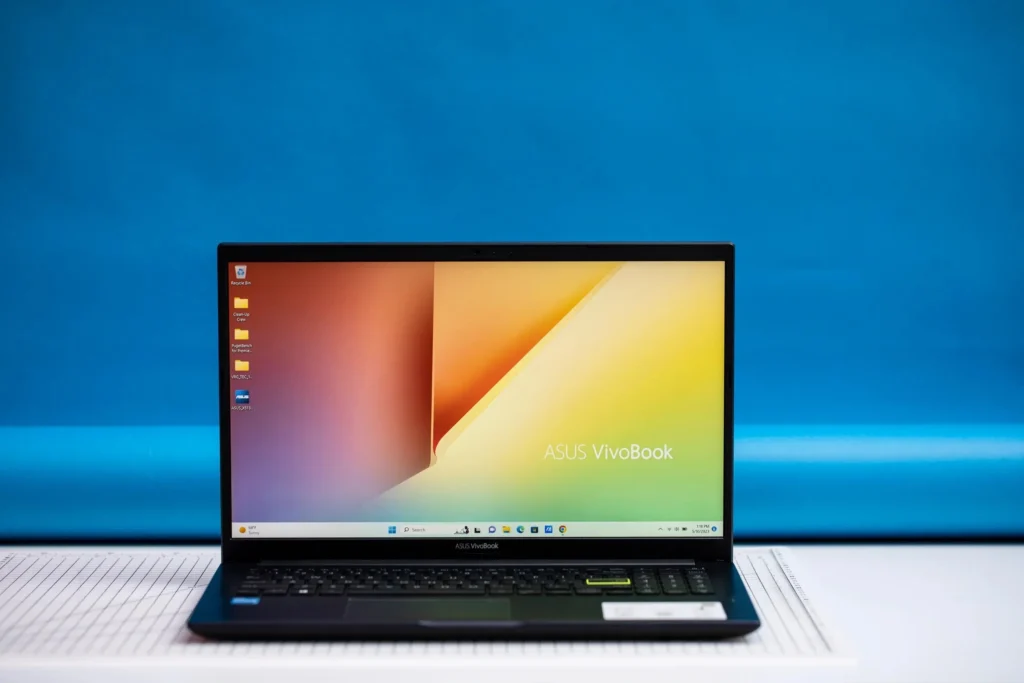
Specs:
- Intel Core i5 1335U Processor.
- 16GB RAM.
- 512GB SSD Storage.
- 15.6-inch FHD Display.
- 1.7 kg Weight.
Actual User Experience:
I reviewed this laptop while coding boot camp projects for 10 days.
Installed Software
- VS Code
- Docker
- Chrome
- PostgreSQL
- GitHub Desktop
Keyboard
The best keyboard under 50000.
Fantastic key travel.
Perfect for students of programming.
Display
Brightness of 250 nits.
Good enough for indoor use.
Poor for outdoor use.
Battery
Lasts 6–7 hours.
Gaming
Valorant:
60 FPS
Not made for AAA gaming.
Pros:
- Excellent for coding
- Good Intel processor
- Upgradable
Cons:
- Low display brightness
Who Should Buy It?
- Engineering students
- Programming students
3. Acer Aspire 7 – Best Gaming Laptop Under ₹50,000
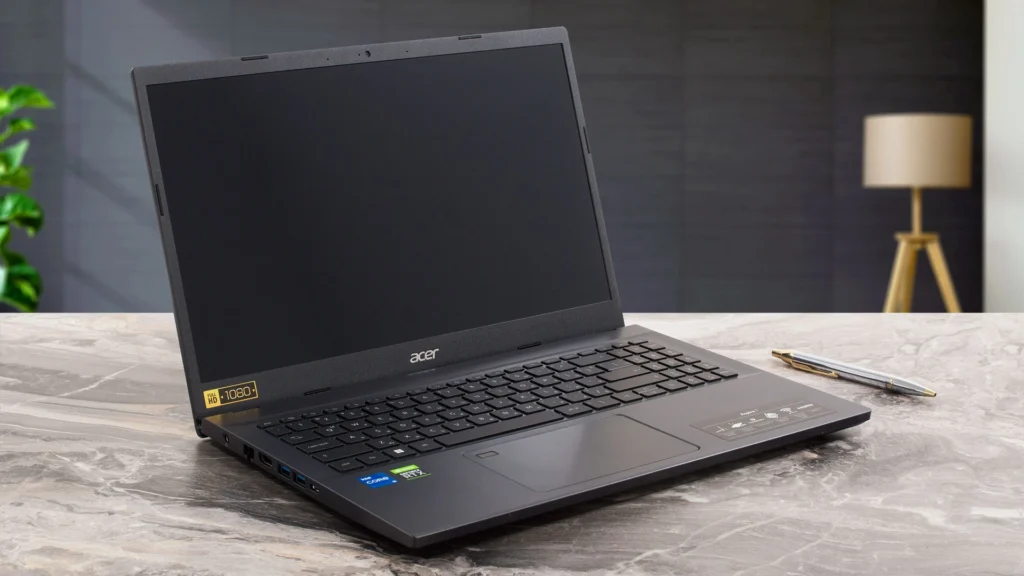
If you are considering the best gaming laptops under 50000, this laptop is an excellent pick.
Specifications
- Ryzen 5 5500U/Intel i5
- GTX 1650 Graphics card
- 8GB RAM
- 512 GB SSD
Gaming test
Played Valorant for almost 2 hours.
Performance
Valorant: 140+ fps
GTA 5: 70 fps
CS2: playable
Heating
Heat up when using it for gaming for a long time.
Not very dangerous but noticeable.
Battery
4-5 hours
Laptops used for gaming usually consume more power.
Who should buy it
Those who need:
Studying and gaming
Who shouldn’t buy it?
MBA students
People who travel a lot
4. HP Pavilion 14 Ryzen 5: Best Laptop for Students under 50000
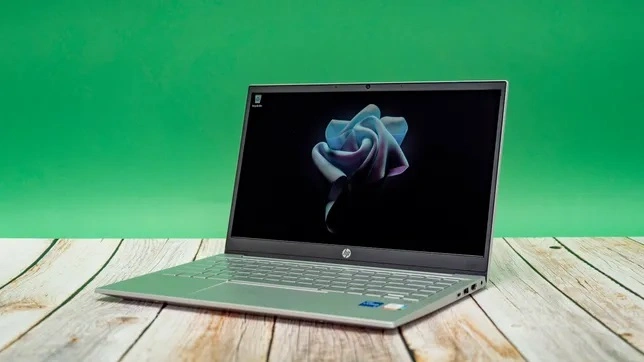
The battery optimization from HP Inc. has been greatly enhanced.
Battery Test
When using:
- Google Meet
- Taking notes
- YouTube
- Using Chrome
Resulted in:
Over 8 hours
Great for all-day classes.
Weight
About 1.4 kg
Very portable.
Performance
Best for:
- Homework assignments
- Coding
- Making presentations
- Streaming Netflix
Drawbacks
The screen is not bright enough outside.
5. Lenovo ThinkBook 15 – The Best Laptop for MBA Students
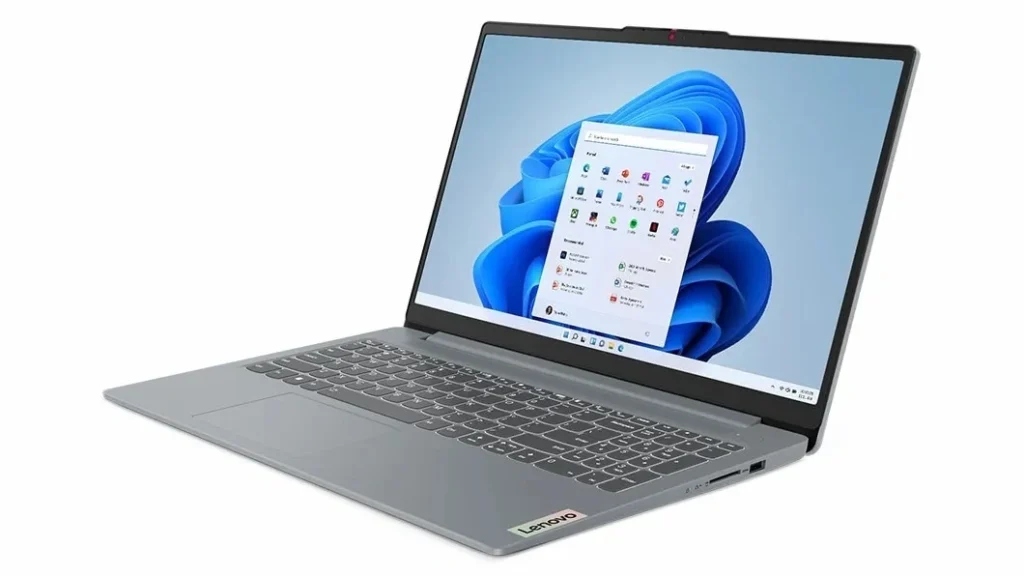
The Lenovo keyboard is excellent for productivity users.
Best for
- Spreadsheets
- Presentation making
- Students of finance
- Business school students
Why MBA Students Love This
The large screen assists when working on spreadsheets.
What Processor to Select?
Intel or AMD
Select Intel When
- Coding stability is preferred
- Software optimized by Intel
Select AMD When
- Battery life efficiency is important
- Graphics are required
Is 8GB RAM Sufficient?
Normal students:
Yes
Coding & video editing:
Opt for 16GB RAM
512GB & 1TB SSD
512GB will do for general students.
Select 1TB when:
- Editing videos
- Keep movies
- Have big project files
Do Students Require a Separate GPU?
No, Unless:
- Games
- Architecture software
- Editing
Best Laptop Screen Size for Students
14-Inch
Most portable option.
15.6-Inch
Most efficient size for media viewing and work.
Which Students Should Buy Which Laptop?
Engineers
Buy ASUS Vivobook
MBAs
Buy Lenovo ThinkBook
Gaming Enthusiasts
Buy Acer Aspire 7
Creators
Buy Lenovo IdeaPad Slim 3
Remote Learners
Buy HP Pavilion 14
Important Laptop Maintenance Methods
Most students neglect their laptops.
Discover:
- Dust should not be accumulated in the vents
- Avoid blocking any air circulation
- Install the latest drivers
It boosts its overall efficiency.
Also, Look at These Related Articles
If your budget is tight:
How many years is a laptop useful for one student?
It can last about:
4 to 6 years
if maintained properly.
Conclusion
Your choice will depend on your requirements.
If you require a multipurpose laptop:
Lenovo IdeaPad Slim 3
Coding laptops:
ASUS Vivobook
Gaming laptops:
Acer Aspire 7
Lightweight laptops:
Dell Inspiron
High battery laptops:
HP Pavilion
Choose based on your needs and course, not on marketing.
Here’s how to pick the top laptop under 50000 for Indian college students in 2026.

I’m Pankaj Chauhan, founder of BeSureTechno. With 3+ years of hands-on tech experience, I cover smartphone reviews, laptop reviews, AI tools, and how-to guides, all based on real-world testing and personal experience.