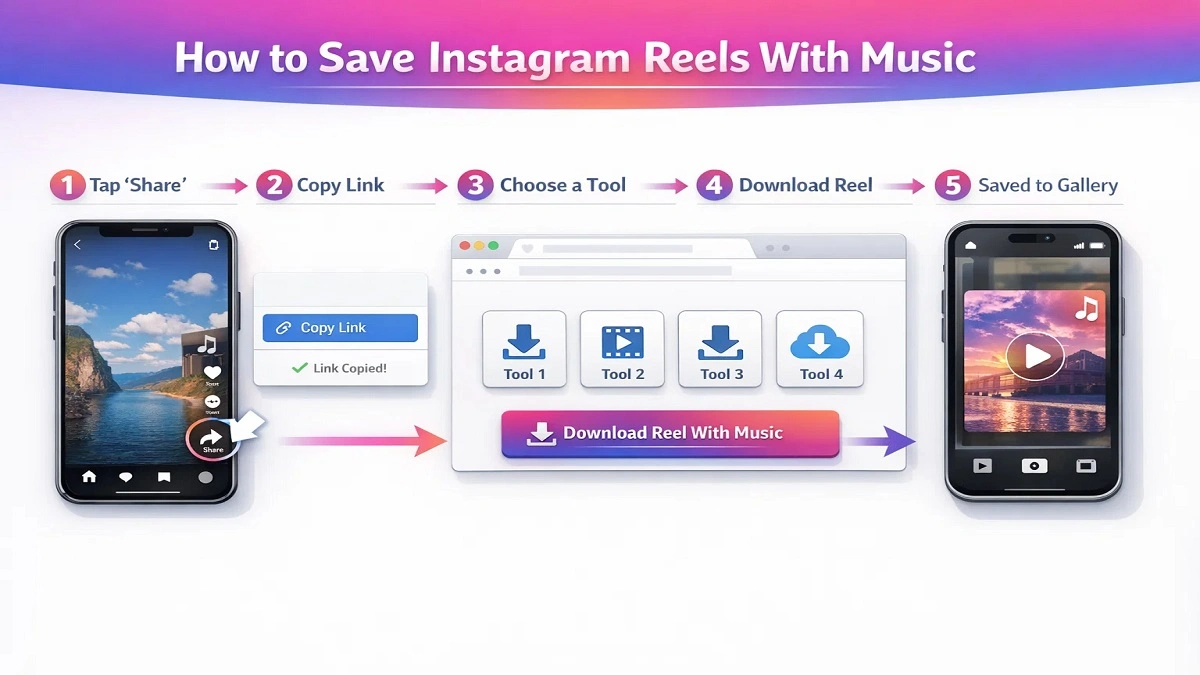
Introduction: Still Confused About Saving Reels With Music on Instagram
So if you have tried how to save Instagram Reels with music before, you already understand the frustration.
Instagram allows saving reels on the application, but:
- You can’t find them in your gallery.
- Music removal occurs frequently.
- Downloads could be marked with watermarks.
- Not applicable to iPhone or iOS.
By 2026, what creators want, marketers want, and casual users want is one thing: to save Instagram Reels with music safely and effortlessly in the gallery.
This tutorial will guide all of these working methods:
- Official Instagram way
- Apps (Android & iOS).
- Online sites (no apps necessary).
- Download reels with no watermark.
- Save only audio for reels.
No matter if you’re a beginner or a content creator, this post has you covered.
How to Save Instagram Reels With Music (Official Way):
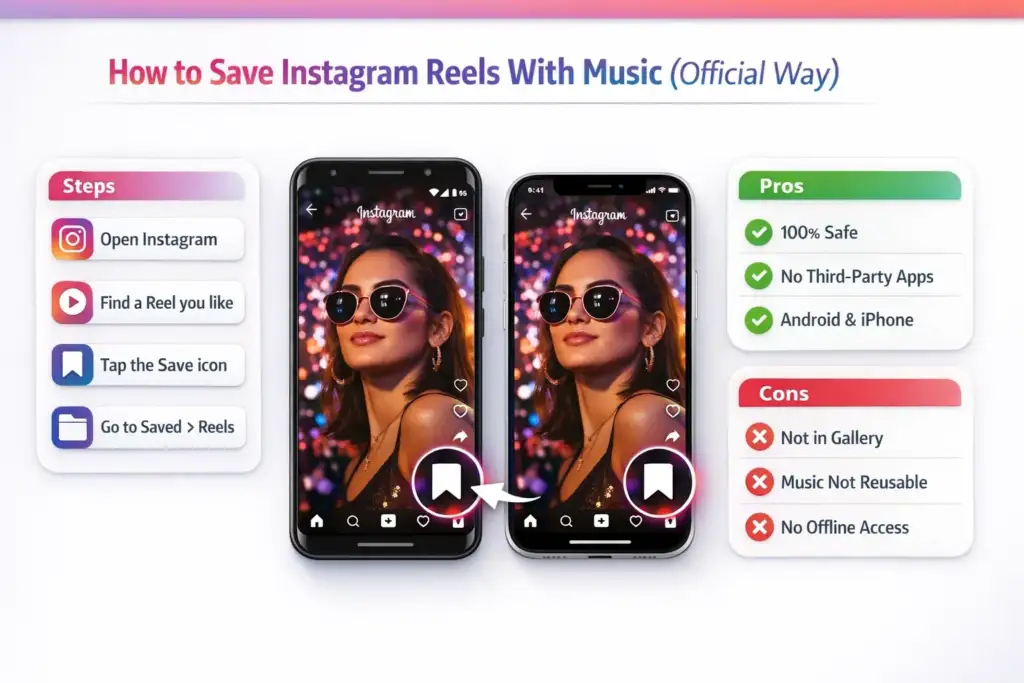
That’s Instagram’s built-in method, best for users who want to revisit the reels later.
Steps for Android & iPhone
1. Open Instagram.
2. Find a Reel that interests you.
3. Tap the bookmark icon (Save).
4. Reel is saved under Saved > Reels.
Pros:
- 100% safe.
- No third-party apps.
- Suitable for all devices.
Cons:
- Not saved to the gallery.
- Music can’t be reused except on Instagram.
- No offline access.
Common Errors:
- Confusing ‘Save’ and ‘Download’.
- Expecting the reel in phone storage.
Safety Tips:
- Use this method only when viewing in-app.
- Respect creator copyrights.
Save Instagram Reels With Music Using Apps (Android & iOS)
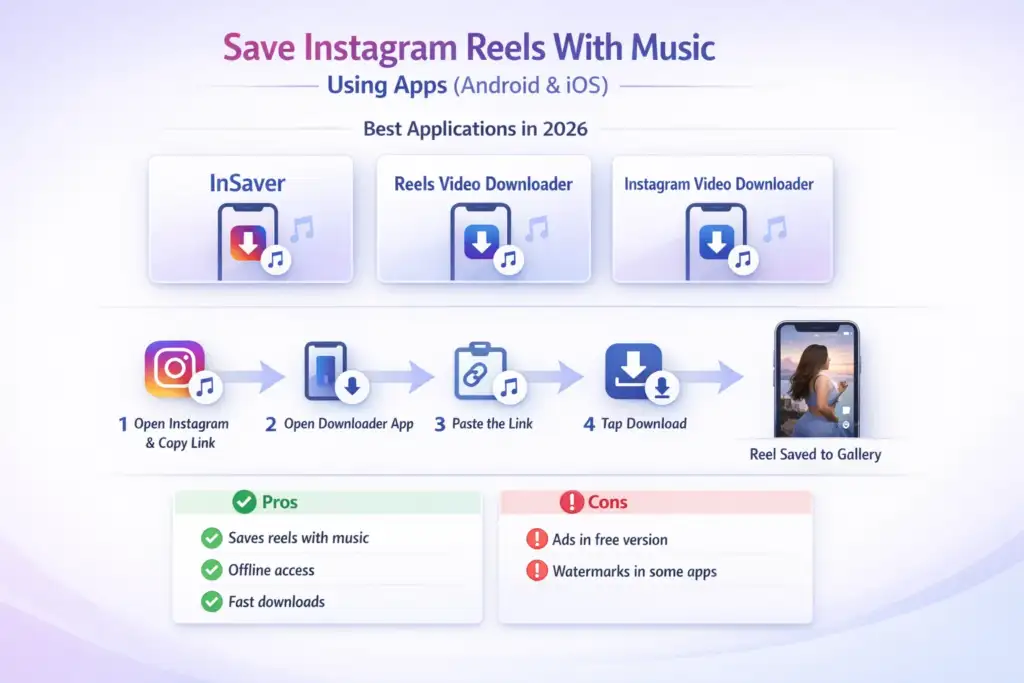
Apps are very reliable for saving reels in the gallery with music intact.
Best Applications in 2026:
- InSaver.
- Reels Video Downloader.
- Instagram Video Downloader.
Method Steps:
1. Open the Instagram app → Copy the Reel link
2. Open the downloader app
3. Paste the link
4. Tap Download
5. Reel is saving to the gallery with audio
Pros:
- Saves reels with music.
- Offline access.
- Fast downloads.
Cons:
- Advertisements in the free version.
- Some add a watermark.
Common Errors:
- App not detecting link.
- Download stuck at 0%.
Personal Safety Tips:
- Refrain from apps requiring a login.
- Download from the Play Store/App Store only.
If you’re serious about expanding the growth of your content, also consider: How to viral reels on Instagram.
Downloading Instagram Reels With Music from Online Websites (Without Apps)
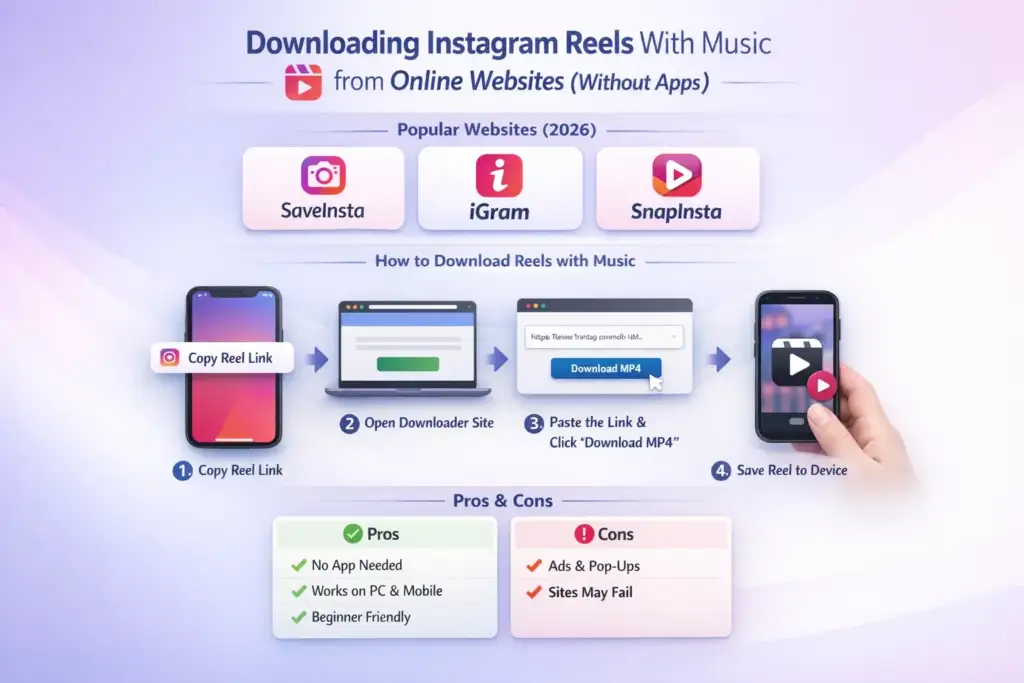
If you do not want the apps, then this solution would be perfect.
Popular Websites (2026):
- SaveInsta
- iGram
- SnapInsta.
Steps (Android, iPhone, PC):
1. Share the reel link from Instagram.
2. Open the downloader website with the browser.
3. Paste the link
4. Click Download MP4
5. Save to device
Pros:
- No app needed
- Support for PC and mobile platforms
- Easy for beginners
Cons:
- Ads & popups
- Certain sites will fail.
Common Errors:
- Page not loading
- Download Button Redirecting
Safety Tips:
- Ad-blocker
- Never allow notifications.
Save Instagram Reels With Music Without a Watermark:
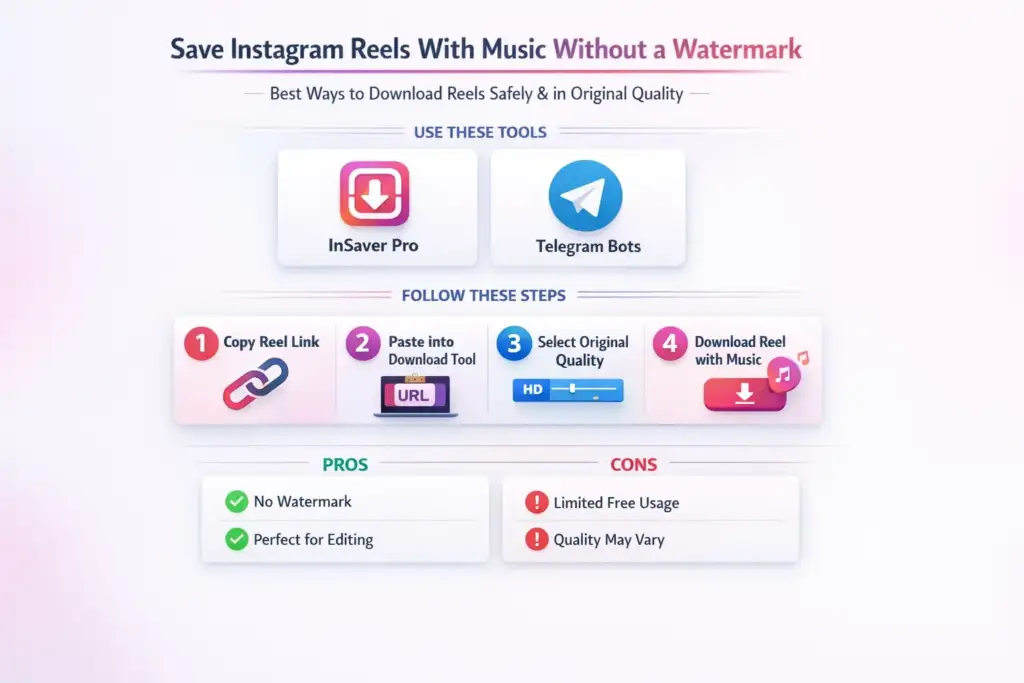
“Watermarks” ruin any edits or re-posts. This is how you avoid them.
Best Ways
Use the following:
- Use SnapInsta HD
- Use InSaver Pro
- Download using Telegram bots.
Steps
1. Copy the link of the reel
2. Paste the watermark-free tool there.
3. Choose Original Quality.
4. Download
Pros:
Clean video
Best for editing.
Cons:
Limited free usage
Quality varies
Common Errors
- Selecting the Incorrect Format.
- Using a low-quality server.
Safety Tips:
- Avoid fake “HD Unlock” websites
- Always preview the video.
Instagram Reels Audio Download Only:
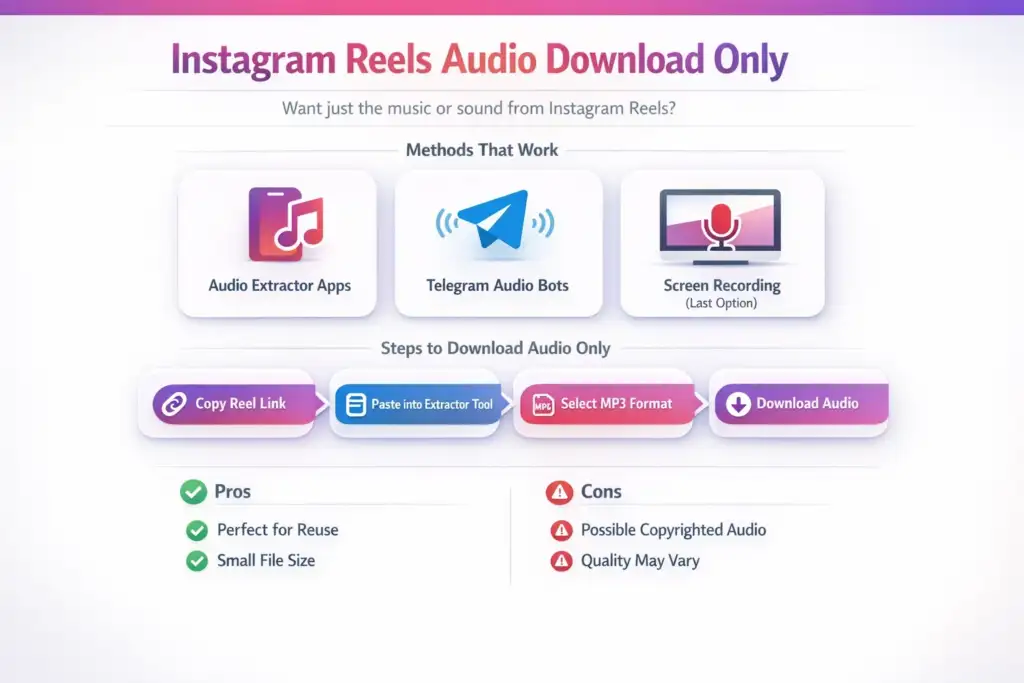
Want just the music or sound?
Methods That Work
- Audio Extractor Apps using Reels
- Audio Bots in Telegram
- Record screen – last option
Steps Audio Only
1. Copy the link reel
2. Paste into the audio extractor
3. Choose MP3 format
4. Download audio
Pros:
- Just perfect for reuse
- Small file-size
Cons:
- Some audio copyrighted
- The quality depends upon the source itself
Common Errors
- Downloading video instead of audio
Safety Tips
- Personal projects only use audio.
Best Apps & Websites Comparison Table:
| Tool Name | Platform | Watermark | Audio | Best For |
|---|---|---|---|---|
| InSaver | Android/iOS | ❌ | ✅ | Beginners |
| SnapInsta | Web | ❌ | ✅ | No watermark |
| SaveInsta | Web | ❌ | ✅ | PC users |
| Telegram Bot | All | ❌ | ✅ | Bulk downloads |
Is it Legal to Download Instagram Reels?
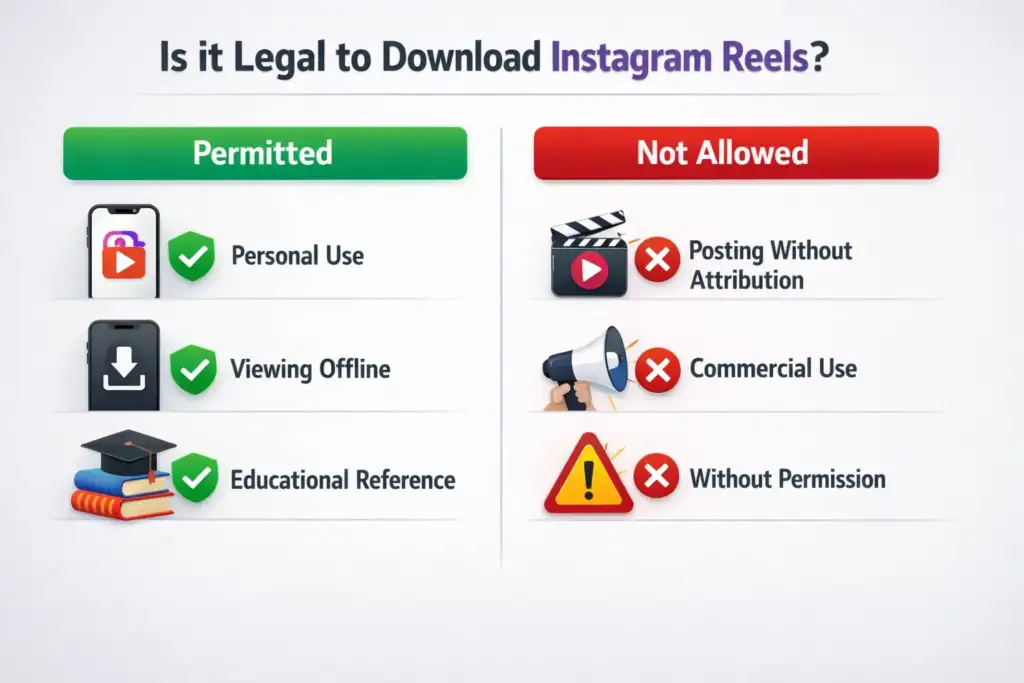
Short answer: It depends.
Permitted
- Personal use
- Viewing offline
- Educational reference.
Not Allowed
- Posting without attribution
- Commercial use without permission
To better handle engagement, also read: How to See Liked Posts on Instagram.
Common Problems & Solutions:
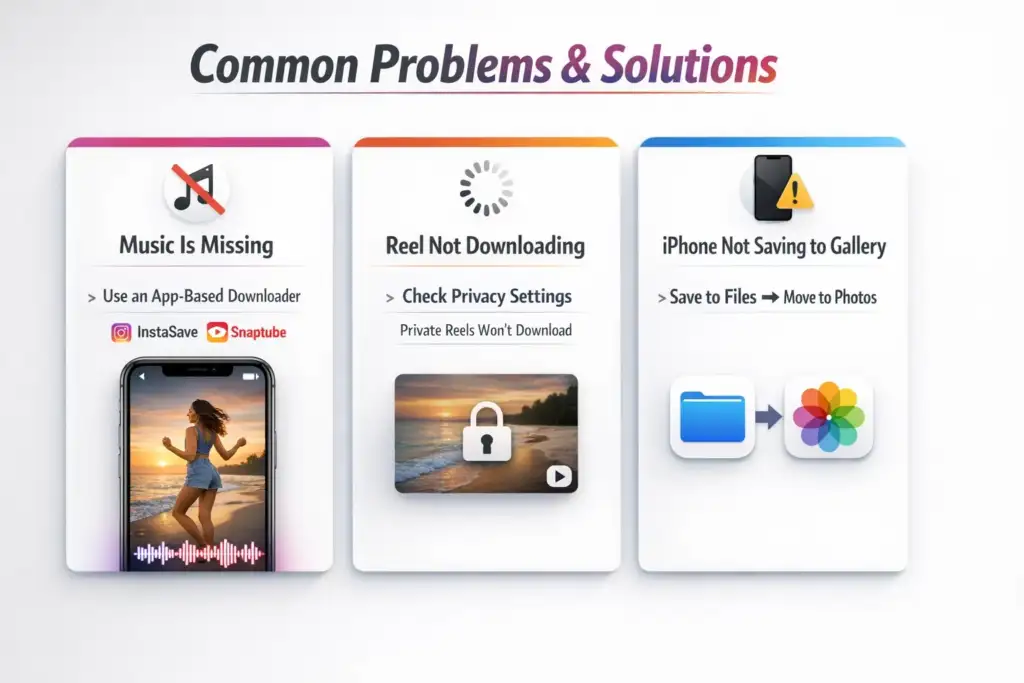
Problem: Music is missing
Solution: Use an Application-based Downloader.
Problem: Reel not downloading
Solution: Privacy check (private reels not working).
Problem: iPhone not saving to the gallery
Solution: Save to Files → Move to Photos.
Final Conclusion:
Saving Instagram Reels with music in 2026 has been made easier than before, provided you use the correct method.
- Use the official save for easy access
- Use apps for gallery downloads
- Use online resources for watermark-free videos
- Remove audio when unnecessary
If you’re creating content actively, learning about reels should be your key takeaway. Also, check out “How to Add Collaborators on Instagram” for faster reach.
FAQs:
Ans: Instagram does not allow music downloads because of copyright policies. Therefore, downloaded reels tend to lose music unless saved through screen recording.
Ans: Screen recording still is the safest and easiest solution.
Ans: Yes, if the audio is original and the user has consented to download, you can save it with third-party software or a screen recorder.

BeSureTechno brings you the latest in technology, gadgets, gaming, and how-to guides. Stay ahead with easy tips, reviews, and updates. Explore tech with us.