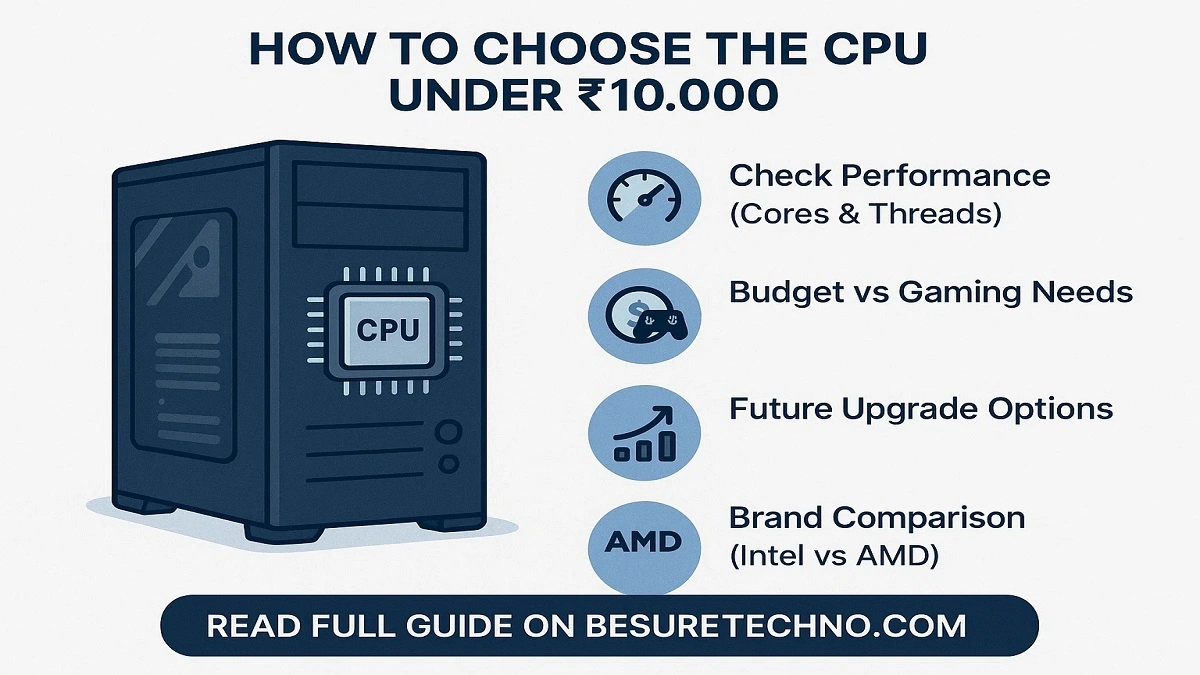
Since you have so many options in the 2025 range, how to choose CPU under 10000 budget can be hard. The CPU is important whether you’re purchasing a PC for work, creating content, or playing games. Making bad choices may harm performance.
Beginners can follow this article to choose the best CPU under ₹10,000 for multiple tasks, gaming, and daily use.
Step 1: Decide on the CPU
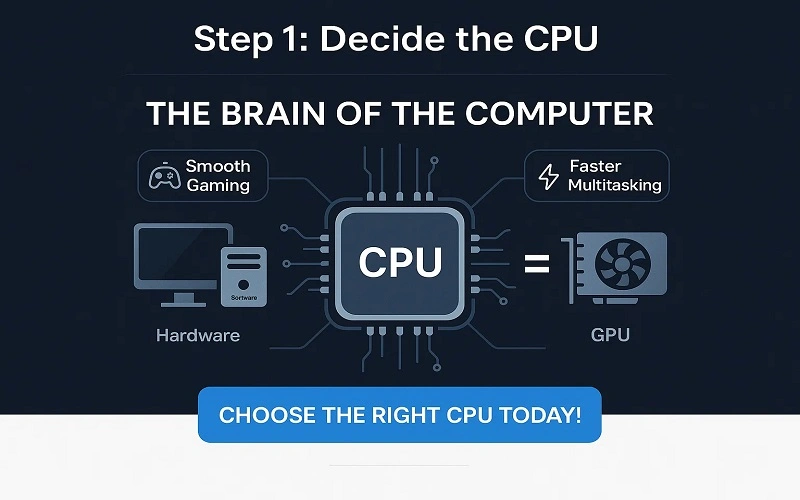
- The central processing unit (CPU) represents the processing unit in the computer.
- It manages our functions, connects hardware and software, and follows instructions.
- Gaming will function more easily, multitasking will become quicker, and overall performance could be improved with a faster CPU.
The CPU is as important as the GPU if you like to play games at an affordable price.
Step 2: Decide on Your goals (Gaming, Commercial, or Other Use):
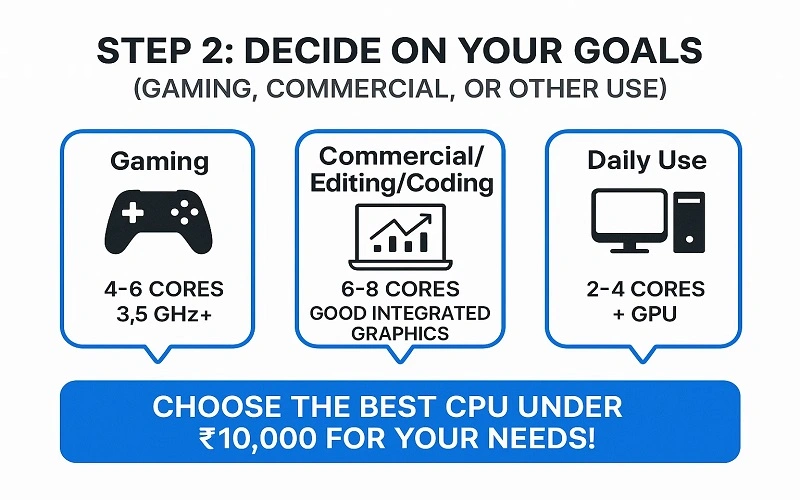
Before buying the best CPU under ₹10,000, decide what you want.
Computer Games:
- Look for more cores and faster clock speeds.
- Such as four to six cores with a base clock speed of at least 3.5 GHz.
Quality (Editing, Coding, Office Work):
- Performance over many processors is more important.
- 6–8 cores with decent integrated graphics.
Daily Use:
It needs to have processors with two or four cores and a separate GPU.
Step 3: Explore the CPU specifications
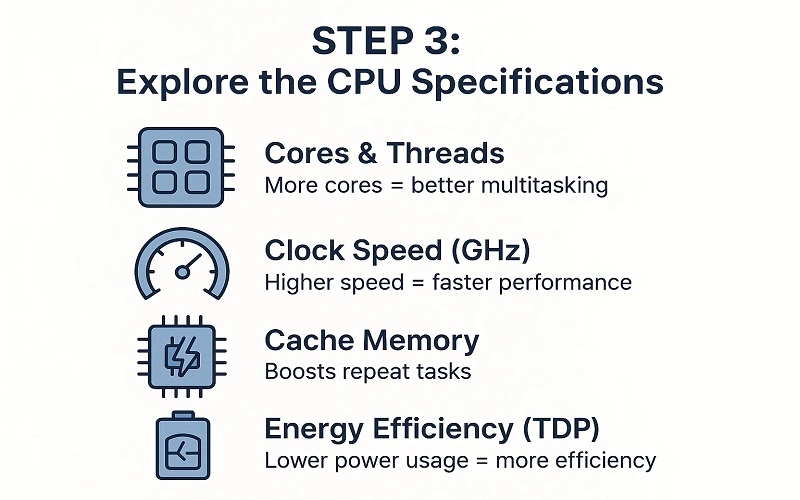
- Cores and Threads: Multitasking improves with multiple processors.
- Higher clock speeds (GHz) generate better efficiency.
- Cache Memory: It accelerates repeat jobs.
- Energy efficiency is measured by power consumption (TDP) separated by TDP.
Step 4: Comparing AMD and Intel (Affordable Options)
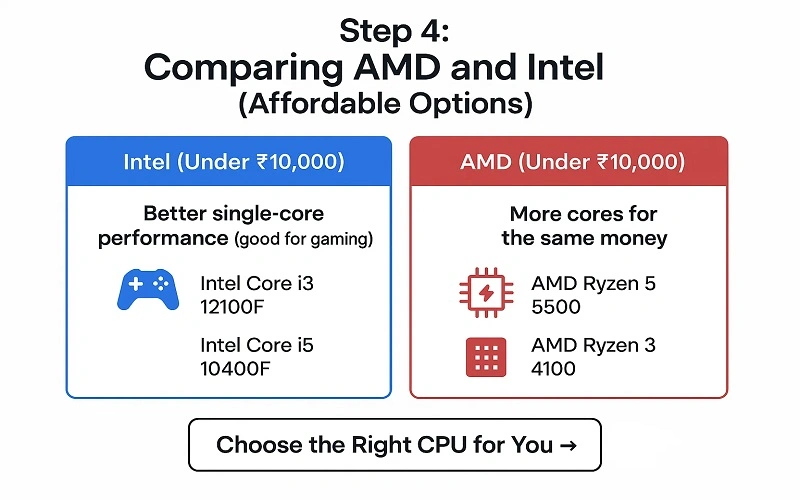
Intel (Under ₹10,000)
- improved productivity on a single core (good for gaming).
- CPU models include the Intel Core i3-12100F and i5-10400F.
AMD (Under ₹10,000)
- More cores for the same money.
- AMD Ryzen 5 5500 and Ryzen 3 4100 are two examples of CPUs.
Pro Tip: If you are on a limited budget and don’t plan to purchase a GPU immediately, AMD APUs (with Vega graphics) are the best choice.
Step 5: CPU to GPU Match
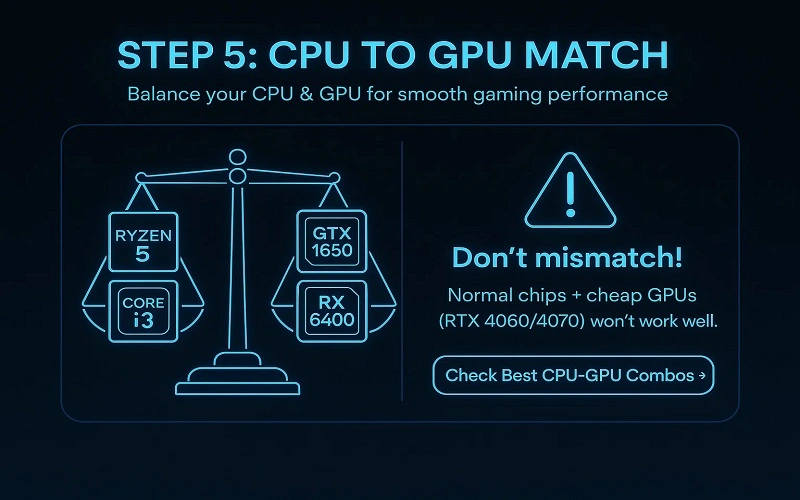
You must balance your CPU and GPU if you play games.
- You can easily do gaming by using graphics cards like Ryzen 5 or Intel L3 with GTX 1650 or RX 6400.
- You can’t replace a normal chip with a cheap GPU (Ruts 4060/4070).
Step 6: Apply Future Changes to Factors
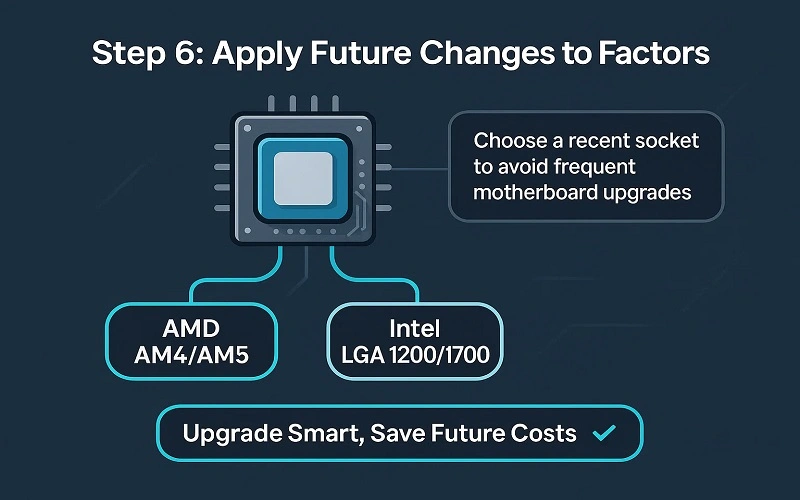
- Select a processor that uses a recent socket, such as AMD AM4/AM5 or Intel LGA 1200/1700.
- The result reduces the need to change motherboards to upgrade later.
Step 7: Consider Benchmarks & Reviews
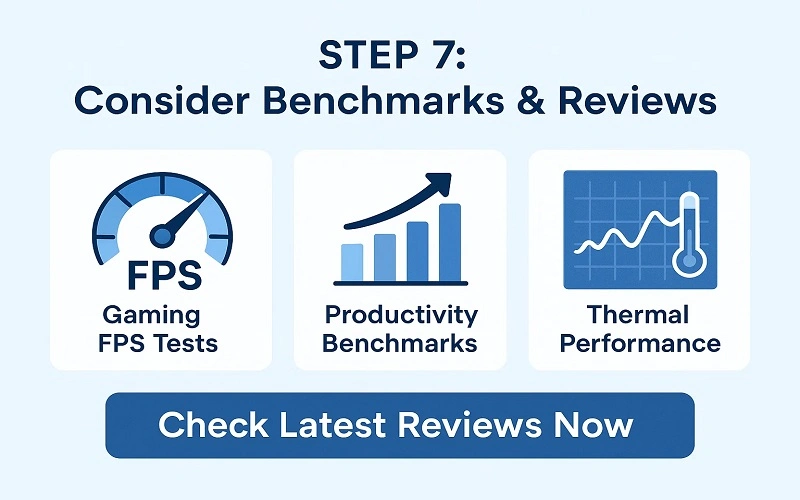
Always compare real-world benchmarks before purchasing:
- Gaming FPS tests
- Productivity benchmarks
- Thermal performance
UserBenchmark, PassMark, and YouTube reviews are examples of websites that can assist in making the decision.
Best CPU Under ₹10,000 in 2025 (Quick Picks)
The following are some top picks:
- AMD Ryzen 5 5500: A good multitasking processor for work and gaming.
- The Intel Core i3 12100F is an outstanding value for affordable gaming.
- AMD Ryzen 3 4100: An affordable choice for entry-level processors.
- The Intel i5 10400F is a multipurpose, smooth 6-core processor.
Final Thoughts:
Price, performance, and future requirements must really be taken seriously when finding a processor. The main choices for gaming are the Intel i3 12100F or the Ryzen 5 5500. Choose AMD options to increase productivity because they offer multi-core value.

I’m Pankaj Chauhan, founder of BeSureTechno. With 3+ years of hands-on tech experience, I cover smartphone reviews, laptop reviews, AI tools, and how-to guides, all based on real-world testing and personal experience.