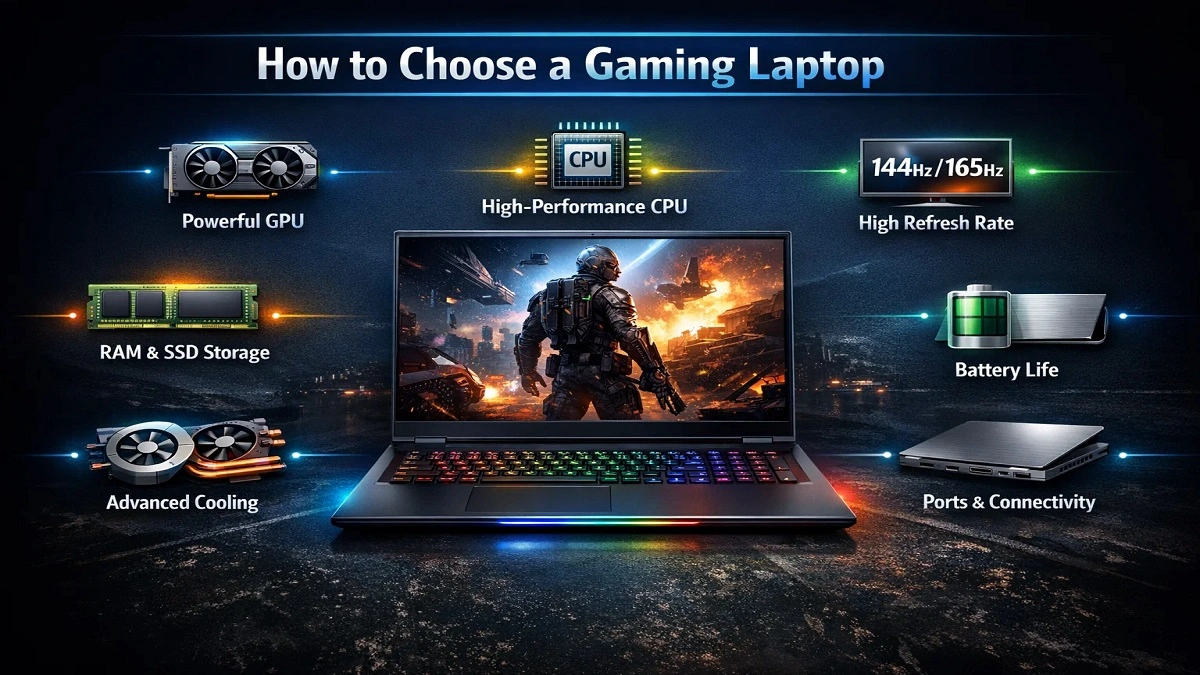
If you are wondering about how to choose gaming laptop that provides good performance for gaming, streaming, or creating content, then this guide has been created for you. Whether you’re playing casual or competitive games, or perhaps playing AAA titles, this gaming laptop buyer’s guide will ensure you get an informed purchasing decision without overspending.
Compared to the past, when the RGB lighting and laptop design were the most important factors, selecting a gaming laptop has become more difficult today. This is especially experienced by beginners who buy the wrong laptop when it comes to their desired specifications.
What Is a Gaming Laptop?
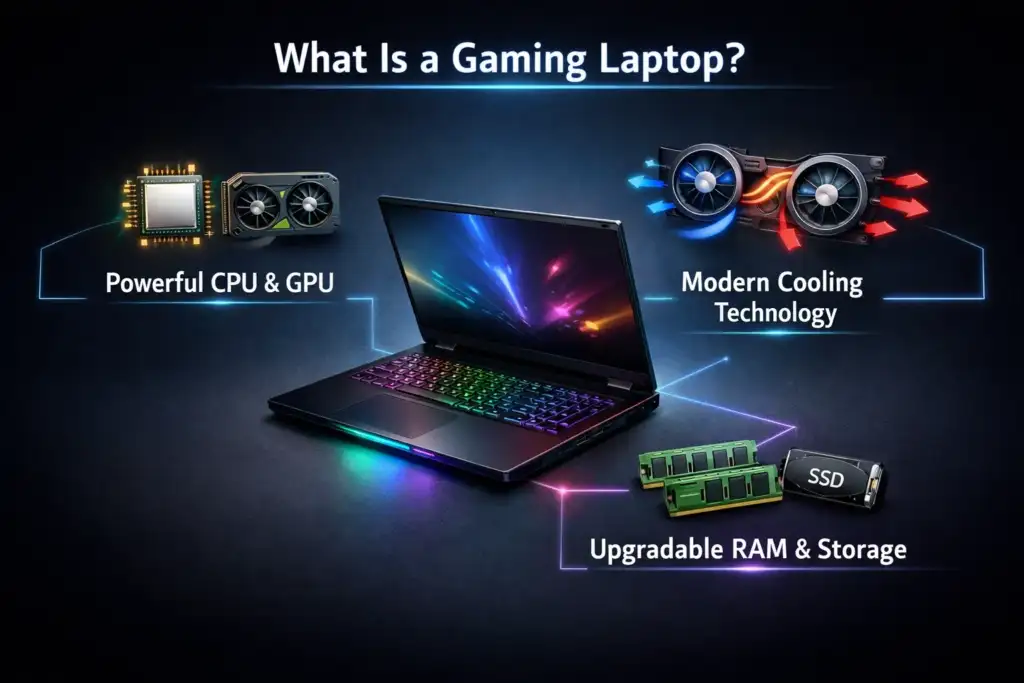
A gaming laptop is a strong laptop that can handle graphics-related activities like 3D operations, video editing, live streaming, and playing current games. In comparison with standard laptops, gaming laptops focus on the following:
- Powerful CPU and GPU combinations
- Modern cooling technologies
- Upgradable Memory (RAM) & Storage
A gaming laptop is a portable gaming PC, but there are also certain limitations, such as battery power and cooling, that you should know before purchasing.
Main Things to Consider Before Buying a Gaming Laptop
This section answers the most commonly asked beginner’s question: “How to choose a good gaming laptop?” by analyzing it from the perspective of real-world users and not from the marketing point of view of the manufacturer.
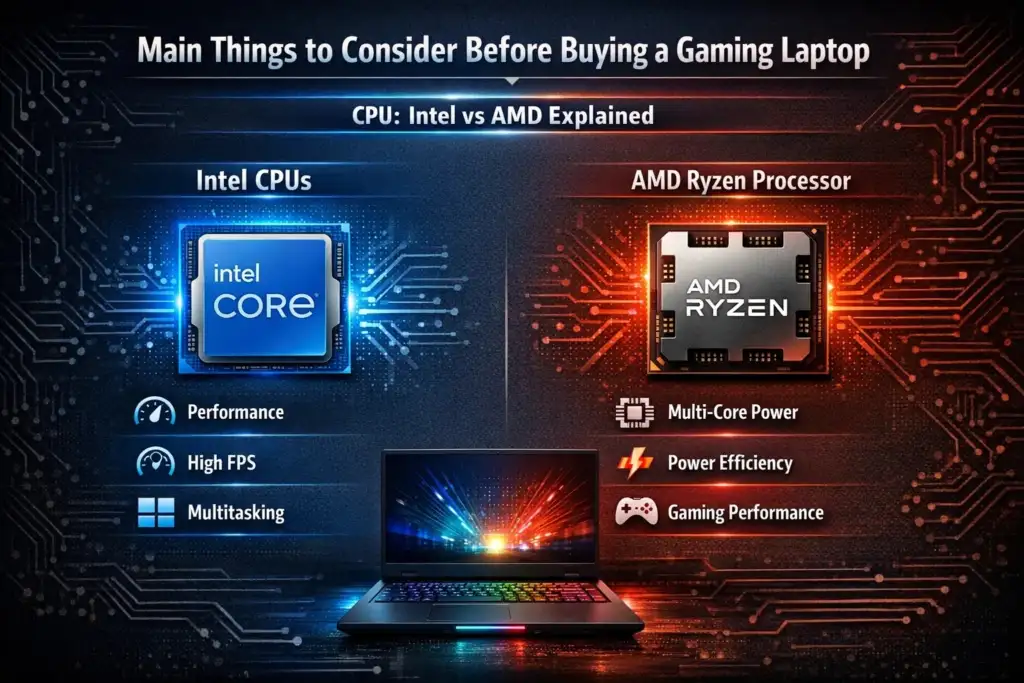
CPU: Intel vs AMD Explained
The processor controls the game logic, background tasks, and how responsive the general system is. Many beginners have asked how to choose a processor for a gaming laptop, and basically, the answer depends on your usage.
Intel CPUs:
- Intel Core i5 / i7 – a great option for gamers
- Powerful single-core execution (perfect for e-sports titles)
- Compatibility with older games and software
AMD Ryzen Processor:
- Ryzen 5/Ryzen 7 has improved multitasking capabilities
- Even more power efficient
- Perfect for gaming/streaming and/or content creation.
Suggested processor levels for 2026
- Budget: Intel i5 or Ryzen 5
- Mid-Range: i7 & Ryzen 7
- High end: Intel(R) i9 or Ryzen(R) 9 CPUs.
If you are seeking some advice on how to choose your gaming laptop CPU and GPU, then the following should be remembered:
CPU doesn’t matter too much, but GPU does in gaming.
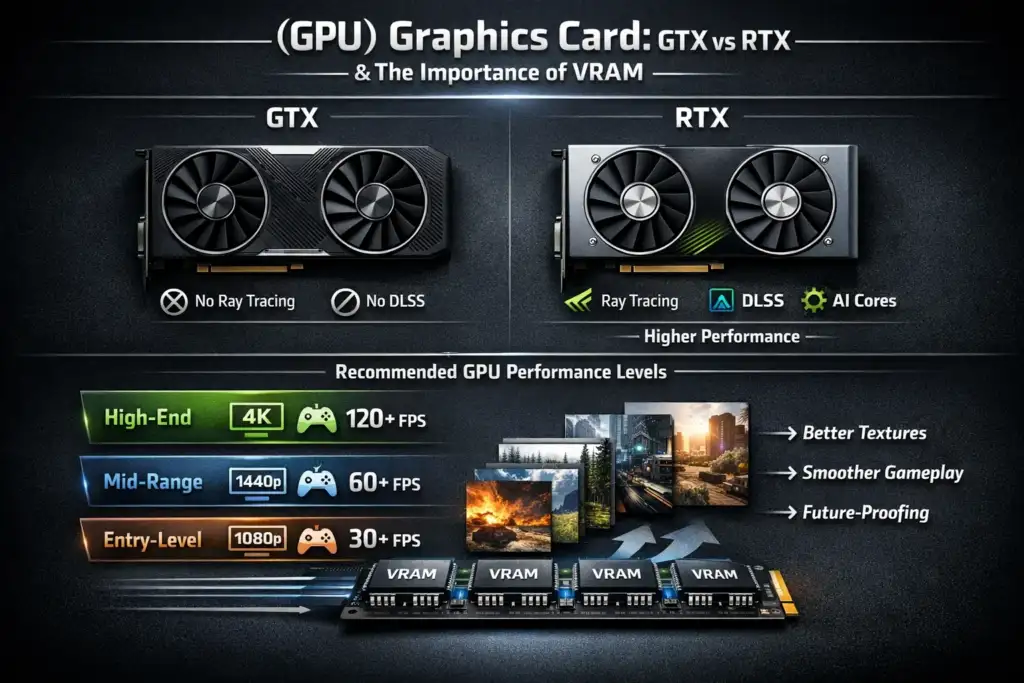
(GPU) Graphics Card: GTX vs RTX & The Importance of VRAM.
The GPU is the core part of a gaming laptop computer. Incorrect GPU usage leads to poor gaming, even if the CPU is optimal.
GTX vs RTX:
- GTX-series: Older models. No ray tracing. Limited future software support.
- RTX series: ray tracing, DLSS, improved long-term value
Recommended levels of GPU performance
- Entry-level: versions may feature RTX 2050, GTX Ti cards
- Mid Range: RTX 3050 / RTX 4050 (assuming on the 1080p)
- High-end range: RTX 4060 / 4070 (for high refresh rates, QHD
- Extreme: GeForce RTX 4080/4090 (Desktop performance).
VRAM matters
- 4GB VRAM: Minimum requirements for gaming laptops (not recommended).
- 6GB VRAM: Acceptable in 2026.
- 8GB+ VRAM: Gaming Laptop Requirements.
Get the high-end GPU you can afford and worry less about your CPU.
RAM Comparison: 8GB vs 16GB vs 32GB:
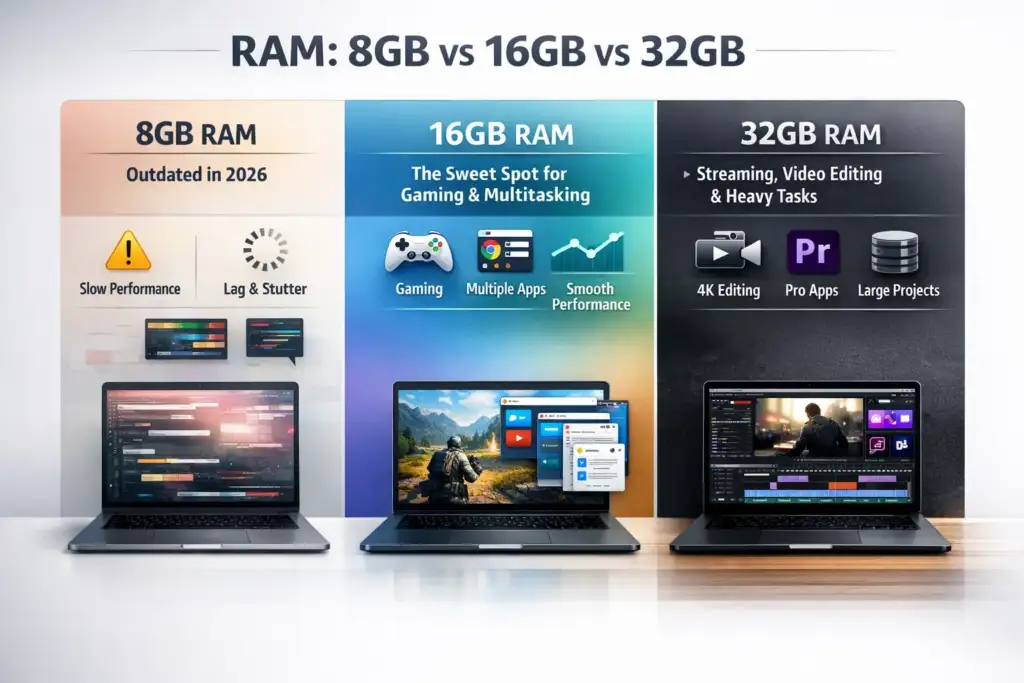
However, many users still want to know how much memory it needs for gaming laptops.
- 8GB RAM: Outdated in 2026
- 16 GB RAM: The Sweet Spot Between Gaming and Multitasking
- 32GB RAM: Streaming, Video Editing, Heavy Tasks
Always choose a laptop that has upgradeable RAM slots. Dual-Channel RAM helps increase the FPS value in several games.
Storage: SSD vs HDD & NVMe Significance
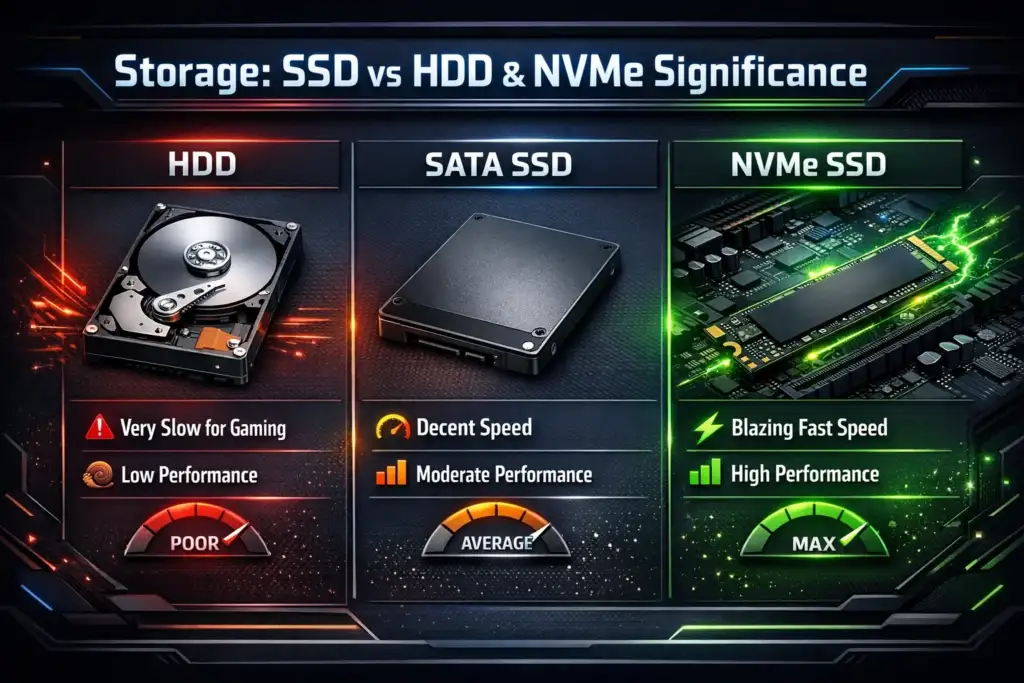
Storage has a direct impact on load time and system speed.
- HDD: Slow; do not use for gaming.
- SATA SSD: Improvement, but Limited Performance
- NVMe SSD: Fastest & Best
Minimum Storage Recommendation
- 512GB NVMe SSD (games are massive nowadays)
- An expansion slot is necessary.
Display: Refresh Rate, Resolution, and Types of Panels:
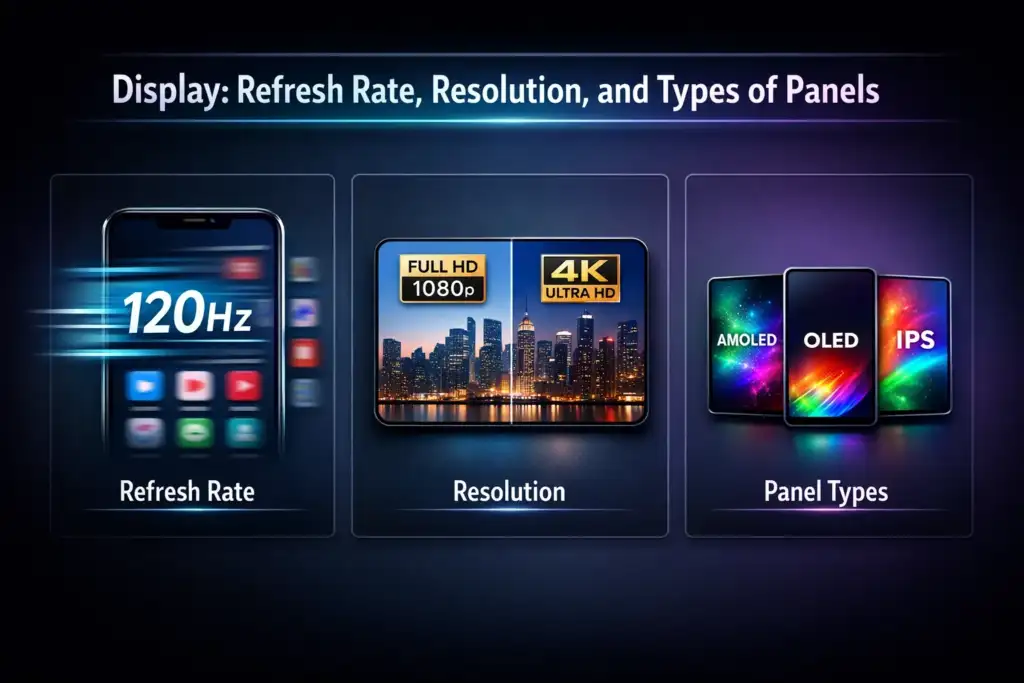
A strong GPU has no use without a quality monitor.
Refresh Rate
- 60Hz: Not recommended
- 120Hz/144Hz: Best for most Gamers
- 165HZ+: Competitive esports players
Resolution
- Full HD (1080p): The best balance
- QHD (1440p): Premium experience
- 4K: For high-end GPUs only
Panel Types
- IPS: Best Colors and Viewing Angles.
- OLED: Stunning visuals, expensive
- Do not use TN panels if possible
Thermal System & Cooling:
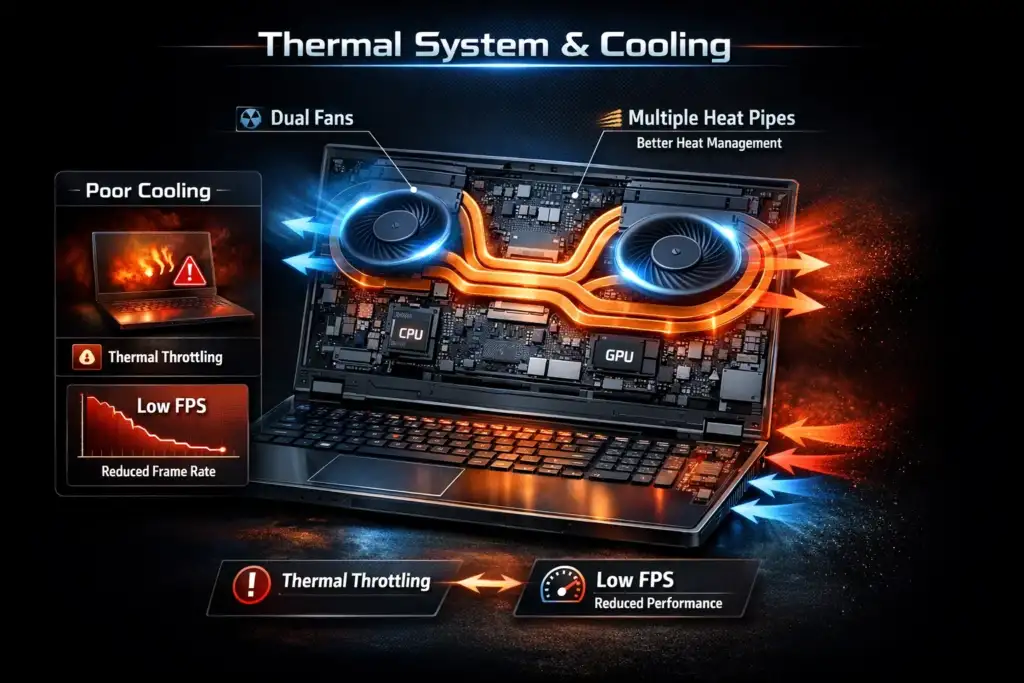
One of the most ignored and important things is cooling.
- Dual-fan cooling is a requirement
- More heat pipes mean better heat management
- Poor cooling = thermal throttling = Game FPS reduces
Better thermal designs can be found in brands like ASUS ROG, Lenovo Legion, and MSI.
A cooling pad may be useful for long gameplay. It may be combined with gaming accessories such as Gaming Gadgets under 500 or Gaming Headphones under 500.
Battery Life: The Reality for Gaming Laptops
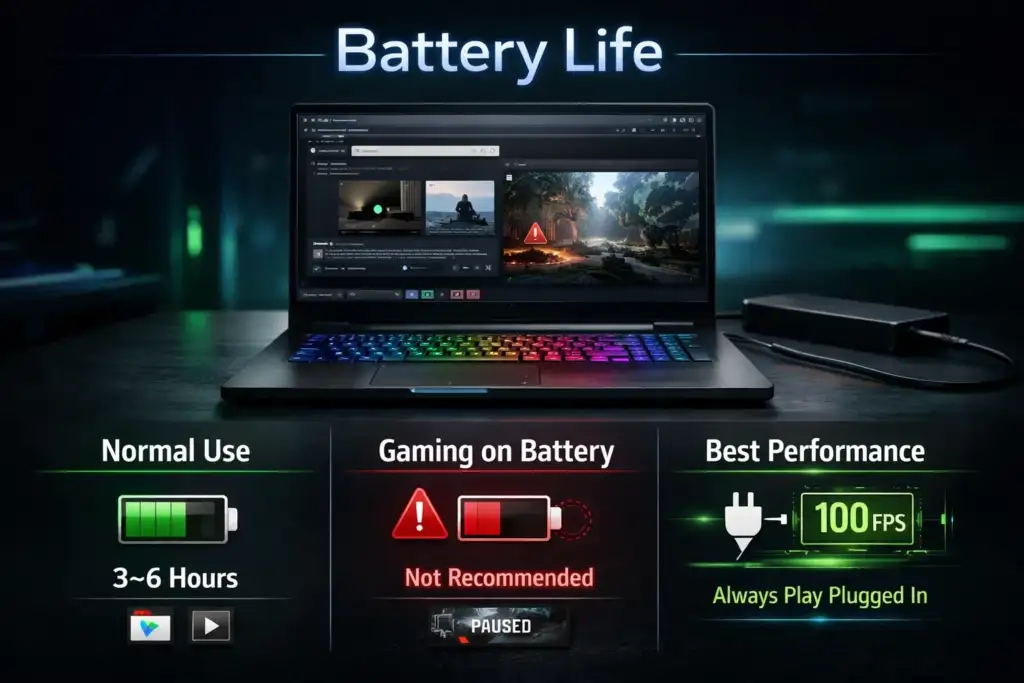
Think practically.
- Normal Use: 3 to 6 hours
- Gaming with a battery: Not recommended
- Always game while plugged in.
Gaming laptops are power laptops, not ultrabooks.
Building Quality & Keyboard:
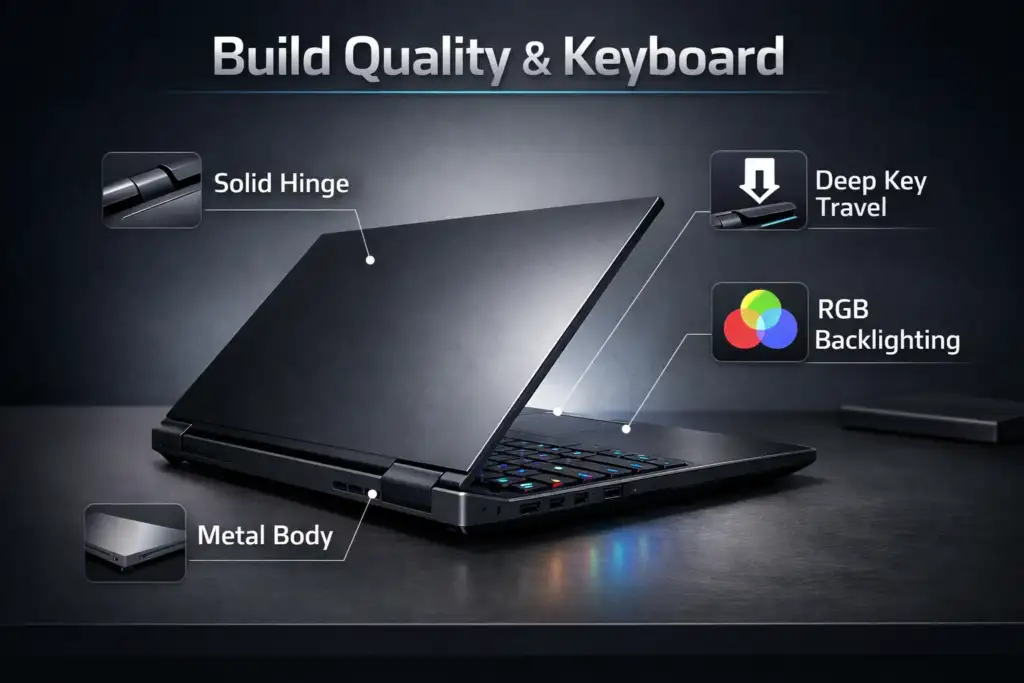
You’ll be using it for extended hours; quality is important.
- Solid Hinge and Metal Body preferred
- Good key travel for gaming.
- The keyboard has an RGB mode that is not compulsory but optional.
If you use external peripherals, then go for the Gaming Headphones Under 1000 or the Mechanical Keyboard.
Gaming Laptop Budget Guide (India + Global)
₹50,000 – ₹70,000
Casual gaming, Esports
Entry-level RTX or GTX Graphics Cards
Check Best Gaming Laptops Under 50000
₹70,000 – ₹1,00,000
- Smooth AAA gaming at 1080p
- Nvidia RTX 3050 / 4050
- Best budget gaming laptop category.
₹1,00,000+
- Gaming with high refresh rates
- Streaming & future-proof setup
- “Global competitor for the best gaming laptop in the world“
This is also reflected globally in searches such as best gaming laptops under $1000.
Gaming Laptop for Different Purposes
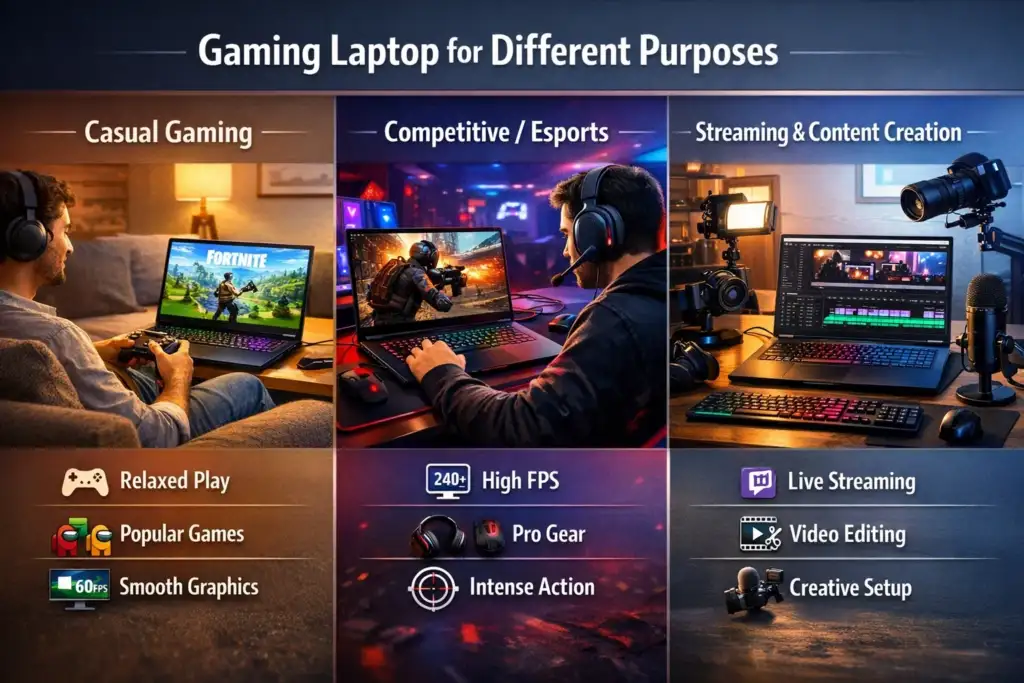
Casual Gaming
- RTX 2050 / GTX 1650
- 16GB RAM
- 144Hz screen
Competitive/Esports
- High refresh rate (165Hz+)
- Powerful CPU + RTX GPU
- External Monitor Recommended
Streaming & Creating Content
- Ryzen 7 / Intel i7 or higher
- RTX 4060+
- 32GB RAM Preferred
Common Errors While Selecting a Gaming Laptop
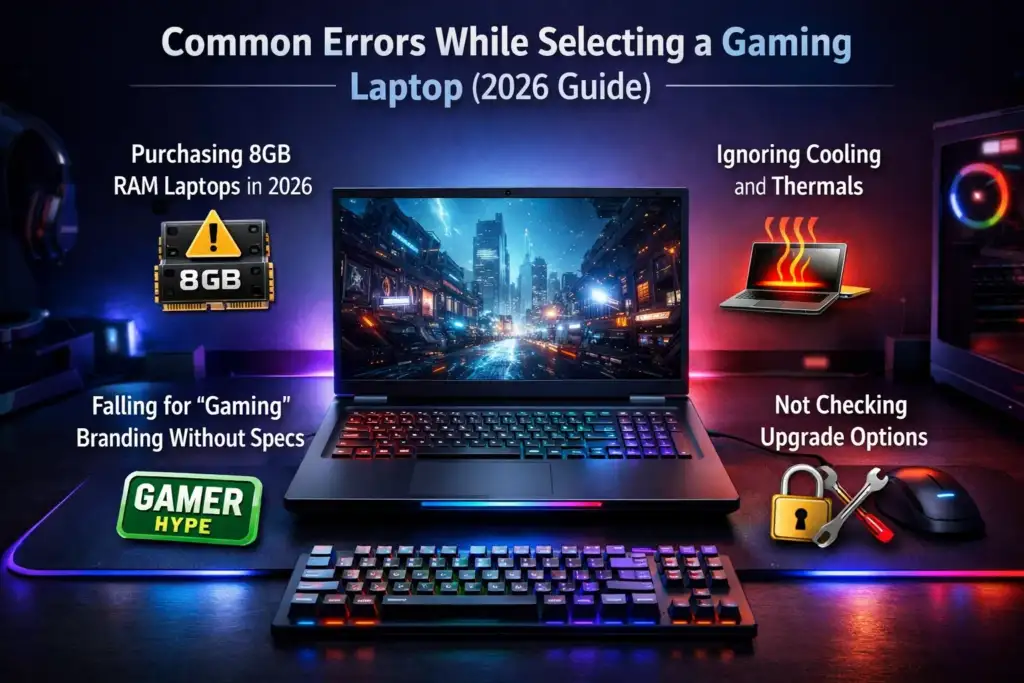
- Considering only the CPU, but ignoring the GPU
- Purchasing 8GB RAM Laptops in 2026
- Passing up the cooling and thermals
- Falling for “gaming” branding without specs
- Not reviewing upgrade alternatives
Topics on platforms such as Reddit discussions on how to choose a gaming laptop, or criteria for a gaming laptop, sometimes include these mistakes.
Conclusion
First, a strong GPU is a must, followed by a strong CPU, 16GB RAM, fast storage, and cooling. You should not spend extra on things that you do not require, but you should not compromise on specifications either.
But if you are a beginner looking for some advice concerning what you require in a gaming laptop, as well as where you can get it, this piece will give you all the information you decision in 2026. Compare thoughtfully, keep an eye on releases from Upcoming Gaming Laptops, and construct your own gaming system based on your gaming personality.

I’m Pankaj Chauhan, founder of BeSureTechno. With 3+ years of hands-on tech experience, I cover smartphone reviews, laptop reviews, AI tools, and how-to guides, all based on real-world testing and personal experience.