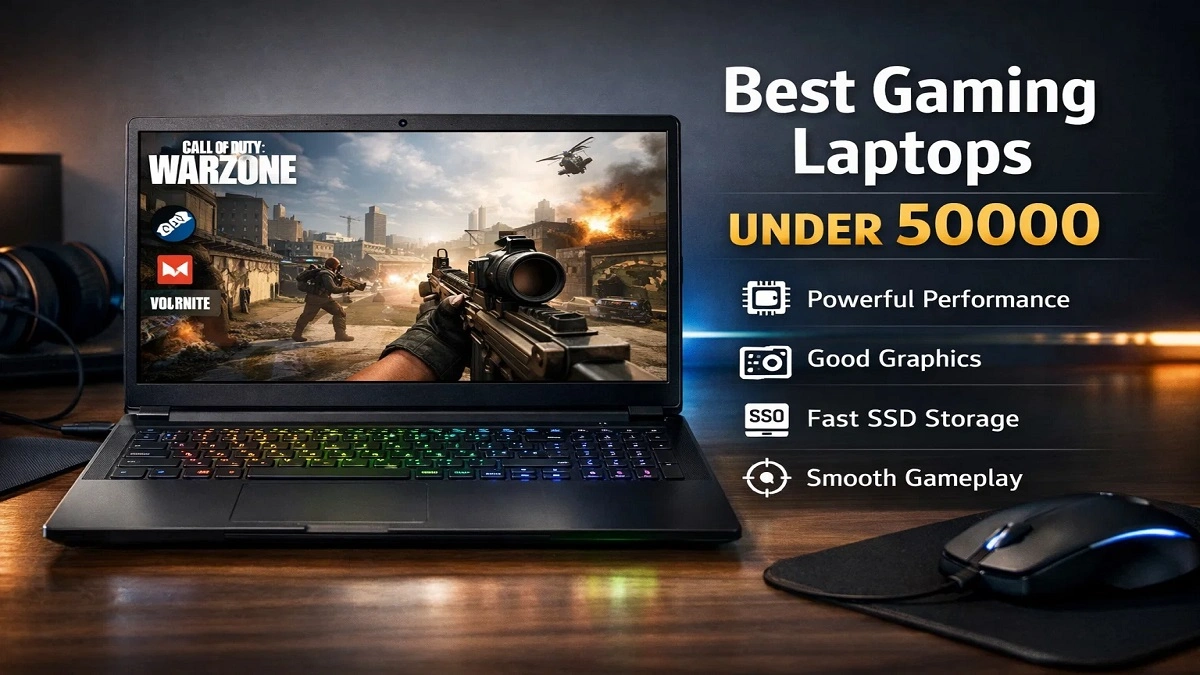
Finding the best gaming laptops under 50000 can be a bit difficult, especially when the budget is limited, and you want a proper gaming experience and not just to run games. Including global differences pertaining to pricing, exchange rates, and changes within hardware, it might become even tougher.
This guide is for gamers on a budget all over the world, students, casual gamers, first-time buyers, and even entry-level esports players who wish to know how to look for the perfect gaming laptop under a 50000/ $600 budget.
Note that: Prices may vary by country, taxes, sales, and more; “50000” is an approximate worldwide budget guide.
Now, let’s have a reality check, compare the best available options, and guide you towards choosing a laptop to blend gaming, study, and working without any regret.
What to Expect from Gaming Laptops Under 50000?
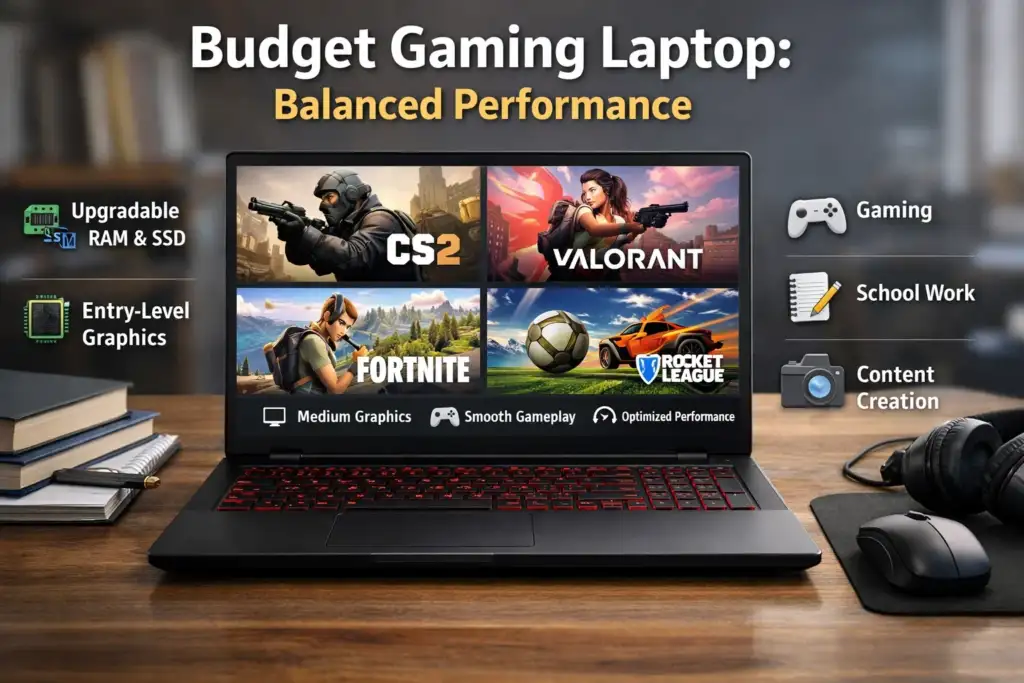
With such a price tag, you’re not investing in a high-end gaming laptop. Rather, you should get:
- Easy Play in Esports title (CS2, Fortnite, Rocket League, Valorant), Simple Game
- Using lower to medium graphic settings to play older or optimised AAA games.
- A laptop that can support gaming, school work, and content creation.
- Integrated/entry-level dedicated graphics
- Upgradable RAM & SSD (very important)
The best budget gaming laptop under 50000 might absolutely prove to be an effective investment once you’ve recognised its limitations.
Quick Comparison Table (Typical Global Configurations)
| Laptop Series (Example) | CPU Class | GPU Type | RAM | Storage | Display | Weight |
|---|---|---|---|---|---|---|
| Acer Aspire Gaming | Intel i5 / Ryzen 5 | GTX 1650 / Vega | 8GB | 512GB SSD | 60Hz FHD | ~2.1kg |
| ASUS VivoBook Gaming | Intel i5 / Ryzen 7 | Integrated / GTX | 8GB | 512GB SSD | 60Hz FHD | ~1.9kg |
| Lenovo IdeaPad Gaming (Entry) | Ryzen 5 | GTX 1650 | 8GB | 512GB SSD | 60–120Hz | ~2.2kg |
| Dell G-series (Older) | Intel i5 | GTX 1650 | 8GB | 256–512GB | 60Hz | ~2.3kg |
| HP Pavilion Gaming (Used/New) | Ryzen 5 | GTX 1650 | 8GB | 512GB SSD | 60Hz | ~2.2kg |
Best Gaming Laptops Under 50000 (Top Choices Across The World)
1. Acer Aspire Gaming Series:
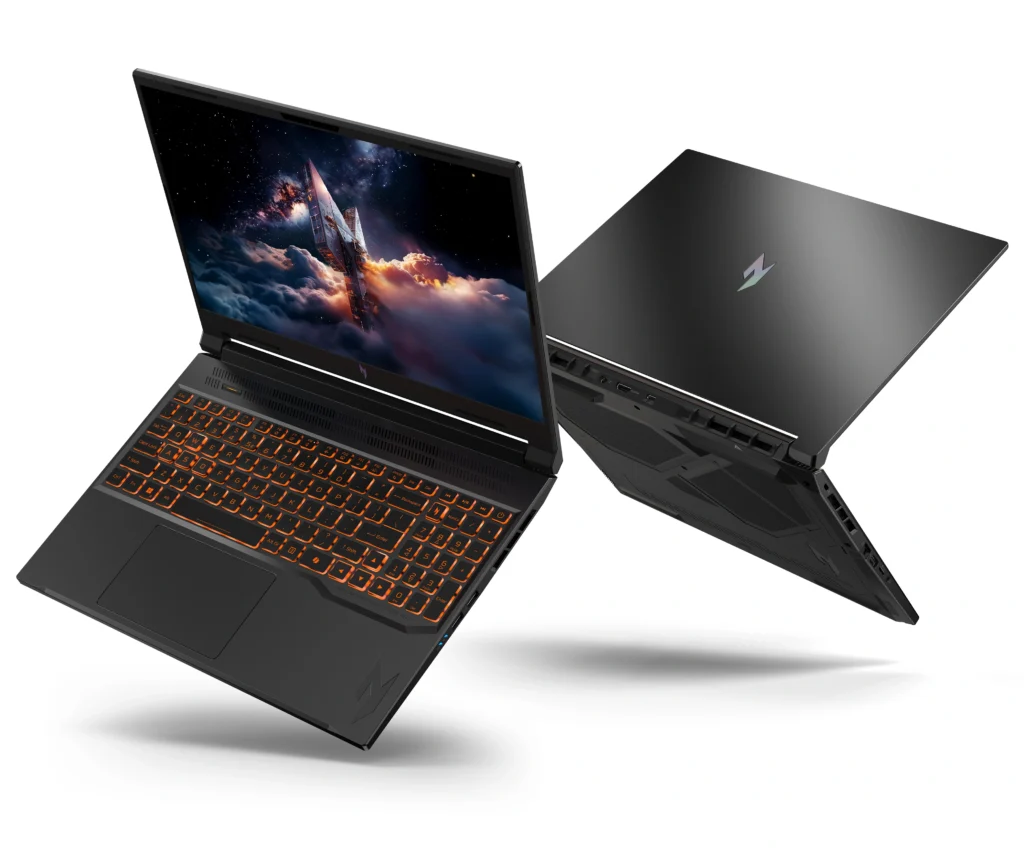
(Considered as one of the best Acer gaming Laptops under 50000)
Overview:
The Acer Aspire gaming laptop is a perfect option for gamers seeking a budget-friendly laptop and those who prioritise performance over design.
CPU+GPU Performance:
- Mid-range Intel Core i5 or AMD Ryzen 5 processors
- Entry-level dedicated or fast graphics/integrated cards
- Handles Multitasking well – Gaming + Study
Games You Can Play:
Esports: High, 60-120 FPS
AAA (older): Medium settings, 30-45 FPS
Pros:
- Effective thermal solutions
- Clean and professional design
- Easy Upgrades
Cons:
- Average speakers
- Basic keyboard backlight
Best For: Students and casual gamers.
2. ASUS VivoBook Gaming / ASUS Entry Gaming
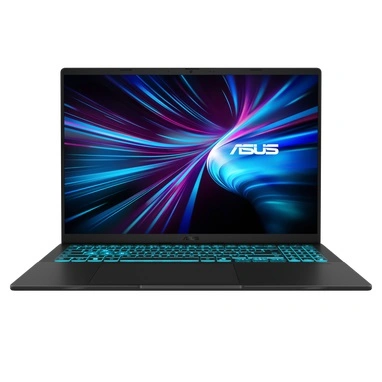
(Trending when people search for “Asus best gaming laptop under 50000.”)
Overview:
ASUS focuses on portability and efficiency, making it perfect for a laptop user who games and travels or attends classes.
Performance of CPU and GPU:
- The option for Intel i5 / Ryzen 7 (yes, sometimes even an i7 laptop under 50000 in sales or refurbished markets).
- Most integrated, some older GTX options.
Games You Can Play:
- Sports/Esports: Medium to High
- AAA: Low to Medium (with tweaks)
Pros:
- Strong
- Long battery life for a gaming-capable laptop
- Good build quality
Cons:
- Not suited for long sessions of gaming.
- There is limited cooling headroom.
Best For: Students, content developers, and regular users who value flexibility above processing speed.
3. Lenovo IdeaPad Gaming (Entry-Level Models)
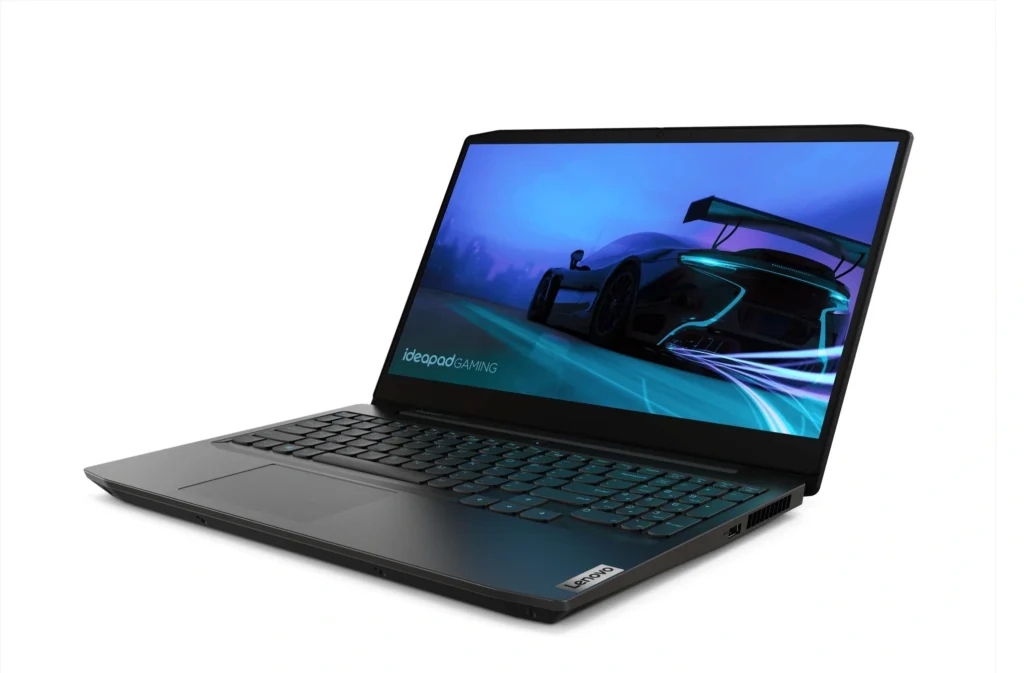
(Usually recognised as the Best Lenovo Gaming Laptop under 50,000)
Overview:
The Lenovo IdeaPad Gaming line fills the gap between budget and affordable gaming laptops.
CPU+GPU Performance:
- Ryzen 5 processors perform really well.
- GTX 1650 maintains importance in 2026 for entry-level gaming.
Games to Play:
- Esports: High settings
- AAA: Medium, smooth frame rate.
Pros:
- “Comfortable keyboard
- Improved cooling compared to thin laptops
- In some cases, higher refresh rate displays
Cons:
- Heavier than ultrabooks
- Gaming looks may not appeal to everyone
Best For: Gamers who require the best laptop for gaming and work in one machine.
4. Dell G-Series (Older/Refurbished Models)
(Looked for the best Dell Gaming Laptop under 50000)
Overview:
Dell G-series laptops have durability and strong thermals, even in older models.
CPU & GPU Performance:
- Intel i5 Processors
- GTX 1650-class GPUs
- Games You Can Play:
- Esports: High
- AAA: Low to Medium
Pros:
- Strong build quality
- Good keyboard and trackpad
- Worldwide quality support services
Cons:
- Heavier
- Average battery life
Best For: People are looking to purchase from reliable brands.
5. HP Pavilion Gaming (Market for New/Used Models)
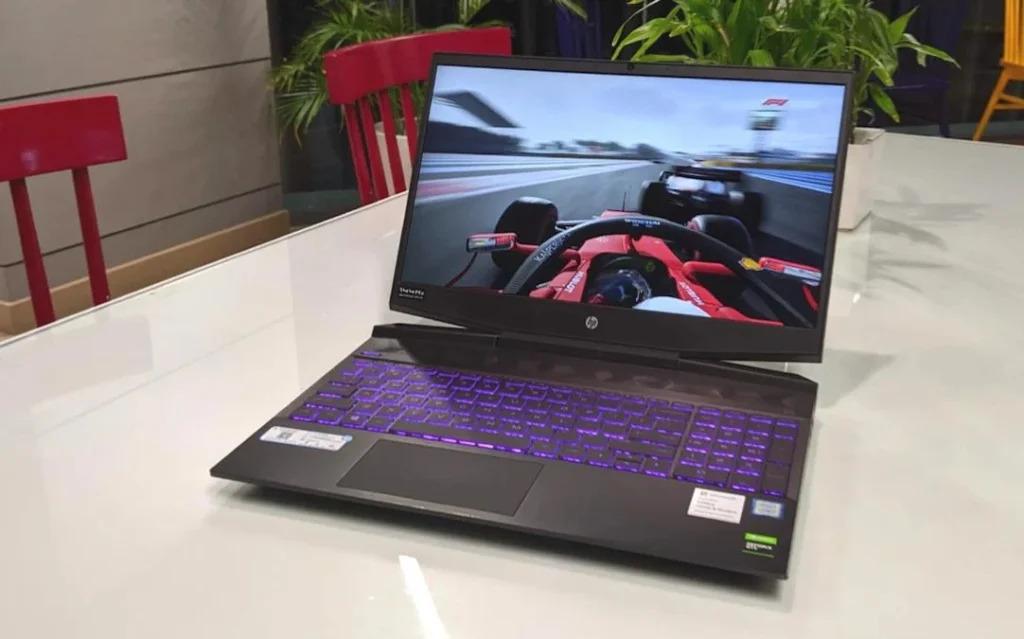
Commonly featured as ‘good gaming laptops under 50000’.
Overview:
HP Pavilion Gaming laptops provide well-rounded performance and are globally available.
CPU + GPU Performance:
- Ryzen 5 processors are quite common.
- GTX 1650 provide good entry-level gaming.
Games You Can Play:
- Esports: Smooth
- AAA: Medium settings
Pros:
- Clean design
- Comfortable keyboard
- Good display quality
Cons:
- Fans can be very noisy
- Not the lightest option.
Best For: First-time consumers searching for a trustworthy and balanced gaming laptop under 50k.
GPU & Gaming Performance Guide ( Very Essential)
Perfectly integrated GPU vs. dedicated GPU
- Integrated graphics processors (Intel Iris Xe and Radeon Vega):
A better choice for gaming, esports, and control of energy.
- Dedicated GPUs (GTX 1650):
Still, the most effective solution for smoother AAA gaming on a budget.
FPS Expectations
- Esports games: 60-120
- Older AAA games: 30-45 FPS
- New AAA games: Low settings or not recommended
Cooling & Thermals
Budget Laptops Throttle Harder. How to Find:
- Dual fans
- Proper air vents
- Avoid ultra-thin designs if gaming frequently
Buying Guide for Global Buyers
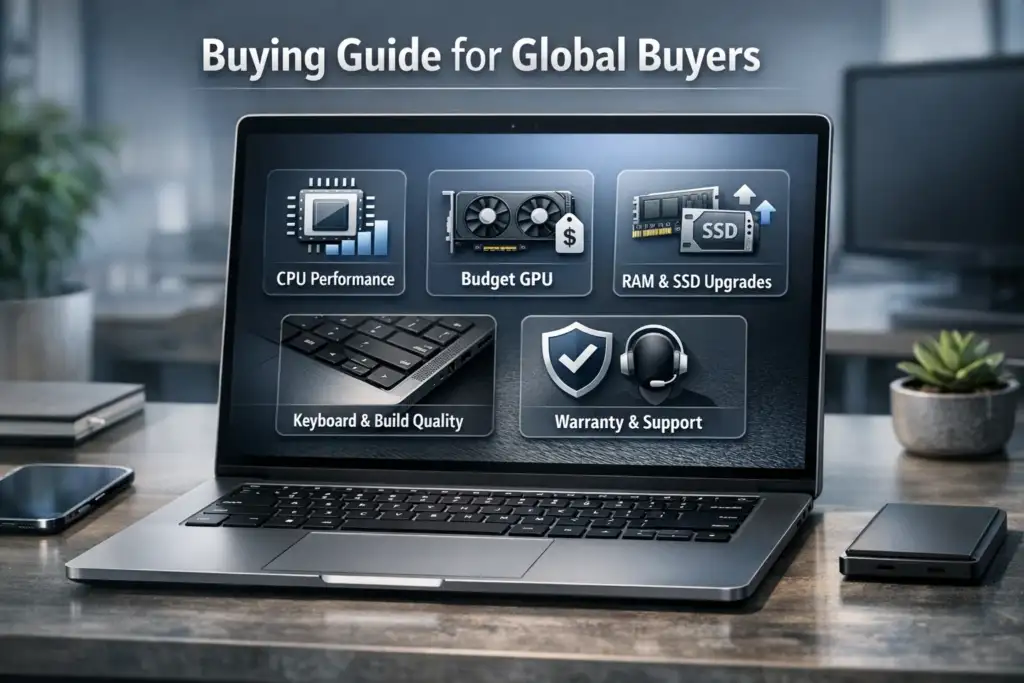
1. CPU: More Important Than You Think
- Prefer Ryzen 5 or Intel i5 (latest version)
- There are older i7 laptops under 50000 that still exist, but examine their cooling and battery conditions.
2. GPU Choice Under Budget
- GTX 1650 > integrated GPU
- However, the newer integrated GPUs can be faster than the oldest dedicated GPUs.
3. RAM & SSD Upgrades:
- 8GB of RAM will be the minimum requirement
- Make sure the RAM can be expanded to 16GB.
- SSD is Non-Negotiable
4. Display Quality
- Full HD must be present
- 120Hz is a nice feature and is not required.
5. Keyboard & Build
- Search for a good key travel
- Avoid flex-heavy compositions
6. Warranty and Brand Support
Acer, ASUS, Lenovo, Dell, and HP are global brands that provide the best support around the world.
Optimisation Tips to Better Gaming Performance
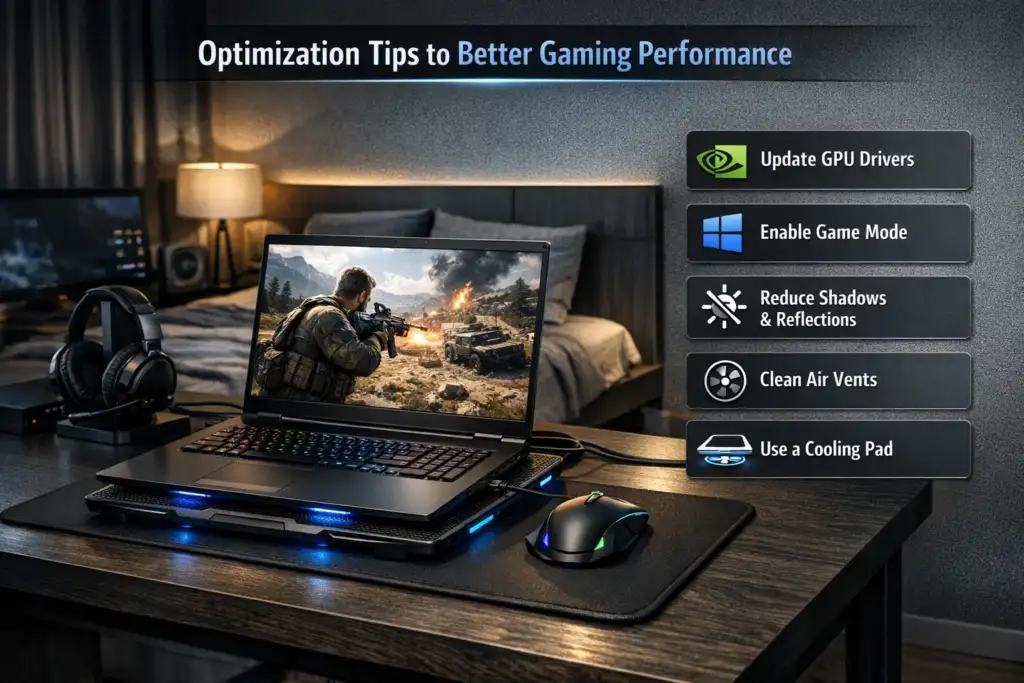
- Update your GPU drivers regularly.
- Use Windows Game Mode
- Fewer shadows & reflections in-game
- Keep vents clean to prevent overheating
- Use a cooling pad during long gaming sessions.
For the performance gadgets, check our latest technology reviews and comparisons in this guide, best laptop under 40000, Best Budget Laptops for Students and Best laptops under 30000 for students, which are best for budget users.
Final Thought: Which Is the Best Gaming Laptop Under 50000?
Choose This If:
- You like playing esports or old AAA games
- You’re a student or first-time buyer
- You are looking for the best budget gaming laptop under 50000, and it also works for study and content creation purposes.
Avoid This If:
- Expect ultra graphics in your latest AAA games.
- You want ray tracing or high refresh rate gaming in every game.

I’m Pankaj Chauhan, founder of BeSureTechno. With 3+ years of hands-on tech experience, I cover smartphone reviews, laptop reviews, AI tools, and how-to guides, all based on real-world testing and personal experience.